
Official n8n Partner
n8n Automation Agency for Teams That Need to Ship Now
We design, build, and maintain n8n workflows that run your operations. Reliably, at scale, without the Zapier bill.

Official n8n Partner
n8n Automation Agency for Teams That Need to Ship Now
We design, build, and maintain n8n workflows that run your operations. Reliably, at scale, without the Zapier bill.
Official n8n Partner
n8n Automation Agency for Teams That Need to Ship Now
We design, build, and maintain n8n workflows that run your operations. Reliably, at scale, without the Zapier bill.
Award-Winning Agency
Why Choose Goodspeed as Your n8n Agency?
Your growth depends on shipping fast, iterating often, and keeping things moving. But without a trusted product team, ideas stall.
Reliability First
We build workflows with error handling, retries, and monitoring baked in. Your automation doesn't silently break at 3:52am.
Self-Hosted Control
n8n runs on your infrastructure. Your data stays yours. No per-task pricing surprises like Zapier.
Ongoing Ownership
We provide ongoing monitoring, maintenance, support, and iteration. Your automation evolves.
Faster Than Hiring
Skip the 3-month recruitment cycle. Get production-ready workflows in weeks, not quarters.
Award-Winning Agency
Why Choose Goodspeed as Your n8n Agency?
Your growth depends on shipping fast, iterating often, and keeping things moving. But without a trusted product team, ideas stall.
Reliability First
We build workflows with error handling, retries, and monitoring baked in. Your automation doesn't silently break at 3:52am.
Self-Hosted Control
n8n runs on your infrastructure. Your data stays yours. No per-task pricing surprises like Zapier.
Ongoing Ownership
We provide ongoing monitoring, maintenance, support, and iteration. Your automation evolves.
Faster Than Hiring
Skip the 3-month recruitment cycle. Get production-ready workflows in weeks, not quarters.
Award-Winning Agency
Why Choose Goodspeed as Your n8n Agency?
Your growth depends on shipping fast, iterating often, and keeping things moving. But without a trusted product team, ideas stall.
Reliability First
We build workflows with error handling, retries, and monitoring baked in. Your automation doesn't silently break at 3:52am.
Self-Hosted Control
n8n runs on your infrastructure. Your data stays yours. No per-task pricing surprises like Zapier.
Ongoing Ownership
We provide ongoing monitoring, maintenance, support, and iteration. Your automation evolves.
Faster Than Hiring
Skip the 3-month recruitment cycle. Get production-ready workflows in weeks, not quarters.
CASE STUDIES
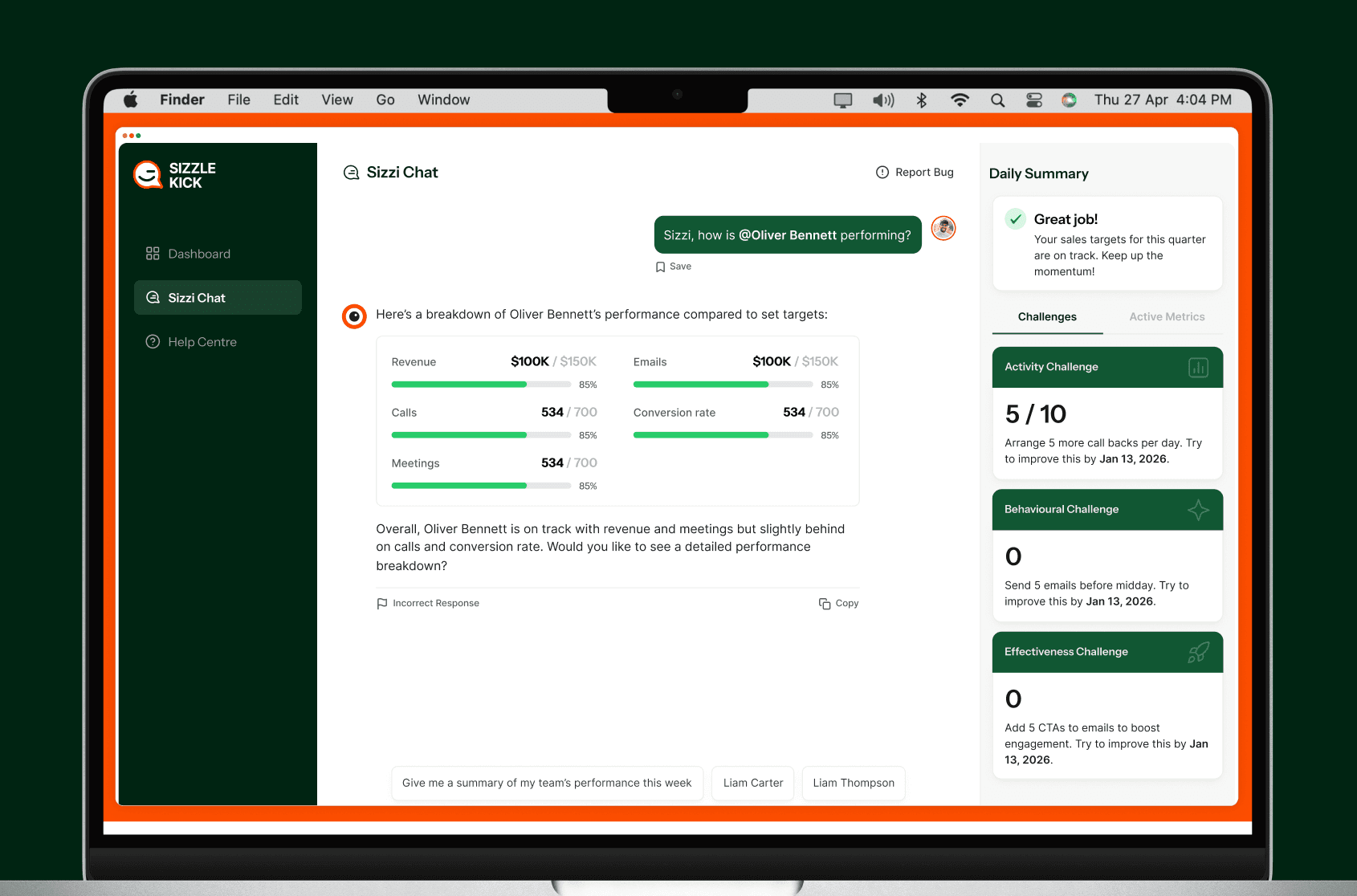
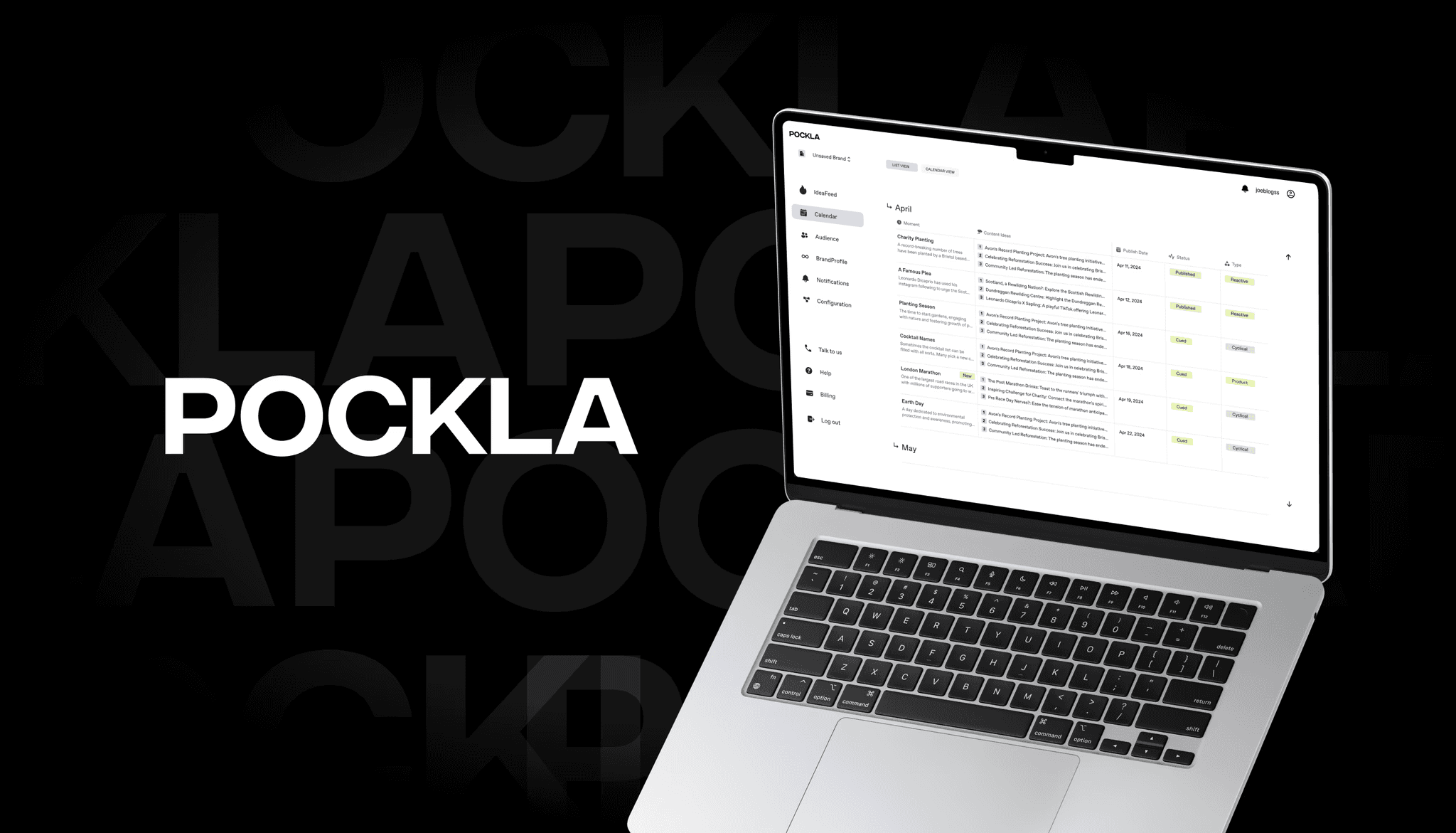
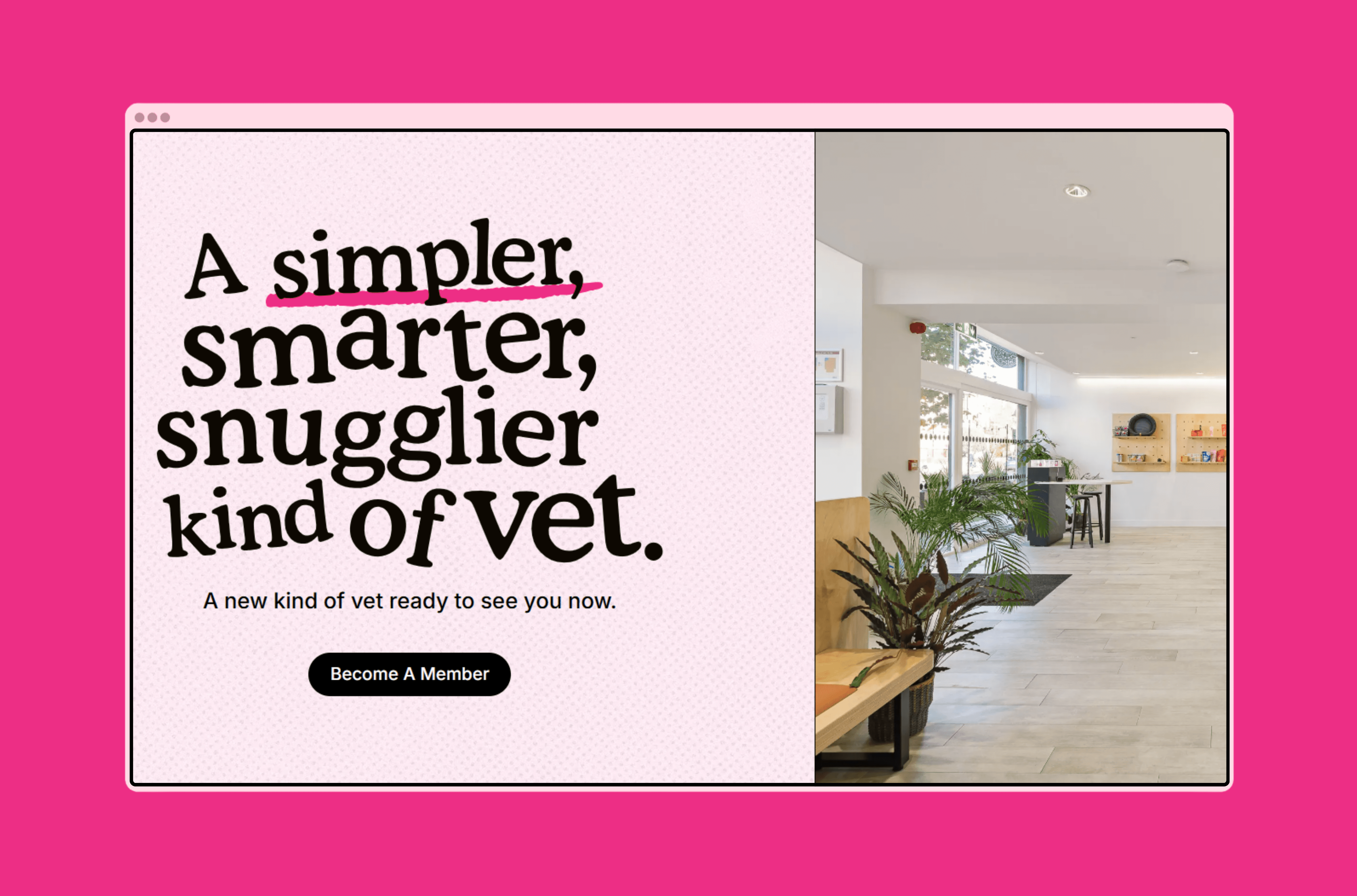
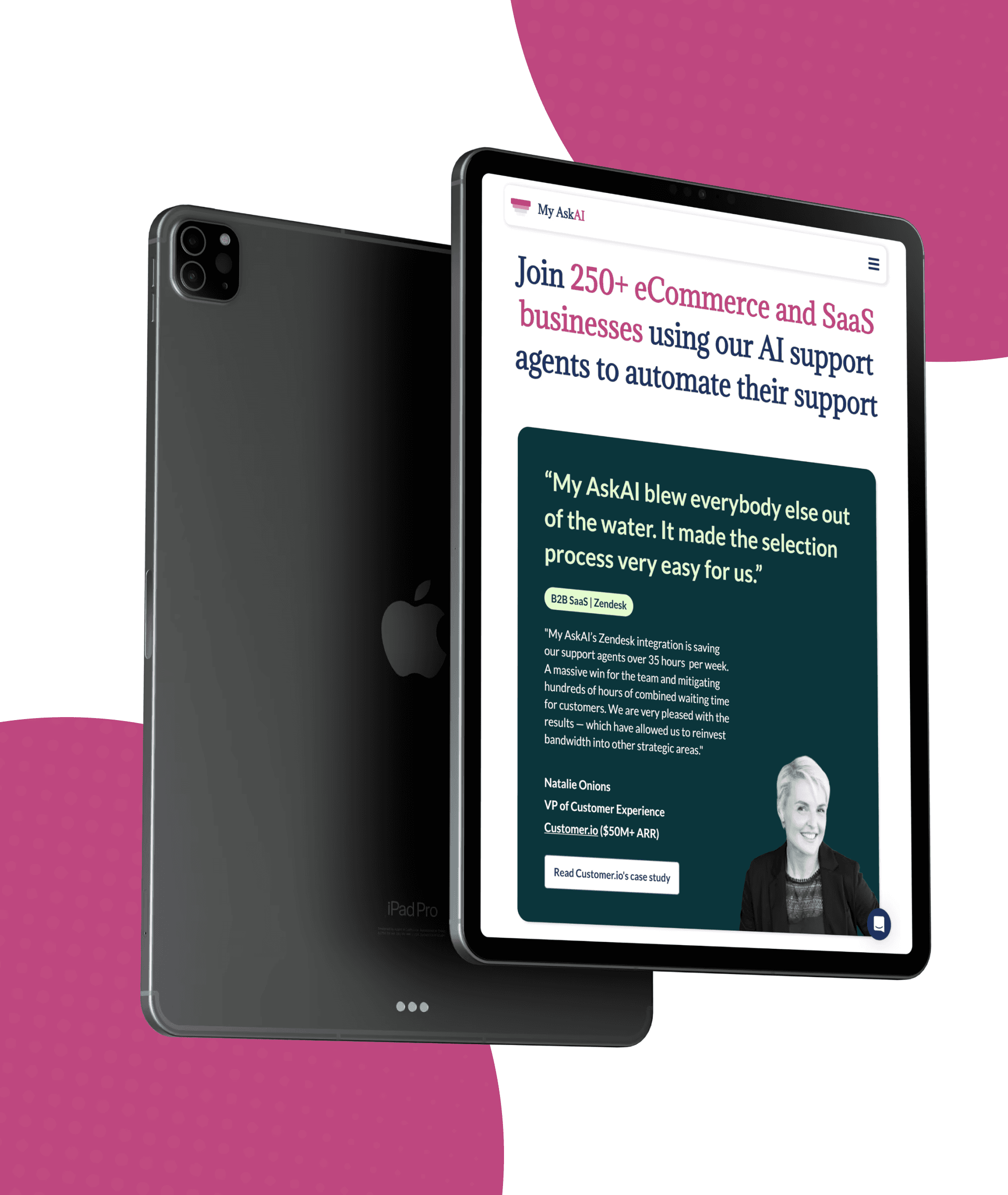
Real Results From 50+ Launches
We have helped startups launch MVPs in weeks, scale-ups rebuild legacy systems, and enterprises automate operations. Here is what that looks like.


CASE STUDIES
Real Results From 50+ Launches
We have helped startups launch MVPs in weeks, scale-ups rebuild legacy systems, and enterprises automate operations. Here is what that looks like.
CASE STUDIES
Real Results From 50+ Launches
We have helped startups launch MVPs in weeks, scale-ups rebuild legacy systems, and enterprises automate operations. Here is what that looks like.
Who is this for?
Goodspeed vs Doing it Yourself
We don’t just build products. We become your product team.
Goodspeed Standard
Doing it yourself
n8n Experts & Architects
Trial-and-error learning curve
Fast, production-ready workflows
Weeks lost debugging nodes & APIs
We handle end-to-end delivery
Requires internal bandwidth
Reliable, monitored systems
Risk of silent failures
Automations built to scale
Breaks as complexity grows
Four Steps to Launch Faster and Smarter
From "I have an idea" to "it's live" — here's how we work.

Audit & Opportunity Mapping
We analyze your workflows, tools, and bottlenecks to uncover where automation will deliver the highest impact. No fluff, just high-ROI targets.
Architecture Design
We design the logic and data flow needed for a reliable automation system, ensuring it scales with your business rather than buckling under real-world load.
Build & Integration
Using n8n, we implement secure, robust workflows that connect your apps, APIs, and databases into a seamless automated pipeline.

Test, Deploy & Optimize
We rigorously test real-world scenarios, deploy the automation, and fine-tune performance so it runs smoothly while you focus on actual work.
Four Steps to Launch Faster and Smarter
From "I have an idea" to "it's live" — here's how we work.
Audit & Opportunity Mapping
We analyze your workflows, tools, and bottlenecks to uncover where automation will deliver the highest impact. No fluff, just high-ROI targets.
Architecture Design
We design the logic and data flow needed for a reliable automation system, ensuring it scales with your business rather than buckling under real-world load.
Build & Integration
Using n8n, we implement secure, robust workflows that connect your apps, APIs, and databases into a seamless automated pipeline.
Test, Deploy & Optimize
We rigorously test real-world scenarios, deploy the automation, and fine-tune performance so it runs smoothly while you focus on actual work.
Four Steps to Launch Faster and Smarter
From "I have an idea" to "it's live" — here's how we work.
Audit & Opportunity Mapping
We analyze your workflows, tools, and bottlenecks to uncover where automation will deliver the highest impact. No fluff, just high-ROI targets.
Architecture Design
We design the logic and data flow needed for a reliable automation system, ensuring it scales with your business rather than buckling under real-world load.
Build & Integration
Using n8n, we implement secure, robust workflows that connect your apps, APIs, and databases into a seamless automated pipeline.
Test, Deploy & Optimize
We rigorously test real-world scenarios, deploy the automation, and fine-tune performance so it runs smoothly while you focus on actual work.
Audit & Opportunity Mapping
We analyze your workflows, tools, and bottlenecks to uncover where automation will deliver the highest impact. No fluff, just high-ROI targets.
Architecture Design
We design the logic and data flow needed for a reliable automation system, ensuring it scales with your business rather than buckling under real-world load.
Build & Integration
Using n8n, we implement secure, robust workflows that connect your apps, APIs, and databases into a seamless automated pipeline.
Test, Deploy & Optimize
We rigorously test real-world scenarios, deploy the automation, and fine-tune performance so it runs smoothly while you focus on actual work.
Audit & Opportunity Mapping
We analyze your workflows, tools, and bottlenecks to uncover where automation will deliver the highest impact. No fluff, just high-ROI targets.
Architecture Design
We design the logic and data flow needed for a reliable automation system, ensuring it scales with your business rather than buckling under real-world load.
Build & Integration
Using n8n, we implement secure, robust workflows that connect your apps, APIs, and databases into a seamless automated pipeline.
Test, Deploy & Optimize
We rigorously test real-world scenarios, deploy the automation, and fine-tune performance so it runs smoothly while you focus on actual work.
n8n Automation Services
n8n Automation Services
We offer full-service n8n development for startups, scale-ups, and enterprises. Build, optimize, integrate, and scale, everything in one place.
Lead Routing
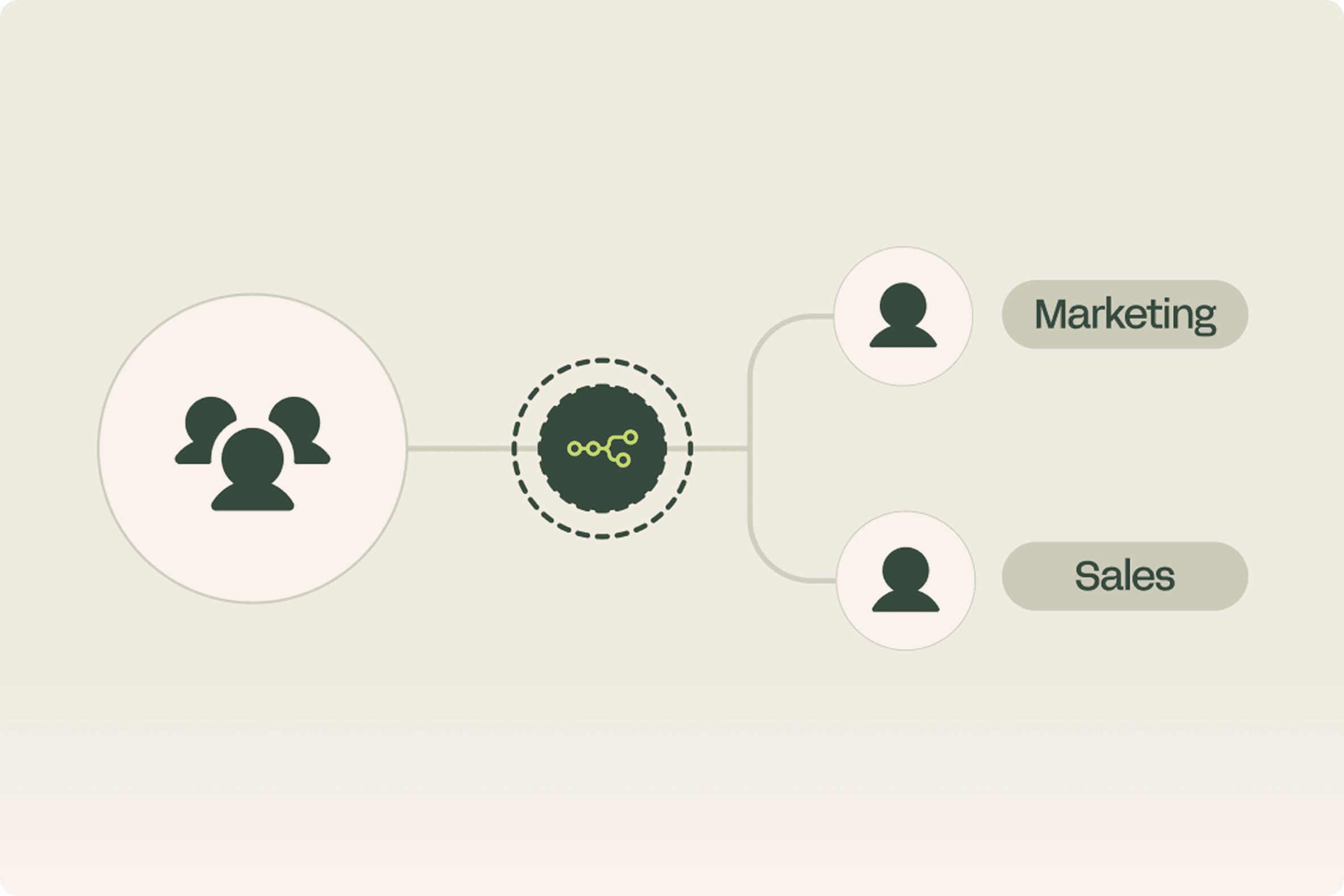
Route inbound leads to the right team instantly. Score, qualify, and assign without lifting a finger.
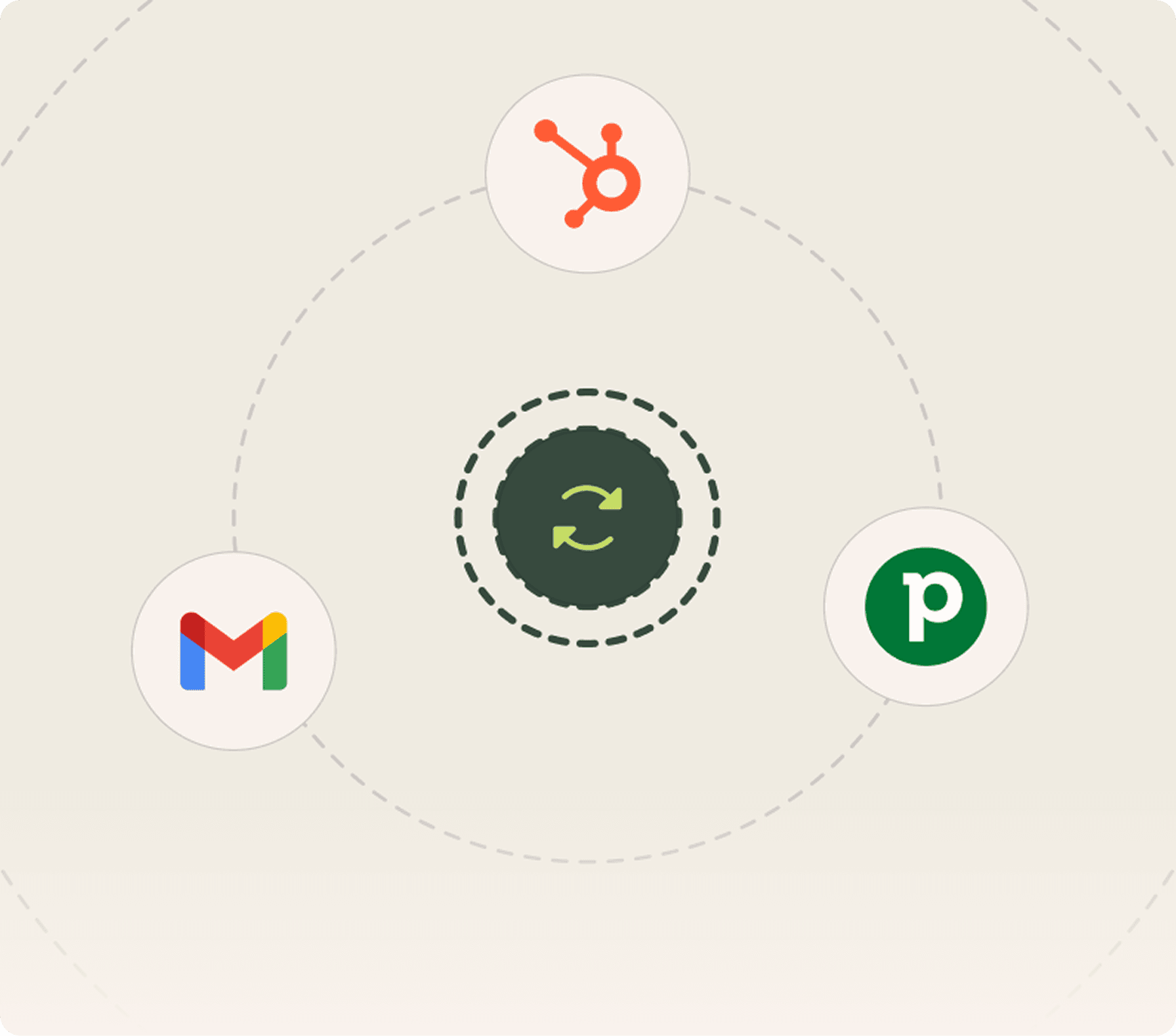
CRM Sync
Keep HubSpot, Salesforce, Zoho, or Pipedrive in sync with your tools. No manual exports.
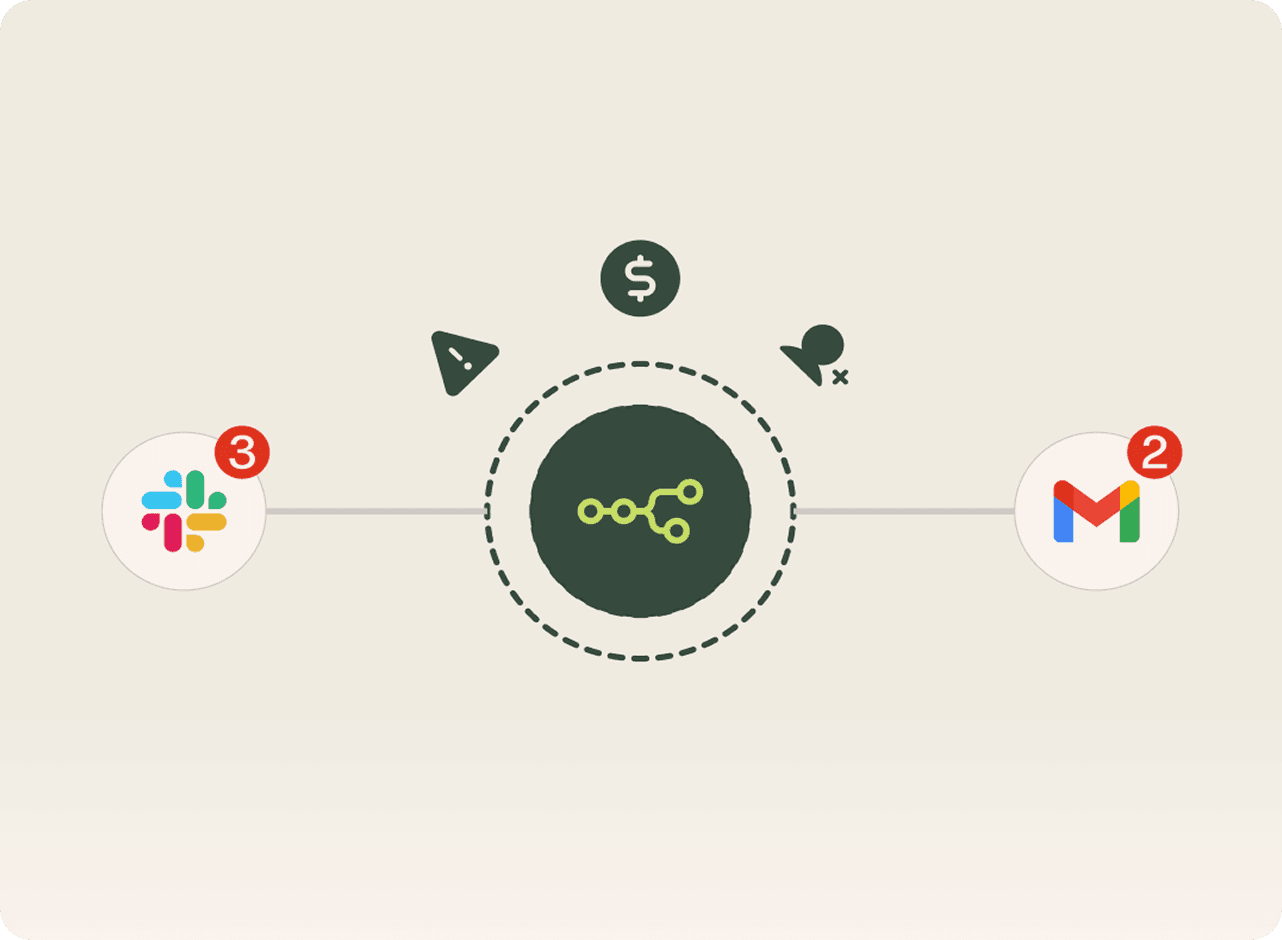
Slack & Email Alerts
Get notified when it matters. Custom alerts for payments, signups, errors, or any event you define.
Document Processing
Automatically extract and process data from invoices, contracts, and documents.
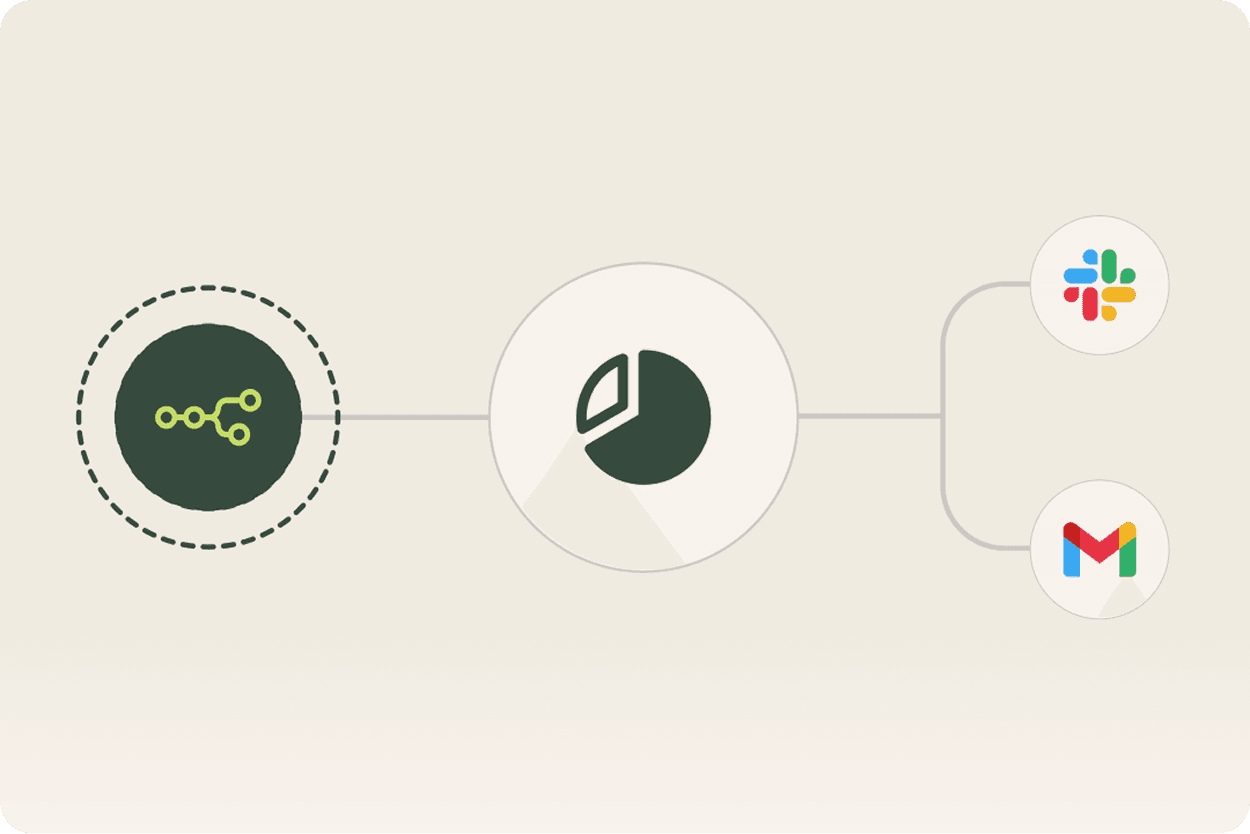
Reporting Automation
Generate and distribute reports automatically. Daily, weekly, or triggered by events.
Blog
Featured Picks
Where expert and undiscovered voices can share their writing on any topic.
Client Stories

Goodspeed’s ability to think about how to do things in a better and more intelligent way is impressive. They have a new approach to development and design.
Andrew Heath
Founder, SizzleKick

They've helped us bring our vision to life and go live in an extremely compressed time schedule.
Diane Stember
Creative Director, Wisk

It was the best project management service I've experienced working with third-party developers or agencies
Alex Rainey
CEO, MyAskAI

The best thing was their clear communication and the service. We also experienced that they followed up well, and there are no issues fixing things that might crop up after final payment too.
Jon Ensor
Founder, ProMagic

Goodspeed were a brilliant partner throughout the migration. They were fast, responsive, and incredibly easy to work with.
Olivier Mermet
Group Product Manager, Zen Educate

Goodspeed felt like an extension of our team. They provided daily updates via Slack and Loom, so we always knew exactly what was happening and what was coming next.
Gavin Newman
Marketing Manager, Sydecar

They didn't just do what I asked; they wanted to understand and ideate on the product.
Derrick Lewis
Founder, Nuzely

With the prior agency, we were told we couldn't do things. Goodspeed said yes to literally everything and delivered them in a quick fashion.
Davey Owens
CEO, Dwellr

Their speed and ability to produce what was needed through no code was impressive.
Eric
Founder, Bellmade

Goodspeed is very responsive. They made very good suggestions on product design, and were able to comprehend my requirements pretty quick.
Yassine Larbi
Founder, Stratverse

I'm absolutely very impressed with what Goodspeed have put together. The dashboard, the design, the layout, everything about it. It is just absolutely wonderful.
Bryan D’Antonio
Founder, Rank Authority

Most impressive: communication and response to requests - taking work off my plate.
Hugo Bibby
Co-Founder, Pockla
Goodspeed’s ability to think about how to do things in a better and more intelligent way is impressive. They have a new approach to development and design.
Andrew Heath
Founder, SizzleKick
They've helped us bring our vision to life and go live in an extremely compressed time schedule.
Diane Stember
Creative Director, Wisk
It was the best project management service I've experienced working with third-party developers or agencies
Alex Rainey
CEO, MyAskAI
The best thing was their clear communication and the service. We also experienced that they followed up well, and there are no issues fixing things that might crop up after final payment too.
Jon Ensor
Founder, ProMagic
Goodspeed were a brilliant partner throughout the migration. They were fast, responsive, and incredibly easy to work with.
Olivier Mermet
Group Product Manager, Zen Educate
Goodspeed felt like an extension of our team. They provided daily updates via Slack and Loom, so we always knew exactly what was happening and what was coming next.
Gavin Newman
Marketing Manager, Sydecar
They didn't just do what I asked; they wanted to understand and ideate on the product.
Derrick Lewis
Founder, Nuzely
With the prior agency, we were told we couldn't do things. Goodspeed said yes to literally everything and delivered them in a quick fashion.
Davey Owens
CEO, Dwellr
Their speed and ability to produce what was needed through no code was impressive.
Eric
Founder, Bellmade
Goodspeed is very responsive. They made very good suggestions on product design, and were able to comprehend my requirements pretty quick.
Yassine Larbi
Founder, Stratverse
I'm absolutely very impressed with what Goodspeed have put together. The dashboard, the design, the layout, everything about it. It is just absolutely wonderful.
Bryan D’Antonio
Founder, Rank Authority
Most impressive: communication and response to requests - taking work off my plate.
Hugo Bibby
Co-Founder, Pockla
Goodspeed’s ability to think about how to do things in a better and more intelligent way is impressive. They have a new approach to development and design.
Andrew Heath
Founder, SizzleKick
They've helped us bring our vision to life and go live in an extremely compressed time schedule.
Diane Stember
Creative Director, Wisk
It was the best project management service I've experienced working with third-party developers or agencies
Alex Rainey
CEO, MyAskAI
The best thing was their clear communication and the service. We also experienced that they followed up well, and there are no issues fixing things that might crop up after final payment too.
Jon Ensor
Founder, ProMagic
Goodspeed were a brilliant partner throughout the migration. They were fast, responsive, and incredibly easy to work with.
Olivier Mermet
Group Product Manager, Zen Educate
Goodspeed felt like an extension of our team. They provided daily updates via Slack and Loom, so we always knew exactly what was happening and what was coming next.
Gavin Newman
Marketing Manager, Sydecar
They didn't just do what I asked; they wanted to understand and ideate on the product.
Derrick Lewis
Founder, Nuzely
With the prior agency, we were told we couldn't do things. Goodspeed said yes to literally everything and delivered them in a quick fashion.
Davey Owens
CEO, Dwellr
Their speed and ability to produce what was needed through no code was impressive.
Eric
Founder, Bellmade
Goodspeed is very responsive. They made very good suggestions on product design, and were able to comprehend my requirements pretty quick.
Yassine Larbi
Founder, Stratverse
I'm absolutely very impressed with what Goodspeed have put together. The dashboard, the design, the layout, everything about it. It is just absolutely wonderful.
Bryan D’Antonio
Founder, Rank Authority
Most impressive: communication and response to requests - taking work off my plate.
Hugo Bibby
Co-Founder, Pockla
Goodspeed’s ability to think about how to do things in a better and more intelligent way is impressive. They have a new approach to development and design.
Andrew Heath
Founder, SizzleKick
They've helped us bring our vision to life and go live in an extremely compressed time schedule.
Diane Stember
Creative Director, Wisk
It was the best project management service I've experienced working with third-party developers or agencies
Alex Rainey
CEO, MyAskAI
The best thing was their clear communication and the service. We also experienced that they followed up well, and there are no issues fixing things that might crop up after final payment too.
Jon Ensor
Founder, ProMagic
Goodspeed were a brilliant partner throughout the migration. They were fast, responsive, and incredibly easy to work with.
Olivier Mermet
Group Product Manager, Zen Educate
Goodspeed felt like an extension of our team. They provided daily updates via Slack and Loom, so we always knew exactly what was happening and what was coming next.
Gavin Newman
Marketing Manager, Sydecar
They didn't just do what I asked; they wanted to understand and ideate on the product.
Derrick Lewis
Founder, Nuzely
With the prior agency, we were told we couldn't do things. Goodspeed said yes to literally everything and delivered them in a quick fashion.
Davey Owens
CEO, Dwellr
Their speed and ability to produce what was needed through no code was impressive.
Eric
Founder, Bellmade
Goodspeed is very responsive. They made very good suggestions on product design, and were able to comprehend my requirements pretty quick.
Yassine Larbi
Founder, Stratverse
I'm absolutely very impressed with what Goodspeed have put together. The dashboard, the design, the layout, everything about it. It is just absolutely wonderful.
Bryan D’Antonio
Founder, Rank Authority
Most impressive: communication and response to requests - taking work off my plate.
Hugo Bibby
Co-Founder, Pockla
Client Stories
Goodspeed’s ability to think about how to do things in a better and more intelligent way is impressive. They have a new approach to development and design.
Andrew Heath
Founder, SizzleKick
They've helped us bring our vision to life and go live in an extremely compressed time schedule.
Diane Stember
Creative Director, Wisk
It was the best project management service I've experienced working with third-party developers or agencies
Alex Rainey
CEO, MyAskAI
The best thing was their clear communication and the service. We also experienced that they followed up well, and there are no issues fixing things that might crop up after final payment too.
Jon Ensor
Founder, ProMagic
Goodspeed were a brilliant partner throughout the migration. They were fast, responsive, and incredibly easy to work with.
Olivier Mermet
Group Product Manager, Zen Educate
Goodspeed felt like an extension of our team. They provided daily updates via Slack and Loom, so we always knew exactly what was happening and what was coming next.
Gavin Newman
Marketing Manager, Sydecar
They didn't just do what I asked; they wanted to understand and ideate on the product.
Derrick Lewis
Founder, Nuzely
With the prior agency, we were told we couldn't do things. Goodspeed said yes to literally everything and delivered them in a quick fashion.
Davey Owens
CEO, Dwellr
Their speed and ability to produce what was needed through no code was impressive.
Eric
Founder, Bellmade
Goodspeed is very responsive. They made very good suggestions on product design, and were able to comprehend my requirements pretty quick.
Yassine Larbi
Founder, Stratverse
I'm absolutely very impressed with what Goodspeed have put together. The dashboard, the design, the layout, everything about it. It is just absolutely wonderful.
Bryan D’Antonio
Founder, Rank Authority
Most impressive: communication and response to requests - taking work off my plate.
Hugo Bibby
Co-Founder, Pockla
Goodspeed’s ability to think about how to do things in a better and more intelligent way is impressive. They have a new approach to development and design.
Andrew Heath
Founder, SizzleKick
They've helped us bring our vision to life and go live in an extremely compressed time schedule.
Diane Stember
Creative Director, Wisk
It was the best project management service I've experienced working with third-party developers or agencies
Alex Rainey
CEO, MyAskAI
The best thing was their clear communication and the service. We also experienced that they followed up well, and there are no issues fixing things that might crop up after final payment too.
Jon Ensor
Founder, ProMagic
Goodspeed were a brilliant partner throughout the migration. They were fast, responsive, and incredibly easy to work with.
Olivier Mermet
Group Product Manager, Zen Educate
Goodspeed felt like an extension of our team. They provided daily updates via Slack and Loom, so we always knew exactly what was happening and what was coming next.
Gavin Newman
Marketing Manager, Sydecar
They didn't just do what I asked; they wanted to understand and ideate on the product.
Derrick Lewis
Founder, Nuzely
With the prior agency, we were told we couldn't do things. Goodspeed said yes to literally everything and delivered them in a quick fashion.
Davey Owens
CEO, Dwellr
Their speed and ability to produce what was needed through no code was impressive.
Eric
Founder, Bellmade
Goodspeed is very responsive. They made very good suggestions on product design, and were able to comprehend my requirements pretty quick.
Yassine Larbi
Founder, Stratverse
I'm absolutely very impressed with what Goodspeed have put together. The dashboard, the design, the layout, everything about it. It is just absolutely wonderful.
Bryan D’Antonio
Founder, Rank Authority
Most impressive: communication and response to requests - taking work off my plate.
Hugo Bibby
Co-Founder, Pockla
Goodspeed’s ability to think about how to do things in a better and more intelligent way is impressive. They have a new approach to development and design.
Andrew Heath
Founder, SizzleKick
They've helped us bring our vision to life and go live in an extremely compressed time schedule.
Diane Stember
Creative Director, Wisk
It was the best project management service I've experienced working with third-party developers or agencies
Alex Rainey
CEO, MyAskAI
The best thing was their clear communication and the service. We also experienced that they followed up well, and there are no issues fixing things that might crop up after final payment too.
Jon Ensor
Founder, ProMagic
Goodspeed were a brilliant partner throughout the migration. They were fast, responsive, and incredibly easy to work with.
Olivier Mermet
Group Product Manager, Zen Educate
Goodspeed felt like an extension of our team. They provided daily updates via Slack and Loom, so we always knew exactly what was happening and what was coming next.
Gavin Newman
Marketing Manager, Sydecar
They didn't just do what I asked; they wanted to understand and ideate on the product.
Derrick Lewis
Founder, Nuzely
With the prior agency, we were told we couldn't do things. Goodspeed said yes to literally everything and delivered them in a quick fashion.
Davey Owens
CEO, Dwellr
Their speed and ability to produce what was needed through no code was impressive.
Eric
Founder, Bellmade
Goodspeed is very responsive. They made very good suggestions on product design, and were able to comprehend my requirements pretty quick.
Yassine Larbi
Founder, Stratverse
I'm absolutely very impressed with what Goodspeed have put together. The dashboard, the design, the layout, everything about it. It is just absolutely wonderful.
Bryan D’Antonio
Founder, Rank Authority
Most impressive: communication and response to requests - taking work off my plate.
Hugo Bibby
Co-Founder, Pockla
Goodspeed’s ability to think about how to do things in a better and more intelligent way is impressive. They have a new approach to development and design.
Andrew Heath
Founder, SizzleKick
They've helped us bring our vision to life and go live in an extremely compressed time schedule.
Diane Stember
Creative Director, Wisk
It was the best project management service I've experienced working with third-party developers or agencies
Alex Rainey
CEO, MyAskAI
The best thing was their clear communication and the service. We also experienced that they followed up well, and there are no issues fixing things that might crop up after final payment too.
Jon Ensor
Founder, ProMagic
Goodspeed were a brilliant partner throughout the migration. They were fast, responsive, and incredibly easy to work with.
Olivier Mermet
Group Product Manager, Zen Educate
Goodspeed felt like an extension of our team. They provided daily updates via Slack and Loom, so we always knew exactly what was happening and what was coming next.
Gavin Newman
Marketing Manager, Sydecar
They didn't just do what I asked; they wanted to understand and ideate on the product.
Derrick Lewis
Founder, Nuzely
With the prior agency, we were told we couldn't do things. Goodspeed said yes to literally everything and delivered them in a quick fashion.
Davey Owens
CEO, Dwellr
Their speed and ability to produce what was needed through no code was impressive.
Eric
Founder, Bellmade
Goodspeed is very responsive. They made very good suggestions on product design, and were able to comprehend my requirements pretty quick.
Yassine Larbi
Founder, Stratverse
I'm absolutely very impressed with what Goodspeed have put together. The dashboard, the design, the layout, everything about it. It is just absolutely wonderful.
Bryan D’Antonio
Founder, Rank Authority
Most impressive: communication and response to requests - taking work off my plate.
Hugo Bibby
Co-Founder, Pockla
Client Stories
Andrew Heath
Founder, SizzleKick
Goodspeed’s ability to think about how to do things in a better and more intelligent way is impressive. They have a new approach to development and design.
Diane Stember
Creative Director, Wisk
They've helped us bring our vision to life and go live in an extremely compressed time schedule.
Olivier Mermet
Group Product Manager, Zen Educate
Goodspeed were a brilliant partner throughout the migration. They were fast, responsive, and incredibly easy to work with.
Jon Ensor
Founder, ProMagic
The best thing was their clear communication and the service. We also experienced that they followed up well, and there are no issues fixing things that might crop up after final payment too.
Alex Rainey
CEO, MyAskAI
It was the best project management service I've experienced working with third-party developers or agencies
Davey Owens
CEO, Dwellr
With the prior agency, we were told we couldn't do things. Goodspeed said yes to literally everything and delivered them in a quick fashion.
Derrick Lewis
Founder, Nuzely
They didn't just do what I asked; they wanted to understand and ideate on the product.
Gavin Newman
Marketing Manager, Sydecar
Goodspeed felt like an extension of our team. They provided daily updates via Slack and Loom, so we always knew exactly what was happening and what was coming next.
Bryan D’Antonio
Founder, Rank Authority
I'm absolutely very impressed with what Goodspeed have put together. The dashboard, the design, the layout, everything about it. It is just absolutely wonderful.
Yassine Larbi
Founder, Stratverse
Goodspeed is very responsive. They made very good suggestions on product design, and were able to comprehend my requirements pretty quick.
Eric
Founder, Bellmade
Their speed and ability to produce what was needed through no code was impressive.
Hugo Bibby
Co-Founder, Pockla
Most impressive: communication and response to requests - taking work off my plate.
You stop talking about AI. We start shipping it.
We know you don't have time to manage another vendor. Tell us the bottleneck, we tell you the AI fix. Then we ship it, run it, and fine tune it so you can get back to your actual job.

5.0
300+
300+
AI products shipped since 2022
10x
10x
Faster than hiring in-house
90%
90%
Of clients stay past the first project
You stop talking about AI. We start shipping it.
We know you don't have time to manage another vendor. Tell us the bottleneck, we tell you the AI fix. Then we ship it, run it, and fine tune it so you can get back to your actual job.
5.0
300+
300+
AI products shipped since 2022
10x
10x
Faster than hiring in-house
90%
90%
Of clients stay past the first project
You stop talking about AI. We start shipping it.
We know you don't have time to manage another vendor. Tell us the bottleneck, we tell you the AI fix. Then we ship it, run it, and fine tune it so you can get back to your actual job.
90%
90%
Of clients stay past the first project
10x
10x
Faster than hiring in-house
300+
300+
AI products shipped since 2022
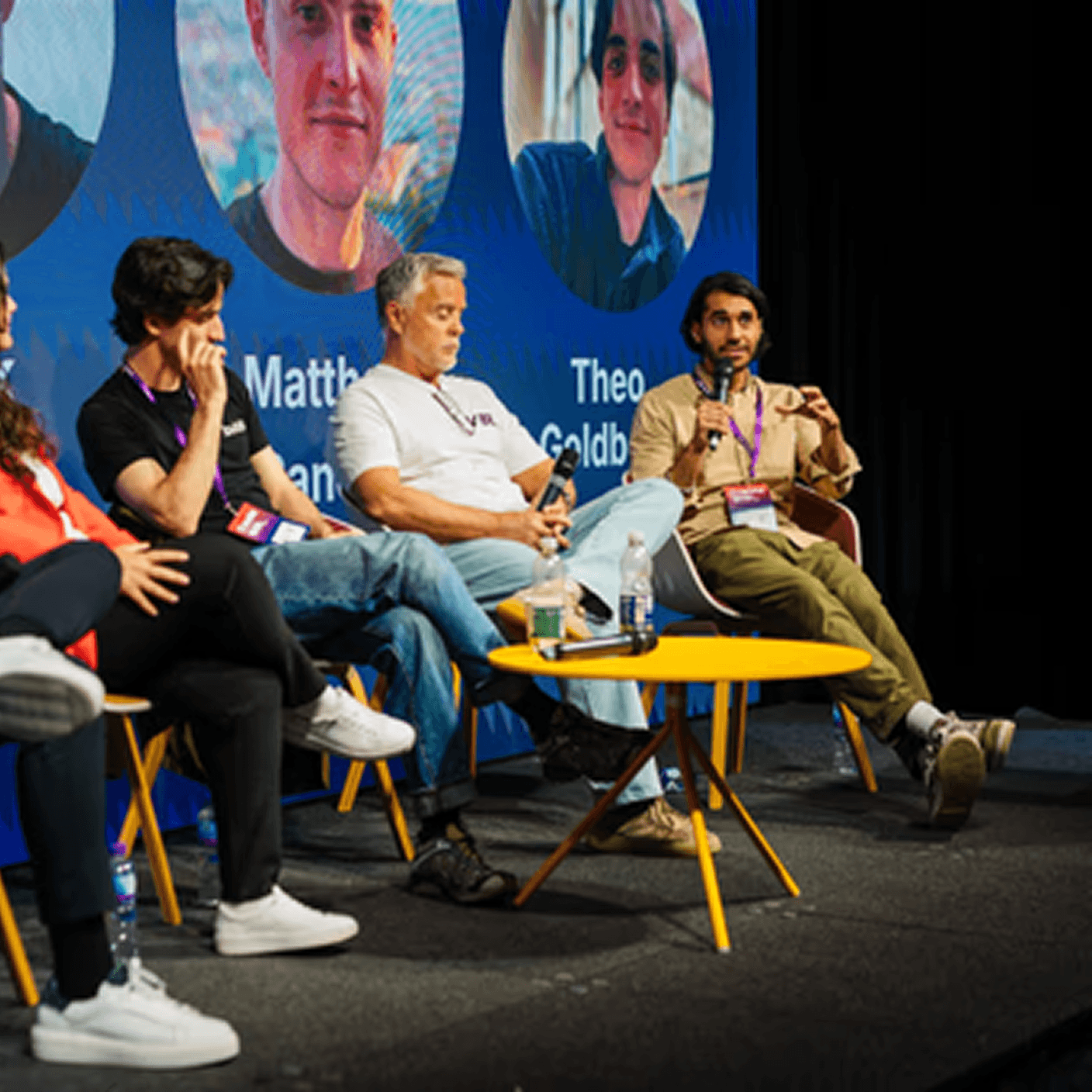
One team. Strategy through to live product.
Most AI projects break at the handoff between strategy and build. Same team plans, designs, ships, and runs.







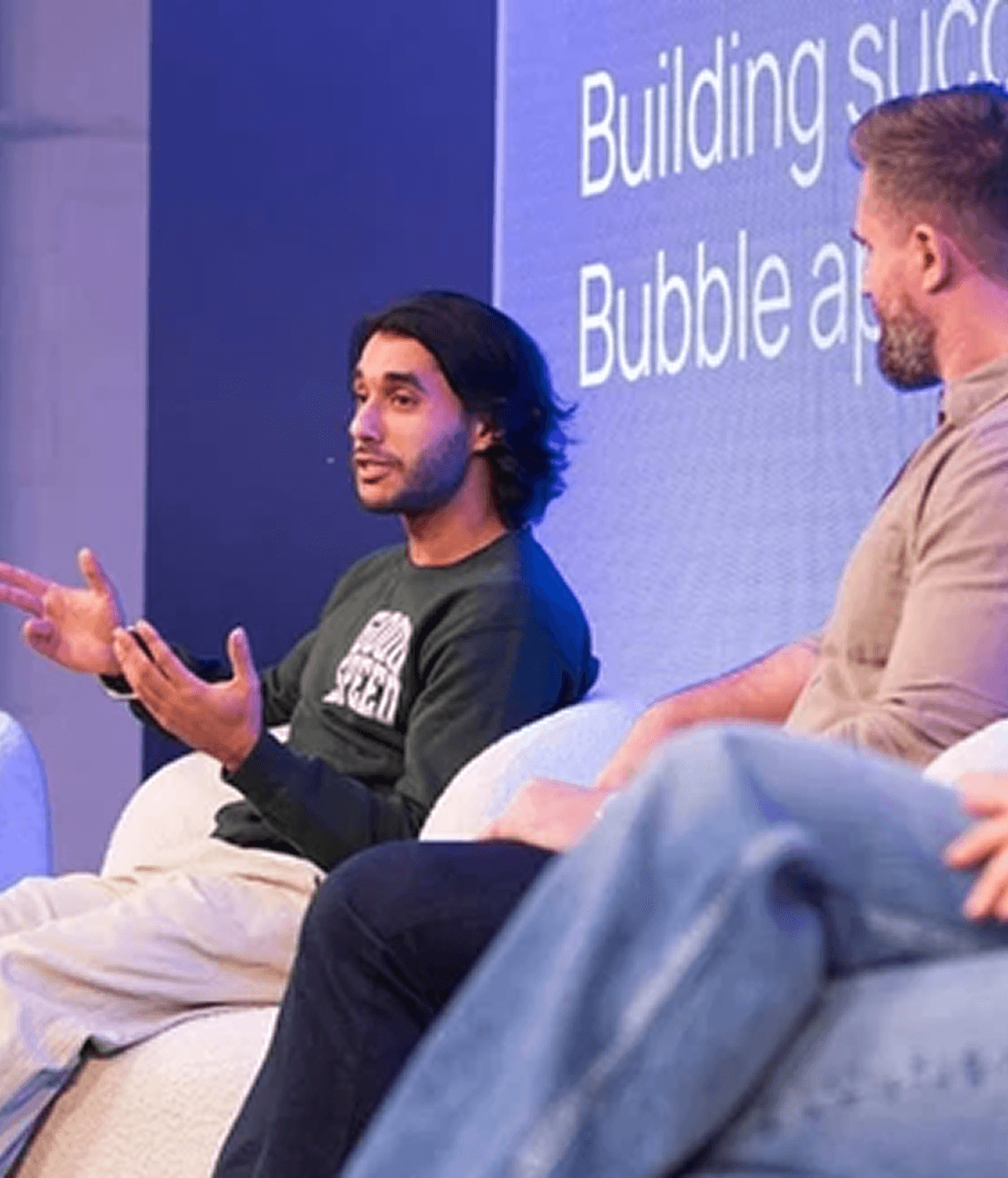


One team. Strategy through to live product.
Most AI projects break at the handoff between strategy and build. Same team plans, designs, ships, and runs.
One team. Strategy through to live product.
Most AI projects break at the handoff between strategy and build. Same team plans, designs, ships, and runs.
Book a Free Strategy Call
A quick 20 minute call with our CEO, Harish, to see how we can help you
We've built products featured in
Book a Free Strategy Call
A quick 20 minute call with our CEO, Harish, to see how we can help you
We've built products featured in
Book a Free Strategy Call
A quick 20 minute call with our CEO, Harish, to see how we can help you
We've built products featured in
Frequently Asked Questions
What Makes Goodspeed Different From Other n8n Agencies?
We're an official n8n partner and have shipped automation workflows for startups and enterprises. Most n8n providers are generalist freelancers. We specialize in complex, multi-step workflows that connect your full stack, handle errors gracefully, and actually run reliably in production.
How Long Does It Take to Build an n8n Workflow?
Simple workflows are live in days. Complex multi-system automations typically take 2-4 weeks, depending on API complexity and testing requirements. We scope every workflow before build starts so there are no surprises midway through.
I Already Have Automations Running. Can You Improve or Migrate them?
Yes. We regularly inherit automations from Zapier, Make, or messy n8n setups and clean them up. Whether it's reducing errors, improving logic, or migrating to self-hosted n8n to cut costs, we audit what you have first, then fix what's causing problems.
Should I Use n8n Self-Hosted or n8n Cloud?
It depends on your data requirements and budget. Self-hosted n8n gives you more control, lower costs at scale, and keeps data within your own infrastructure. n8n cloud is faster to get started with. We help you choose the right setup, and can manage the infrastructure if needed.
Do You Offer Ongoing Support After the Workflow is Live
Yes. Most clients stay on a retainer because n8n automations need maintenance as APIs change, workflows scale, and new integrations get added. We monitor, update, and expand your setup as your operations grow.
Frequently Asked Questions
What Makes Goodspeed Different From Other n8n Agencies?
We're an official n8n partner and have shipped automation workflows for startups and enterprises. Most n8n providers are generalist freelancers. We specialize in complex, multi-step workflows that connect your full stack, handle errors gracefully, and actually run reliably in production.
How Long Does It Take to Build an n8n Workflow?
Simple workflows are live in days. Complex multi-system automations typically take 2-4 weeks, depending on API complexity and testing requirements. We scope every workflow before build starts so there are no surprises midway through.
I Already Have Automations Running. Can You Improve or Migrate them?
Yes. We regularly inherit automations from Zapier, Make, or messy n8n setups and clean them up. Whether it's reducing errors, improving logic, or migrating to self-hosted n8n to cut costs, we audit what you have first, then fix what's causing problems.
Should I Use n8n Self-Hosted or n8n Cloud?
It depends on your data requirements and budget. Self-hosted n8n gives you more control, lower costs at scale, and keeps data within your own infrastructure. n8n cloud is faster to get started with. We help you choose the right setup, and can manage the infrastructure if needed.
Do You Offer Ongoing Support After the Workflow is Live
Yes. Most clients stay on a retainer because n8n automations need maintenance as APIs change, workflows scale, and new integrations get added. We monitor, update, and expand your setup as your operations grow.
Frequently Asked Questions
What Makes Goodspeed Different From Other n8n Agencies?
We're an official n8n partner and have shipped automation workflows for startups and enterprises. Most n8n providers are generalist freelancers. We specialize in complex, multi-step workflows that connect your full stack, handle errors gracefully, and actually run reliably in production.
How Long Does It Take to Build an n8n Workflow?
Simple workflows are live in days. Complex multi-system automations typically take 2-4 weeks, depending on API complexity and testing requirements. We scope every workflow before build starts so there are no surprises midway through.
I Already Have Automations Running. Can You Improve or Migrate them?
Yes. We regularly inherit automations from Zapier, Make, or messy n8n setups and clean them up. Whether it's reducing errors, improving logic, or migrating to self-hosted n8n to cut costs, we audit what you have first, then fix what's causing problems.
Should I Use n8n Self-Hosted or n8n Cloud?
It depends on your data requirements and budget. Self-hosted n8n gives you more control, lower costs at scale, and keeps data within your own infrastructure. n8n cloud is faster to get started with. We help you choose the right setup, and can manage the infrastructure if needed.
Do You Offer Ongoing Support After the Workflow is Live
Yes. Most clients stay on a retainer because n8n automations need maintenance as APIs change, workflows scale, and new integrations get added. We monitor, update, and expand your setup as your operations grow.