Make.com is a strong choice when you are getting started with visual automation. Scenarios are easy to build, the editor is powerful, and for a handful of workflows it can feel like magic.
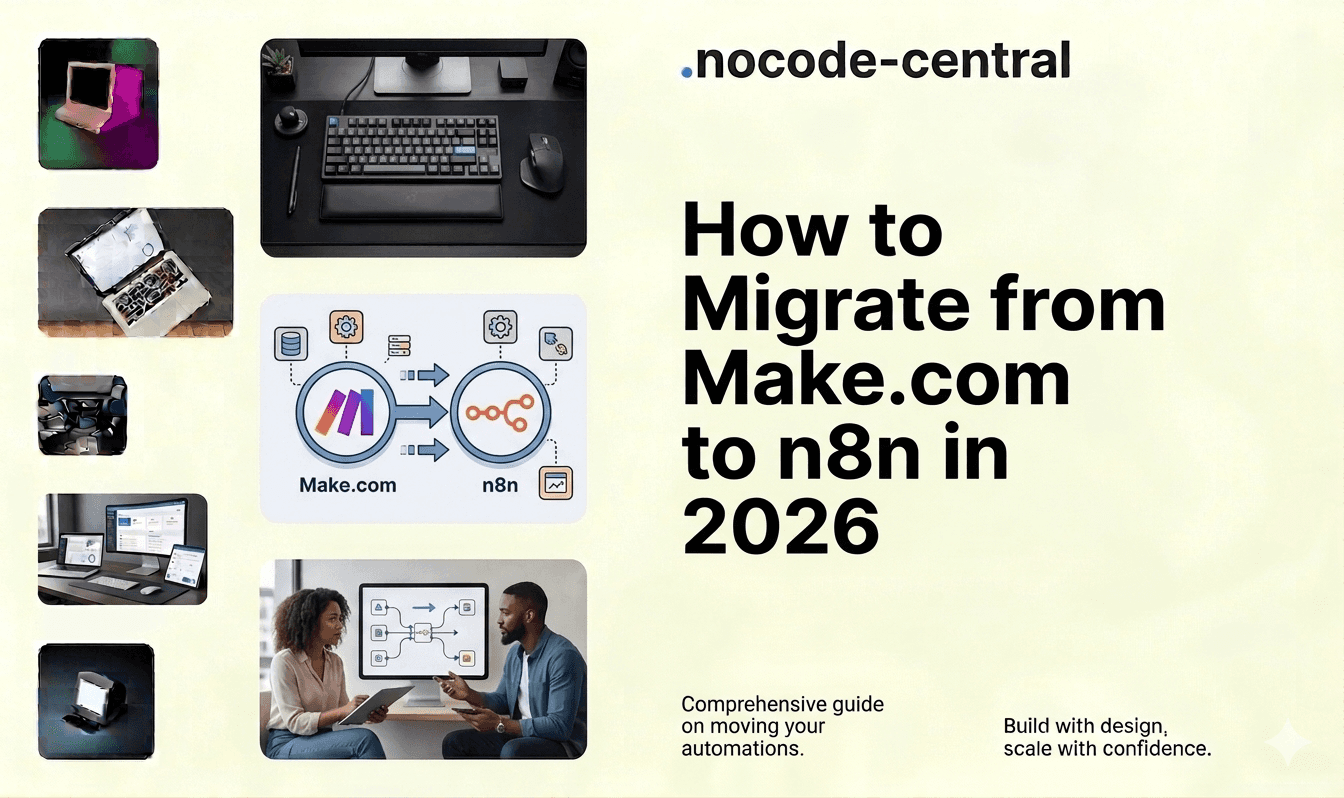
The problems start when those "few scenarios" turn into dozens, then hundreds, and parts of your business now depend on them. At that point, migrating from Make.com to n8n is less about tool preference and more about cost behavior at scale, control over infrastructure and data, and reliability for critical workflows.
This guide is for teams already using Make.com who are considering a move to n8n and want to do it in a structured, low-risk way with an experienced n8n agency.
TL;DR
Teams typically migrate from Make.com to n8n when credit-based pricing becomes unpredictable at scale, scenario libraries grow unmanageable, or they need more control over infrastructure and data.
n8n eliminates per-operation billing (self-hosted community edition), gives full control over where workflows run, and supports version control, CI/CD, and custom code alongside visual building.
The safest migration follows a phased process: audit existing scenarios, map and redesign (not copy) into n8n, build with proper error handling, test in parallel with Make, then monitor after cutover.
A typical migration consolidates scenario count significantly. In one case, 40 Make scenarios became 18 n8n workflows with better reliability and more predictable costs.
Common pitfalls include lift-and-shift without redesign, big-bang migration, underestimating auth and rate limits, and skipping post-cutover monitoring.
Why Teams Leave Make.com
Most teams do not leave Make because they dislike it. They leave because they have outgrown it.
Cost behavior as Workflows and Data Volumes Grow
Make.com's pricing is credit-based, where every module execution in a scenario consumes credits. As of 2026, Make's Core plan starts at $10.59/month for 10,000 credits, with costs scaling as you add more branches, transforms, and API calls. A typical scenario with 5-6 steps uses 5-6 credits per run, meaning 10,000 credits only covers roughly 1,600-2,000 runs per month.
That is fine for a small estate. It gets harder to justify when scenarios are running continuously on production data, you have multi-branch flows with many intermediate modules, and a few core scenarios account for most of your automation bill. Forecasting and controlling costs becomes non-trivial, especially if nobody "owns" scenario design standards.
Complexity of Managing Large Scenario Libraries
Make is excellent for building individual flows. Managing dozens or hundreds of scenarios over time is a different challenge. Overlapping logic spreads across multiple scenarios, there is minimal reuse of common patterns, it becomes harder to see what is critical versus experimental, and dependency chains live in someone's head rather than in documentation.
As scenarios accumulate, so does risk. A small change in one flow can have unexpected effects elsewhere. For teams running complex SaaS workflows or finance team automations, this complexity becomes a liability.
Vendor Lock-In and Limited Control Over Infrastructure
Make is a hosted platform. You do not control where the underlying infrastructure runs, how data is stored internally, how long logs are retained, or when breaking changes to connectors are rolled out. For teams with stricter security or data residency requirements, or those integrating sensitive internal systems, this is increasingly uncomfortable.
Reliability, Debugging, and Observability for Complex Flows
Make has a capable execution inspector, but at higher complexity you start to feel its limits. Debugging multi-branch scenarios with many modules is slow, long-running flows can be harder to reason about, and alerting and monitoring are not on par with typical engineering observability stacks.
When workflows are "nice to have", this is acceptable. When they are part of how revenue is generated or customers are served, it becomes a risk surface.
Evaluating whether to build new, migrate, or scale what you have? Book a free consultation. We will give you an honest recommendation in one call.
Benefits of n8n for Larger or More Complex Workflows
n8n is closer to automation infrastructure than a simple SaaS tool. With over 181,000 GitHub stars and 1500+ integrations, it has become one of the most popular open-source automation platforms in the world. That is why our n8n consultants recommend it once automation becomes business-critical.
Cost Model at Scale
With n8n, especially in self-hosted setups, there is no per-operation billing in the community edition. You pay for infrastructure (servers/containers) and, if applicable, commercial licensing. You can run many workflows and executions within the same environment.
This makes costs more predictable for high-volume automation than credit-based models. There are still real costs in running and maintaining the platform, but they behave more like other engineering infrastructure than a "metered SaaS" bill. For teams processing 50,000+ operations per month, n8n self-hosted is significantly more cost-effective than Make's equivalent tier.
Control and Ownership
Self-hosted n8n gives you full control over where workflows run (cloud, on-prem, VPC), the ability to keep data inside your infrastructure and region, direct access to logs and runtime behavior, and freedom to integrate internal services that will never appear as public connectors.
For organizations with compliance obligations or internal data platforms, this level of control is often non-negotiable.
More Expressive Workflow Logic and Extensibility
Make is very flexible, but n8n pushes further towards "visual programming" with rich branching and looping, direct JSON manipulation and expressions, and the ability to mix low-code nodes with custom JavaScript where needed.
If your team includes engineers or technically comfortable ops, this combination of visual design and code is powerful. It lets our n8n developers encode nuanced business rules without fighting the tool.
Automation as Part of the Engineering Stack
Because n8n is source-available and self-hostable, you can version-control workflow definitions, integrate with CI/CD pipelines, and align monitoring and alerting with the rest of your stack. Automation stops being "that thing in a separate SaaS" and becomes part of your operational infrastructure.
Our Migration Process (Audit, Map, Build, Test, Monitor)
A Make.com to n8n migration does not have to be disruptive. The risk mostly comes from rushing or treating it as a 1:1 copy exercise.
As an n8n automation agency, we use a structured process:
Audit: Inventory of Make Scenarios and Their Business Owners
We start by making the invisible visible. Export a list of all active and scheduled scenarios, group them by business process (lead routing, billing notifications, reporting, etc.), and identify critical flows (customer impact, revenue, risk), high-volume/high-cost flows, and redundant or obsolete scenarios.
We also capture owners, meaning who understands why each scenario exists and what "good" looks like.
Map: Design n8n Equivalents, Consolidate and Improve
Next, we map scenarios to n8n designs. We identify equivalent triggers and integrations in n8n, decide where to merge overlapping scenarios into shared workflows, add explicit error handling, logging, and idempotency where Make flows relied on defaults, and introduce a standard structure for naming, folders, and documentation.
At this stage, we are deliberately improving design, not just copying it.
Build: Clean, Reliable, Well-Documented n8n Workflows
We then build the workflows in n8n using clear node structures and naming conventions, extracting reusable parts into sub-workflows, implementing safeguards (validation, retries, dead-letter handling where appropriate), and documenting assumptions, inputs, outputs, and dependencies.
The goal is a system that can be safely maintained by your team or ours.
Test: Parallel Runs and Real Data
Before switching anything off in Make, we run key workflows in parallel where possible (Make and n8n side by side), feed n8n with live or realistic test payloads, compare outputs into downstream systems (CRM, billing, warehouse, etc.), and simulate failure modes (API errors, rate limits, malformed data).
Only when we are confident behavior matches (or improves on) the original do we cut over.
Monitor: Logging, Alerting, and Ongoing Iteration
After cutover, we treat workflows like production systems. We set up logging and metrics for n8n executions, configure alerts for failure rates and latency thresholds, and review early incidents to refine error handling.
This is where most DIY migrations fall down. Our n8n experts design monitoring in from the start.
Want this done right the first time? Our team has shipped 200+ projects. Book a free consultation and get clarity in one call.
What Is Required Before Migrating
You do not need everything perfect to start, but a few inputs make migration smoother:
Overview of your Make.com estate. A list of active scenarios with rough notes on what they do and which teams they serve.
Clarity on critical flows. Which scenarios are revenue-critical or customer-facing, and any SLAs attached to them.
Decision (or preference) on hosting. Self-hosted n8n versus managed cloud.
Access to systems and people. API keys or service accounts for your tools, and someone who understands the business rules behind key automations.
Common Pitfalls (and How We Prevent Them)
We see the same patterns whenever teams try to migrate Make.com to n8n on their own.
1. "Lift and Shift" Without Redesign
Problem: Copying each scenario directly into n8n recreates existing complexity and technical debt. You end up with the same mess on a different platform.
How we prevent it: Our n8n consultants group and redesign flows, consolidating where it makes sense and introducing standards for structure, naming, and reuse.
2. Big-Bang Migration
Problem: Moving everything at once means if something breaks, you are debugging many workflows simultaneously, often under time pressure.
How we prevent it: We phase migrations. First, low-risk, low-complexity flows. Then high-value but well-understood flows. Finally, edge cases and rarely used scenarios. Each phase has its own test and cutover plan.
3. Underestimating Auth, Permissions, and Rate Limits
Problem: Flows that worked in Make fail in n8n because credentials, scopes, or rate limits were not properly accounted for.
How we prevent it: We use dedicated service accounts where possible, align scopes and permissions with least-privilege principles, and model rate limits in workflow design (backoff, queuing, batching).
4. No Monitoring After Cutover
Problem: Without proper logs and alerts, failures go unnoticed until users complain.
How we prevent it: We bake logging and error outputs into the n8n design, surface key metrics in dashboards your team already uses, and set up alerts for critical workflows from day one.
5. Ignoring Internal Change Management
Problem: Teams discover new tooling and behavior changes after the fact, leading to confusion and rollback pressure.
How we prevent it: We involve owners of key processes early, share migration plans and timelines, and provide lightweight training so internal teams understand how to work with n8n.
Case Example: B2B SaaS Migration
A simplified but representative example from our n8n case studies.
Client: B2B SaaS company with approximately 60 employees.
Before: Around 40 Make.com scenarios supporting lead routing and enrichment, customer onboarding emails, billing and dunning notifications, and internal Slack alerts. Make usage was steadily increasing with operations occasionally spiking. No clear owner for scenarios. A few "Make power users" held the knowledge.
After n8n migration: Consolidated into approximately 18 n8n workflows and sub-workflows. Deployed n8n into the client's existing cloud environment. Introduced standard logging, error alerts, and simple dashboards.
Results (first 3 months): More predictable costs with automation spend aligned to infrastructure budgets rather than credit spikes. Fewer silent failures thanks to monitoring and alerting. Clear mapping of workflows to business processes and owners. Internal ops team able to request and understand new automations without learning Make's UI.
The specific numbers will vary by organisation, but this pattern of more control, clearer costs, and better reliability is typical.
Not sure where to start? Talk to our team. One call, no obligation, just honest guidance.
Why Use an n8n Agency for Make.com Migrations
On paper, your team could do this alone. In practice, migration often stalls behind other priorities, or ends up as a partial, fragile port.
Working with a specialist n8n agency gives you:
Experience with both Make and n8n. We have seen how real-world scenarios behave on Make, and how they should be modeled on n8n. That means faster mapping, better design choices, and fewer unpleasant surprises.
A proven migration process. The audit, map, build, test, monitor pipeline exists to reduce downtime risk, deliver value early (by targeting costly or fragile flows first), and keep stakeholders aligned as behavior changes.
Production-grade automation systems. Our workflow automation experts treat automations as part of your core stack, not side projects. That means explicit error handling, observability, documentation, and reusability.
An ongoing partner after migration. Once Make.com is out of the way, you will typically want to add new workflows, integrate more tools, and optimize what you already have. Having dedicated n8n experts on call keeps momentum going.
Your Next Step
Migrating from Make.com to n8n does not have to be risky or disruptive. With a phased approach, parallel testing, and production-grade monitoring from day one, you can move to a more scalable, controllable automation platform without breaking what already works.
We are a specialist n8n agency with a team of senior developers who have shipped 200+ projects, earning a 5.0 Clutch rating and back-to-back Agency of the Year recognition. We handle Make-to-n8n migrations end to end.
Browse our case studies to see what we have shipped. Start with a Signal Sprint to map your migration before committing. Or book a free consultation for an honest conversation about whether n8n is the right move for your team.
Your workflows are too important to leave on a platform you have outgrown.

Harish Malhi
Founder of Goodspeed
Harish Malhi is the founder of Goodspeed, one of the top-rated Bubble agencies globally and winner of Bubble’s Agency of the Year award in 2024. He left Google to launch his first app, Diaspo, built entirely on Bubble, which gained press coverage from the BBC, ITV and more. Since then, he has helped ship over 200 products using Bubble, Framer, n8n and more - from internal tools to full-scale SaaS platforms. Harish now leads a team that helps founders and operators replace clunky workflows with fast, flexible software without writing a line of code.
Frequently Asked Questions (FAQs)
How long does a Make.com to n8n migration typically take?
Most migrations take 2 to 6 weeks depending on scenario count, complexity, and how many require redesign. Phased rollouts start delivering value within the first week while reducing risk.
Will my workflows break during migration?
Not with a phased approach. We run key workflows in parallel on both Make and n8n before cutting over. Only when outputs match do we switch. Your existing Make scenarios stay active until n8n is validated.
Is n8n really free to use?
The self-hosted community edition has no per-operation charges. You pay for infrastructure (servers, hosting). n8n Cloud offers managed hosting with tiered pricing. Either way, costs are more predictable than credit-based billing.
How does n8n pricing compare to Make.com at scale?
Make charges per credit (every module execution). At 50,000+ operations per month, costs escalate quickly. n8n self-hosted runs unlimited workflows on your own infrastructure, making it significantly cheaper at high volume.
Can n8n handle everything Make.com does?
n8n has 1500+ built-in integrations and supports custom API connections for anything else. Most Make scenarios have direct n8n equivalents. Where gaps exist, custom JavaScript nodes fill them.
Do I need developers to use n8n?
No. n8n has a visual editor similar to Make. However, having developers on the team unlocks n8n's full power through custom code nodes, API integrations, and CI/CD pipeline integration.
What happens to my data during migration?
Data stays in your systems. We use your existing API connections to rebuild workflows in n8n. No data passes through us. For self-hosted n8n, everything runs within your own infrastructure.
Can Goodspeed manage our n8n workflows after migration?
Yes. We offer ongoing support on a retainer or project basis. Most clients start with migration and continue with new workflow development, optimization, and monitoring as their automation needs grow.