
Three Platforms. One Expert No-Code Development Agency.
We build custom web applications on Bubble, automate operations with n8n, and design high-performance websites on Framer. One senior team across your entire product stack. 300+ products shipped.

Three Platforms. One Expert No-Code Development Agency.
We build custom web applications on Bubble, automate operations with n8n, and design high-performance websites on Framer. One senior team across your entire product stack. 300+ products shipped.
Three Platforms. One Expert No-Code Development Agency.
We build custom web applications on Bubble, automate operations with n8n, and design high-performance websites on Framer. One senior team across your entire product stack. 300+ products shipped.
Agency of the Year
5.0
Enterprise Agency
Expert Partner
Award Winning Agency
Why Choose Goodspeed as Your No-Code Agency?
Most no-code agencies specialize in one platform. We mastered three so you do not have to hire three separate teams.
One Team, Three Platforms
Bubble for applications. n8n for automation. Framer for websites. Your app, your workflows, and your marketing site all built by the same senior team with shared context. No coordination overhead. No vendor juggling.
200+ Products Shipped
Not prototypes. Production applications used by real customers, processing real transactions, and scaling with real growth. Well beyond the typical no-code development agency track record.
Senior Builders Only
No junior freelancers on critical work. Every project is led by experienced practitioners who have shipped at scale across Bubble, n8n, and Framer.
60-80% Lower Cost
Traditional custom software development costs six figures and takes six months. We deliver production-grade no-code development services at a fraction of the cost, with faster iteration and no engineering backlogs.
Award Winning Agency
Why Choose Goodspeed as Your No-Code Agency?
Most no-code agencies specialize in one platform. We mastered three so you do not have to hire three separate teams.
One Team, Three Platforms
Bubble for applications. n8n for automation. Framer for websites. Your app, your workflows, and your marketing site all built by the same senior team with shared context. No coordination overhead. No vendor juggling.
200+ Products Shipped
Not prototypes. Production applications used by real customers, processing real transactions, and scaling with real growth. Well beyond the typical no-code development agency track record.
Senior Builders Only
No junior freelancers on critical work. Every project is led by experienced practitioners who have shipped at scale across Bubble, n8n, and Framer.
60-80% Lower Cost
Traditional custom software development costs six figures and takes six months. We deliver production-grade no-code development services at a fraction of the cost, with faster iteration and no engineering backlogs.
Award Winning Agency
Why Choose Goodspeed as Your No-Code Agency?
Most no-code agencies specialize in one platform. We mastered three so you do not have to hire three separate teams.
One Team, Three Platforms
Bubble for applications. n8n for automation. Framer for websites. Your app, your workflows, and your marketing site all built by the same senior team with shared context. No coordination overhead. No vendor juggling.
200+ Products Shipped
Not prototypes. Production applications used by real customers, processing real transactions, and scaling with real growth. Well beyond the typical no-code development agency track record.
Senior Builders Only
No junior freelancers on critical work. Every project is led by experienced practitioners who have shipped at scale across Bubble, n8n, and Framer.
60-80% Lower Cost
Traditional custom software development costs six figures and takes six months. We deliver production-grade no-code development services at a fraction of the cost, with faster iteration and no engineering backlogs.
Case Studies
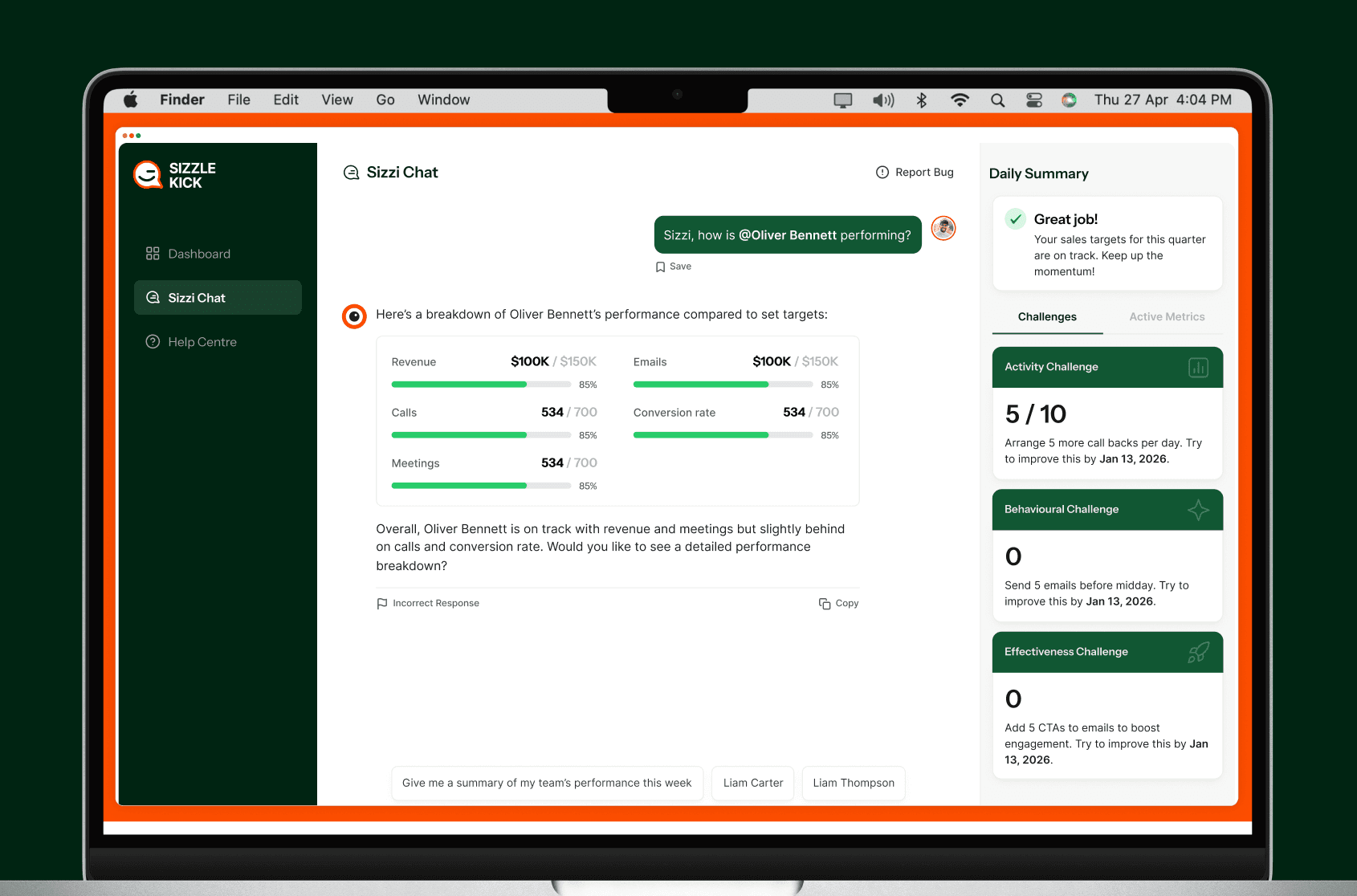
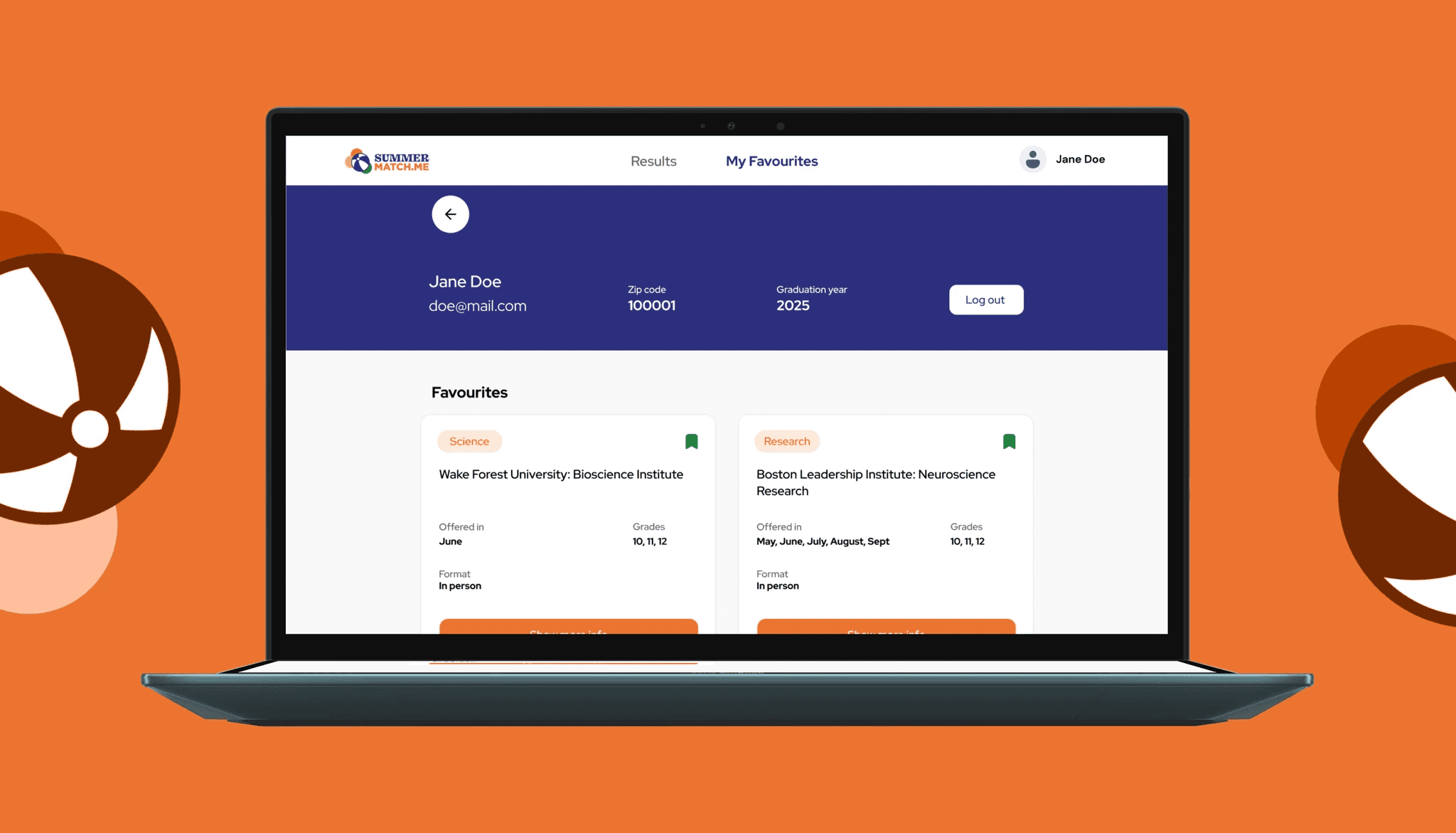
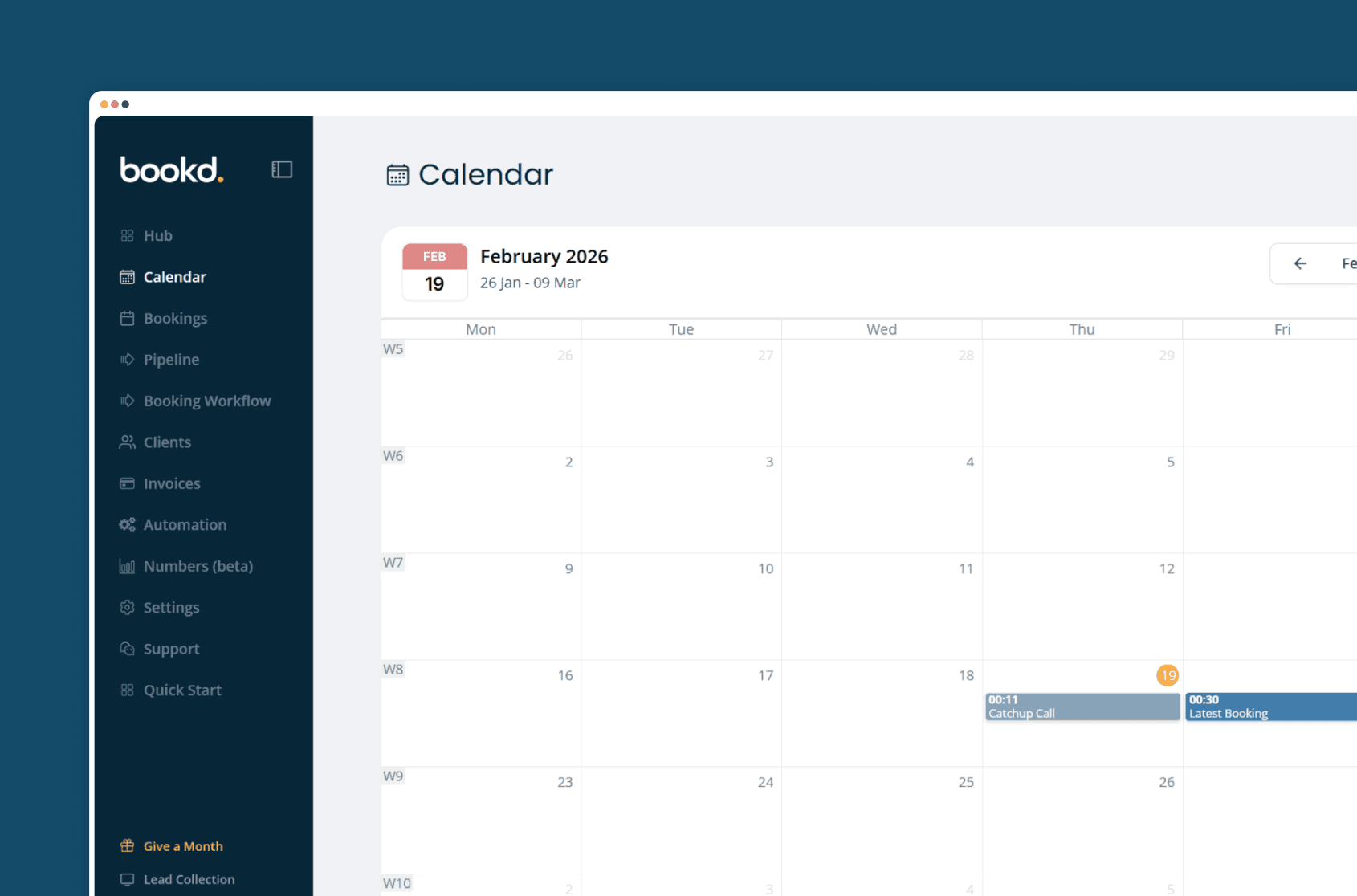
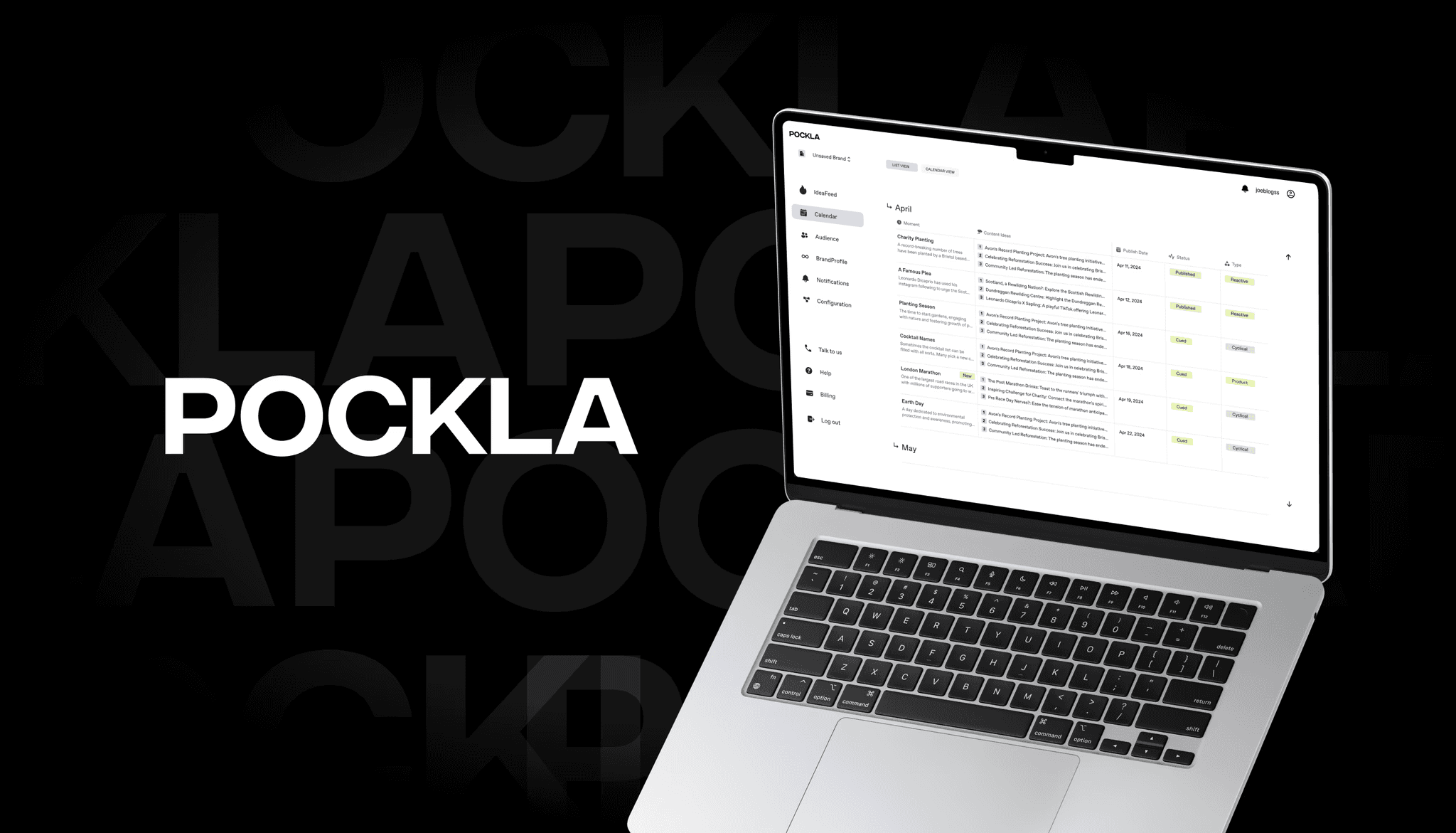
Real Results From 200+ No-Code Launches
We have helped startups launch MVPs in weeks, scale-ups rebuild legacy systems, and enterprises automate operations using no-code development. Here is what that looks like.
Case Studies
Real Results From 200+ No-Code Launches
We have helped startups launch MVPs in weeks, scale-ups rebuild legacy systems, and enterprises automate operations using no-code development. Here is what that looks like.
Case Studies
Real Results From 200+ No-Code Launches
We have helped startups launch MVPs in weeks, scale-ups rebuild legacy systems, and enterprises automate operations using no-code development. Here is what that looks like.
Client Stories

Goodspeed’s ability to think about how to do things in a better and more intelligent way is impressive. They have a new approach to development and design.
Andrew Heath
Founder, SizzleKick

They've helped us bring our vision to life and go live in an extremely compressed time schedule.
Diane Stember
Creative Director, Wisk

It was the best project management service I've experienced working with third-party developers or agencies
Alex Rainey
CEO, MyAskAI
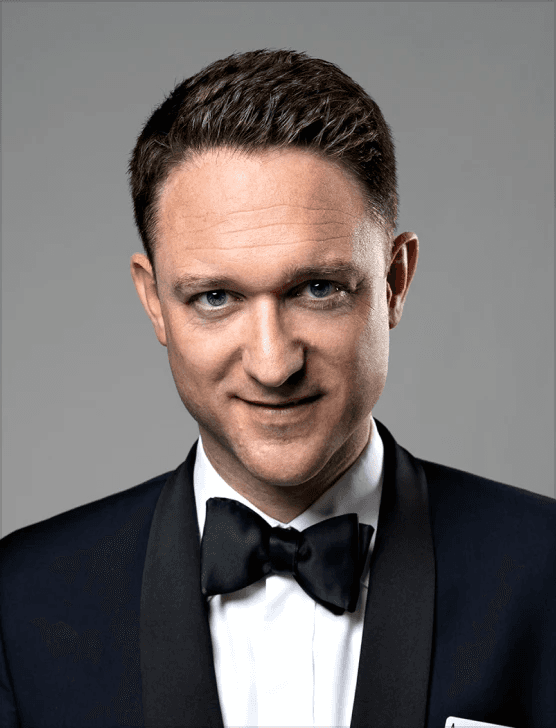
The best thing was their clear communication and the service. We also experienced that they followed up well, and there are no issues fixing things that might crop up after final payment too.
Jon Ensor
Founder, ProMagic

Goodspeed were a brilliant partner throughout the migration. They were fast, responsive, and incredibly easy to work with.
Olivier Mermet
Group Product Manager, Zen Educate

Goodspeed felt like an extension of our team. They provided daily updates via Slack and Loom, so we always knew exactly what was happening and what was coming next.
Gavin Newman
Marketing Manager, Sydecar

They didn't just do what I asked; they wanted to understand and ideate on the product.
Derrick Lewis
Founder, Nuzely

With the prior agency, we were told we couldn't do things. Goodspeed said yes to literally everything and delivered them in a quick fashion.
Davey Owens
CEO, Dwellr

Their speed and ability to produce what was needed through no code was impressive.
Eric
Founder, Bellmade

Goodspeed is very responsive. They made very good suggestions on product design, and were able to comprehend my requirements pretty quick.
Yassine Larbi
Founder, Stratverse

I'm absolutely very impressed with what Goodspeed have put together. The dashboard, the design, the layout, everything about it. It is just absolutely wonderful.
Bryan D’Antonio
Founder, Rank Authority

Most impressive: communication and response to requests - taking work off my plate.
Hugo Bibby
Co-Founder, Pockla
Goodspeed’s ability to think about how to do things in a better and more intelligent way is impressive. They have a new approach to development and design.
Andrew Heath
Founder, SizzleKick
They've helped us bring our vision to life and go live in an extremely compressed time schedule.
Diane Stember
Creative Director, Wisk
It was the best project management service I've experienced working with third-party developers or agencies
Alex Rainey
CEO, MyAskAI
The best thing was their clear communication and the service. We also experienced that they followed up well, and there are no issues fixing things that might crop up after final payment too.
Jon Ensor
Founder, ProMagic
Goodspeed were a brilliant partner throughout the migration. They were fast, responsive, and incredibly easy to work with.
Olivier Mermet
Group Product Manager, Zen Educate
Goodspeed felt like an extension of our team. They provided daily updates via Slack and Loom, so we always knew exactly what was happening and what was coming next.
Gavin Newman
Marketing Manager, Sydecar
They didn't just do what I asked; they wanted to understand and ideate on the product.
Derrick Lewis
Founder, Nuzely
With the prior agency, we were told we couldn't do things. Goodspeed said yes to literally everything and delivered them in a quick fashion.
Davey Owens
CEO, Dwellr
Their speed and ability to produce what was needed through no code was impressive.
Eric
Founder, Bellmade
Goodspeed is very responsive. They made very good suggestions on product design, and were able to comprehend my requirements pretty quick.
Yassine Larbi
Founder, Stratverse
I'm absolutely very impressed with what Goodspeed have put together. The dashboard, the design, the layout, everything about it. It is just absolutely wonderful.
Bryan D’Antonio
Founder, Rank Authority
Most impressive: communication and response to requests - taking work off my plate.
Hugo Bibby
Co-Founder, Pockla
Goodspeed’s ability to think about how to do things in a better and more intelligent way is impressive. They have a new approach to development and design.
Andrew Heath
Founder, SizzleKick
They've helped us bring our vision to life and go live in an extremely compressed time schedule.
Diane Stember
Creative Director, Wisk
It was the best project management service I've experienced working with third-party developers or agencies
Alex Rainey
CEO, MyAskAI
The best thing was their clear communication and the service. We also experienced that they followed up well, and there are no issues fixing things that might crop up after final payment too.
Jon Ensor
Founder, ProMagic
Goodspeed were a brilliant partner throughout the migration. They were fast, responsive, and incredibly easy to work with.
Olivier Mermet
Group Product Manager, Zen Educate
Goodspeed felt like an extension of our team. They provided daily updates via Slack and Loom, so we always knew exactly what was happening and what was coming next.
Gavin Newman
Marketing Manager, Sydecar
They didn't just do what I asked; they wanted to understand and ideate on the product.
Derrick Lewis
Founder, Nuzely
With the prior agency, we were told we couldn't do things. Goodspeed said yes to literally everything and delivered them in a quick fashion.
Davey Owens
CEO, Dwellr
Their speed and ability to produce what was needed through no code was impressive.
Eric
Founder, Bellmade
Goodspeed is very responsive. They made very good suggestions on product design, and were able to comprehend my requirements pretty quick.
Yassine Larbi
Founder, Stratverse
I'm absolutely very impressed with what Goodspeed have put together. The dashboard, the design, the layout, everything about it. It is just absolutely wonderful.
Bryan D’Antonio
Founder, Rank Authority
Most impressive: communication and response to requests - taking work off my plate.
Hugo Bibby
Co-Founder, Pockla
Goodspeed’s ability to think about how to do things in a better and more intelligent way is impressive. They have a new approach to development and design.
Andrew Heath
Founder, SizzleKick
They've helped us bring our vision to life and go live in an extremely compressed time schedule.
Diane Stember
Creative Director, Wisk
It was the best project management service I've experienced working with third-party developers or agencies
Alex Rainey
CEO, MyAskAI
The best thing was their clear communication and the service. We also experienced that they followed up well, and there are no issues fixing things that might crop up after final payment too.
Jon Ensor
Founder, ProMagic
Goodspeed were a brilliant partner throughout the migration. They were fast, responsive, and incredibly easy to work with.
Olivier Mermet
Group Product Manager, Zen Educate
Goodspeed felt like an extension of our team. They provided daily updates via Slack and Loom, so we always knew exactly what was happening and what was coming next.
Gavin Newman
Marketing Manager, Sydecar
They didn't just do what I asked; they wanted to understand and ideate on the product.
Derrick Lewis
Founder, Nuzely
With the prior agency, we were told we couldn't do things. Goodspeed said yes to literally everything and delivered them in a quick fashion.
Davey Owens
CEO, Dwellr
Their speed and ability to produce what was needed through no code was impressive.
Eric
Founder, Bellmade
Goodspeed is very responsive. They made very good suggestions on product design, and were able to comprehend my requirements pretty quick.
Yassine Larbi
Founder, Stratverse
I'm absolutely very impressed with what Goodspeed have put together. The dashboard, the design, the layout, everything about it. It is just absolutely wonderful.
Bryan D’Antonio
Founder, Rank Authority
Most impressive: communication and response to requests - taking work off my plate.
Hugo Bibby
Co-Founder, Pockla
Client Stories
Goodspeed’s ability to think about how to do things in a better and more intelligent way is impressive. They have a new approach to development and design.
Andrew Heath
Founder, SizzleKick
They've helped us bring our vision to life and go live in an extremely compressed time schedule.
Diane Stember
Creative Director, Wisk
It was the best project management service I've experienced working with third-party developers or agencies
Alex Rainey
CEO, MyAskAI
The best thing was their clear communication and the service. We also experienced that they followed up well, and there are no issues fixing things that might crop up after final payment too.
Jon Ensor
Founder, ProMagic
Goodspeed were a brilliant partner throughout the migration. They were fast, responsive, and incredibly easy to work with.
Olivier Mermet
Group Product Manager, Zen Educate
Goodspeed felt like an extension of our team. They provided daily updates via Slack and Loom, so we always knew exactly what was happening and what was coming next.
Gavin Newman
Marketing Manager, Sydecar
They didn't just do what I asked; they wanted to understand and ideate on the product.
Derrick Lewis
Founder, Nuzely
With the prior agency, we were told we couldn't do things. Goodspeed said yes to literally everything and delivered them in a quick fashion.
Davey Owens
CEO, Dwellr
Their speed and ability to produce what was needed through no code was impressive.
Eric
Founder, Bellmade
Goodspeed is very responsive. They made very good suggestions on product design, and were able to comprehend my requirements pretty quick.
Yassine Larbi
Founder, Stratverse
I'm absolutely very impressed with what Goodspeed have put together. The dashboard, the design, the layout, everything about it. It is just absolutely wonderful.
Bryan D’Antonio
Founder, Rank Authority
Most impressive: communication and response to requests - taking work off my plate.
Hugo Bibby
Co-Founder, Pockla
Goodspeed’s ability to think about how to do things in a better and more intelligent way is impressive. They have a new approach to development and design.
Andrew Heath
Founder, SizzleKick
They've helped us bring our vision to life and go live in an extremely compressed time schedule.
Diane Stember
Creative Director, Wisk
It was the best project management service I've experienced working with third-party developers or agencies
Alex Rainey
CEO, MyAskAI
The best thing was their clear communication and the service. We also experienced that they followed up well, and there are no issues fixing things that might crop up after final payment too.
Jon Ensor
Founder, ProMagic
Goodspeed were a brilliant partner throughout the migration. They were fast, responsive, and incredibly easy to work with.
Olivier Mermet
Group Product Manager, Zen Educate
Goodspeed felt like an extension of our team. They provided daily updates via Slack and Loom, so we always knew exactly what was happening and what was coming next.
Gavin Newman
Marketing Manager, Sydecar
They didn't just do what I asked; they wanted to understand and ideate on the product.
Derrick Lewis
Founder, Nuzely
With the prior agency, we were told we couldn't do things. Goodspeed said yes to literally everything and delivered them in a quick fashion.
Davey Owens
CEO, Dwellr
Their speed and ability to produce what was needed through no code was impressive.
Eric
Founder, Bellmade
Goodspeed is very responsive. They made very good suggestions on product design, and were able to comprehend my requirements pretty quick.
Yassine Larbi
Founder, Stratverse
I'm absolutely very impressed with what Goodspeed have put together. The dashboard, the design, the layout, everything about it. It is just absolutely wonderful.
Bryan D’Antonio
Founder, Rank Authority
Most impressive: communication and response to requests - taking work off my plate.
Hugo Bibby
Co-Founder, Pockla
Goodspeed’s ability to think about how to do things in a better and more intelligent way is impressive. They have a new approach to development and design.
Andrew Heath
Founder, SizzleKick
They've helped us bring our vision to life and go live in an extremely compressed time schedule.
Diane Stember
Creative Director, Wisk
It was the best project management service I've experienced working with third-party developers or agencies
Alex Rainey
CEO, MyAskAI
The best thing was their clear communication and the service. We also experienced that they followed up well, and there are no issues fixing things that might crop up after final payment too.
Jon Ensor
Founder, ProMagic
Goodspeed were a brilliant partner throughout the migration. They were fast, responsive, and incredibly easy to work with.
Olivier Mermet
Group Product Manager, Zen Educate
Goodspeed felt like an extension of our team. They provided daily updates via Slack and Loom, so we always knew exactly what was happening and what was coming next.
Gavin Newman
Marketing Manager, Sydecar
They didn't just do what I asked; they wanted to understand and ideate on the product.
Derrick Lewis
Founder, Nuzely
With the prior agency, we were told we couldn't do things. Goodspeed said yes to literally everything and delivered them in a quick fashion.
Davey Owens
CEO, Dwellr
Their speed and ability to produce what was needed through no code was impressive.
Eric
Founder, Bellmade
Goodspeed is very responsive. They made very good suggestions on product design, and were able to comprehend my requirements pretty quick.
Yassine Larbi
Founder, Stratverse
I'm absolutely very impressed with what Goodspeed have put together. The dashboard, the design, the layout, everything about it. It is just absolutely wonderful.
Bryan D’Antonio
Founder, Rank Authority
Most impressive: communication and response to requests - taking work off my plate.
Hugo Bibby
Co-Founder, Pockla
Goodspeed’s ability to think about how to do things in a better and more intelligent way is impressive. They have a new approach to development and design.
Andrew Heath
Founder, SizzleKick
They've helped us bring our vision to life and go live in an extremely compressed time schedule.
Diane Stember
Creative Director, Wisk
It was the best project management service I've experienced working with third-party developers or agencies
Alex Rainey
CEO, MyAskAI
The best thing was their clear communication and the service. We also experienced that they followed up well, and there are no issues fixing things that might crop up after final payment too.
Jon Ensor
Founder, ProMagic
Goodspeed were a brilliant partner throughout the migration. They were fast, responsive, and incredibly easy to work with.
Olivier Mermet
Group Product Manager, Zen Educate
Goodspeed felt like an extension of our team. They provided daily updates via Slack and Loom, so we always knew exactly what was happening and what was coming next.
Gavin Newman
Marketing Manager, Sydecar
They didn't just do what I asked; they wanted to understand and ideate on the product.
Derrick Lewis
Founder, Nuzely
With the prior agency, we were told we couldn't do things. Goodspeed said yes to literally everything and delivered them in a quick fashion.
Davey Owens
CEO, Dwellr
Their speed and ability to produce what was needed through no code was impressive.
Eric
Founder, Bellmade
Goodspeed is very responsive. They made very good suggestions on product design, and were able to comprehend my requirements pretty quick.
Yassine Larbi
Founder, Stratverse
I'm absolutely very impressed with what Goodspeed have put together. The dashboard, the design, the layout, everything about it. It is just absolutely wonderful.
Bryan D’Antonio
Founder, Rank Authority
Most impressive: communication and response to requests - taking work off my plate.
Hugo Bibby
Co-Founder, Pockla
Client Stories
Andrew Heath
Founder, SizzleKick
Goodspeed’s ability to think about how to do things in a better and more intelligent way is impressive. They have a new approach to development and design.
Diane Stember
Creative Director, Wisk
They've helped us bring our vision to life and go live in an extremely compressed time schedule.
Olivier Mermet
Group Product Manager, Zen Educate
Goodspeed were a brilliant partner throughout the migration. They were fast, responsive, and incredibly easy to work with.
Jon Ensor
Founder, ProMagic
The best thing was their clear communication and the service. We also experienced that they followed up well, and there are no issues fixing things that might crop up after final payment too.
Alex Rainey
CEO, MyAskAI
It was the best project management service I've experienced working with third-party developers or agencies
Davey Owens
CEO, Dwellr
With the prior agency, we were told we couldn't do things. Goodspeed said yes to literally everything and delivered them in a quick fashion.
Derrick Lewis
Founder, Nuzely
They didn't just do what I asked; they wanted to understand and ideate on the product.
Gavin Newman
Marketing Manager, Sydecar
Goodspeed felt like an extension of our team. They provided daily updates via Slack and Loom, so we always knew exactly what was happening and what was coming next.
Bryan D’Antonio
Founder, Rank Authority
I'm absolutely very impressed with what Goodspeed have put together. The dashboard, the design, the layout, everything about it. It is just absolutely wonderful.
Yassine Larbi
Founder, Stratverse
Goodspeed is very responsive. They made very good suggestions on product design, and were able to comprehend my requirements pretty quick.
Eric
Founder, Bellmade
Their speed and ability to produce what was needed through no code was impressive.
Hugo Bibby
Co-Founder, Pockla
Most impressive: communication and response to requests - taking work off my plate.
You stop talking about AI. We start shipping it.
We know you don't have time to manage another vendor. Tell us the bottleneck, we tell you the AI fix. Then we ship it, run it, and fine tune it so you can get back to your actual job.
5.0
300+
300+
AI products shipped since 2022
10x
10x
Faster than hiring in-house
90%
90%
Of clients stay past the first project
You stop talking about AI. We start shipping it.
We know you don't have time to manage another vendor. Tell us the bottleneck, we tell you the AI fix. Then we ship it, run it, and fine tune it so you can get back to your actual job.
5.0
300+
300+
AI products shipped since 2022
10x
10x
Faster than hiring in-house
90%
90%
Of clients stay past the first project
You stop talking about AI. We start shipping it.
We know you don't have time to manage another vendor. Tell us the bottleneck, we tell you the AI fix. Then we ship it, run it, and fine tune it so you can get back to your actual job.
90%
90%
Of clients stay past the first project
10x
10x
Faster than hiring in-house
300+
300+
AI products shipped since 2022
How We Deliver No-Code Development Services
From "I have an idea" to "it's live" — here's how we work.

Discovery
We map your requirements against the right no-code approach. You leave with a validated scope, a platform recommendation, and a realistic build plan your whole team can align on.
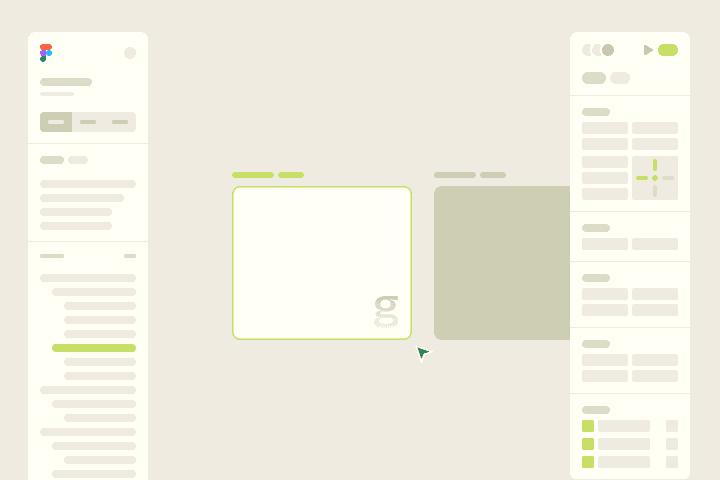
Design
We design intuitive interfaces and logical user flows tailored to your no-code platform. Clean, functional, and built with development in mind so what you see is exactly what gets built.
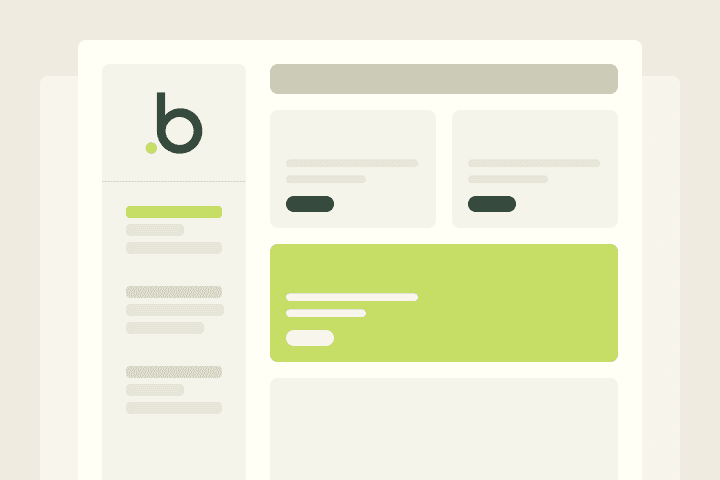
Develop
We build your product on the right no-code platform: authentication, database logic, API integrations, workflow automation, and every feature you need to ship a production-ready product.
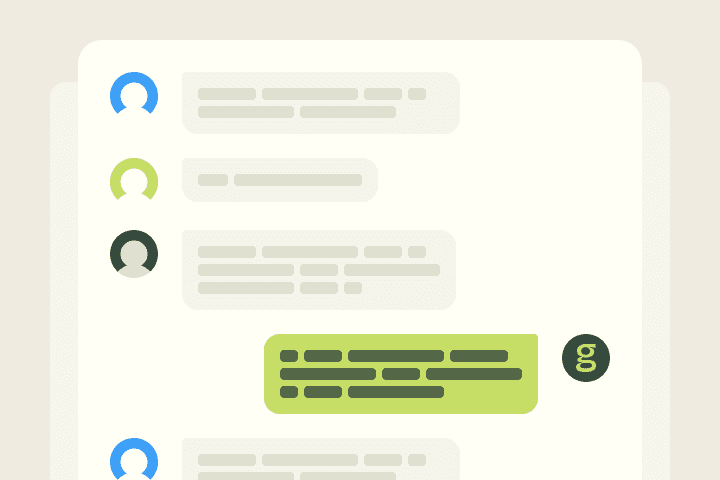
Deliver
We launch your product, hand over full documentation, and stay close through the first sprint post-launch to make sure everything performs as expected with real users.
How We Deliver No-Code Development Services
From "I have an idea" to "it's live" — here's how we work.
Discovery
We map your requirements against the right no-code approach. You leave with a validated scope, a platform recommendation, and a realistic build plan your whole team can align on.
Design
We design intuitive interfaces and logical user flows tailored to your no-code platform. Clean, functional, and built with development in mind so what you see is exactly what gets built.
Develop
We build your product on the right no-code platform: authentication, database logic, API integrations, workflow automation, and every feature you need to ship a production-ready product.
Deliver
We launch your product, hand over full documentation, and stay close through the first sprint post-launch to make sure everything performs as expected with real users.
How We Deliver No-Code Development Services
From "I have an idea" to "it's live" — here's how we work.
Discovery
We map your requirements against the right no-code approach. You leave with a validated scope, a platform recommendation, and a realistic build plan your whole team can align on.
Design
We design intuitive interfaces and logical user flows tailored to your no-code platform. Clean, functional, and built with development in mind so what you see is exactly what gets built.
Develop
We build your product on the right no-code platform: authentication, database logic, API integrations, workflow automation, and every feature you need to ship a production-ready product.
Deliver
We launch your product, hand over full documentation, and stay close through the first sprint post-launch to make sure everything performs as expected with real users.
Discovery
We map your requirements against the right no-code approach. You leave with a validated scope, a platform recommendation, and a realistic build plan your whole team can align on.
Design
We design intuitive interfaces and logical user flows tailored to your no-code platform. Clean, functional, and built with development in mind so what you see is exactly what gets built.
Develop
We build your product on the right no-code platform: authentication, database logic, API integrations, workflow automation, and every feature you need to ship a production-ready product.
Deliver
We launch your product, hand over full documentation, and stay close through the first sprint post-launch to make sure everything performs as expected with real users.
Discovery
We map your requirements against the right no-code approach. You leave with a validated scope, a platform recommendation, and a realistic build plan your whole team can align on.
Design
We design intuitive interfaces and logical user flows tailored to your no-code platform. Clean, functional, and built with development in mind so what you see is exactly what gets built.
Develop
We build your product on the right no-code platform: authentication, database logic, API integrations, workflow automation, and every feature you need to ship a production-ready product.
Deliver
We launch your product, hand over full documentation, and stay close through the first sprint post-launch to make sure everything performs as expected with real users.
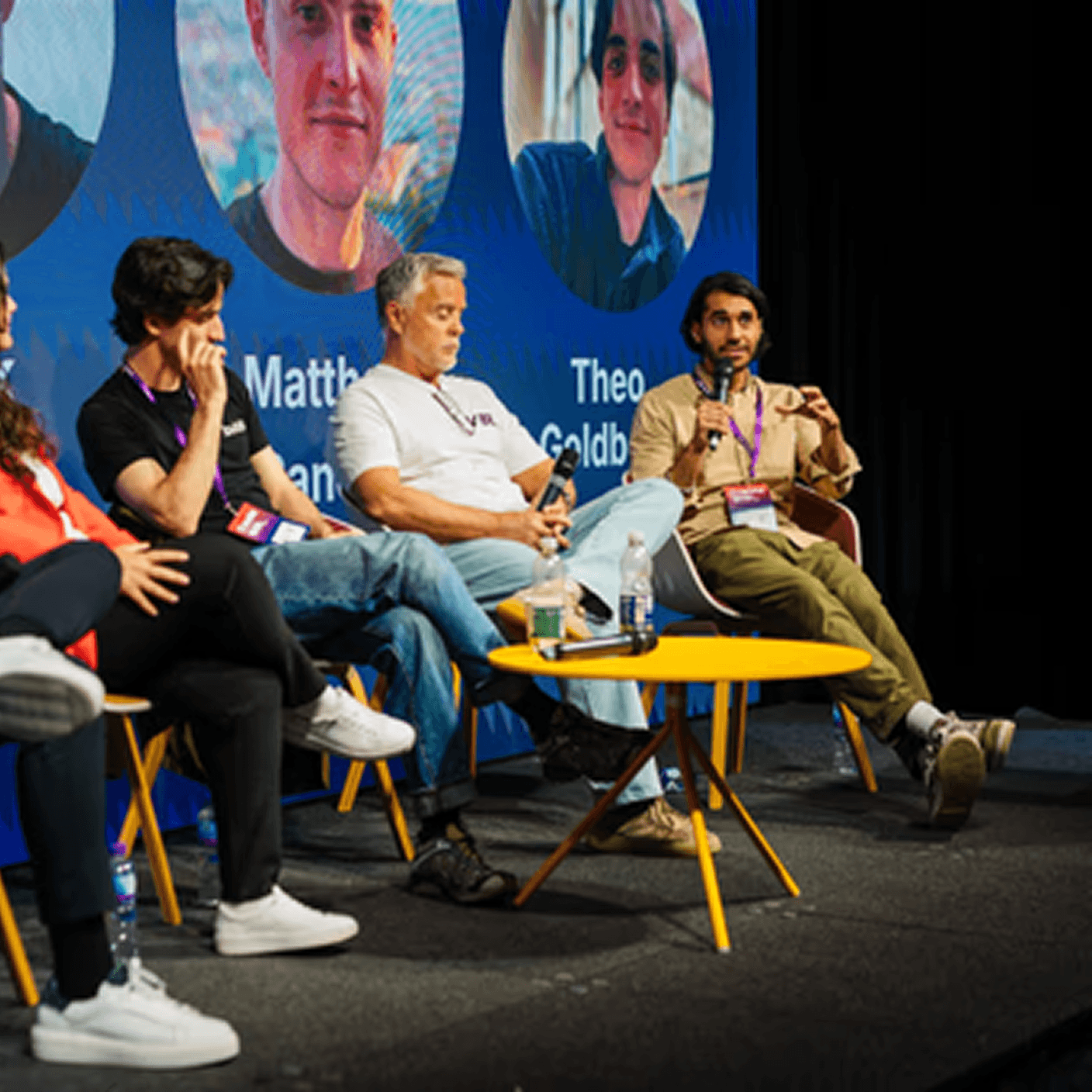
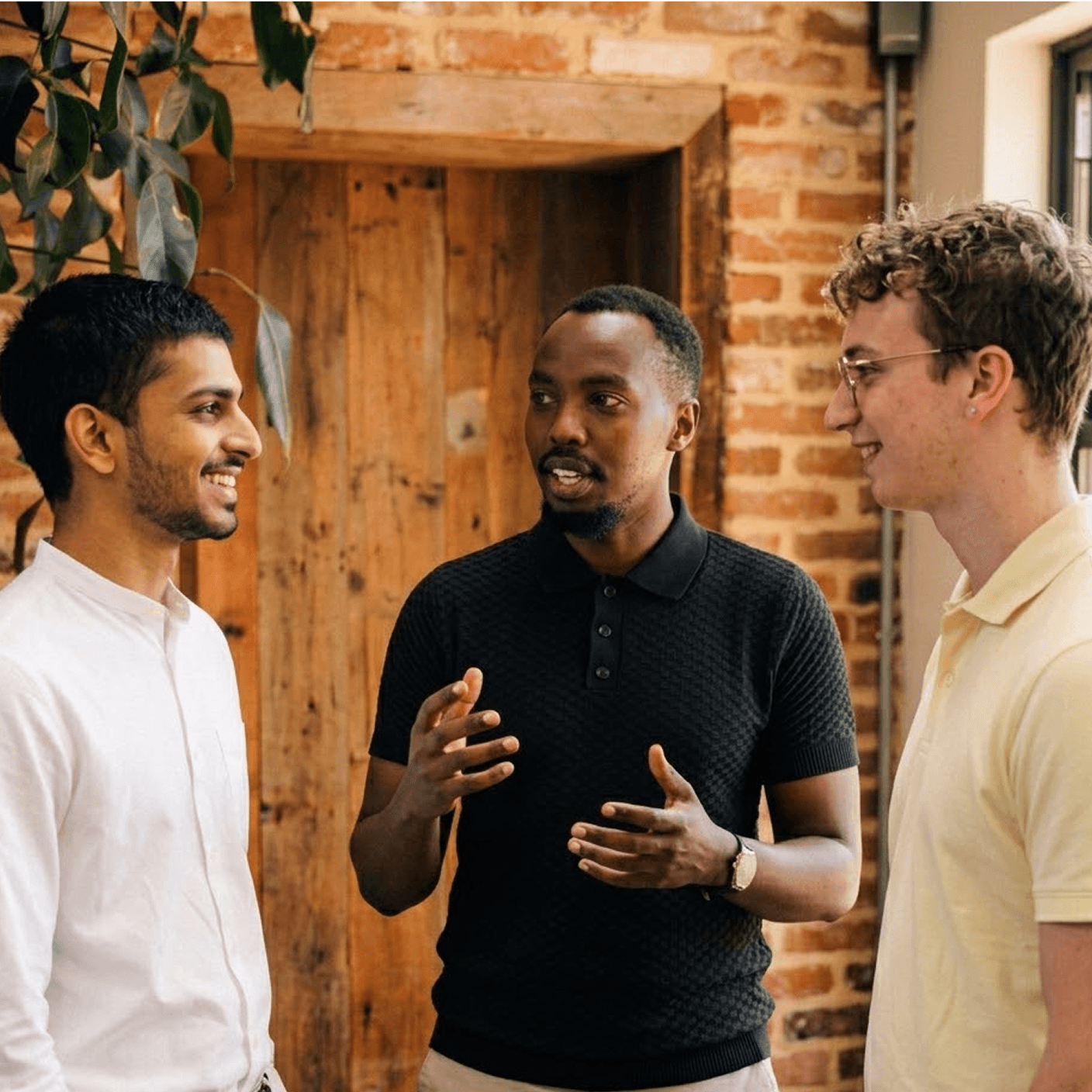
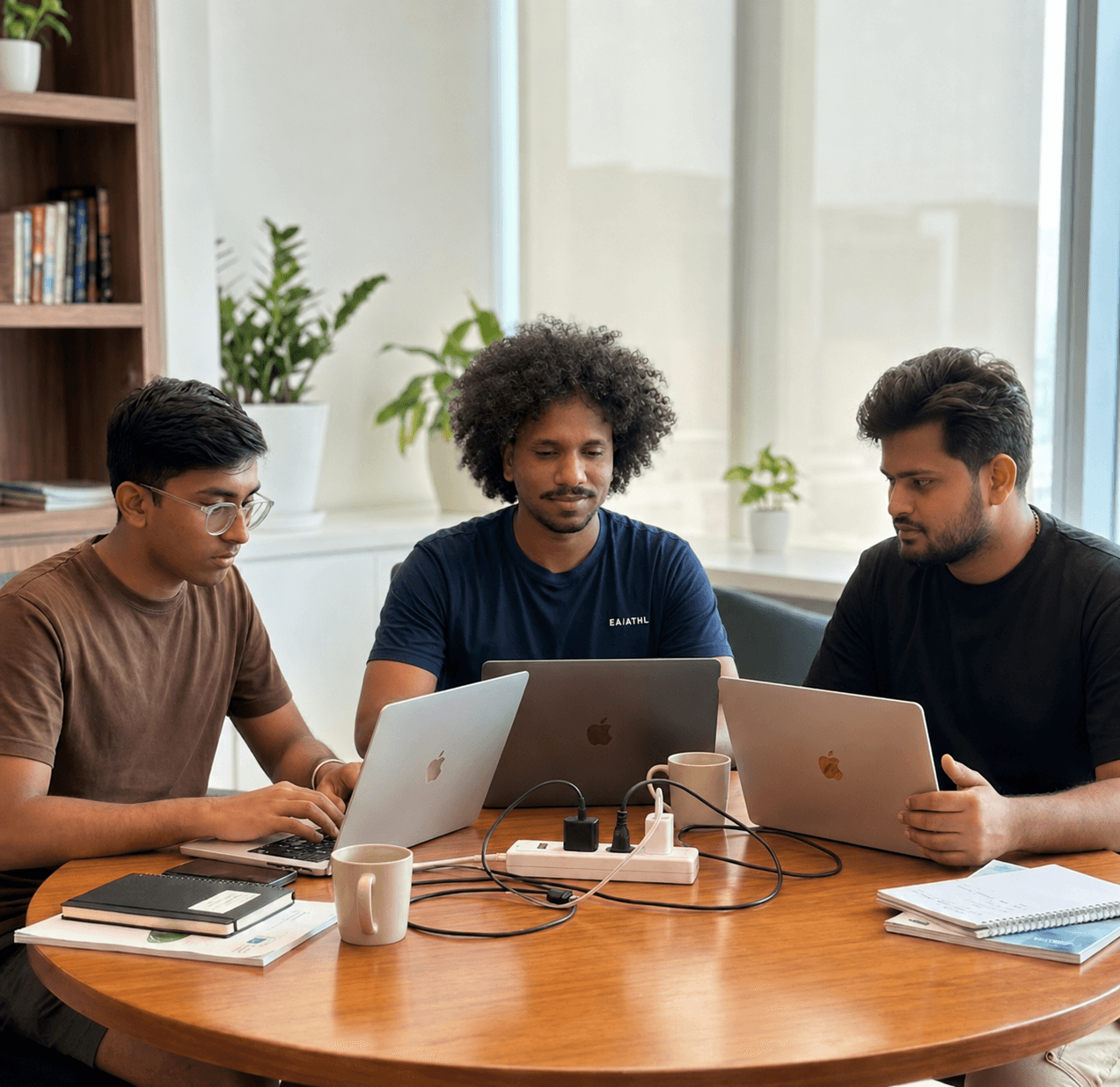
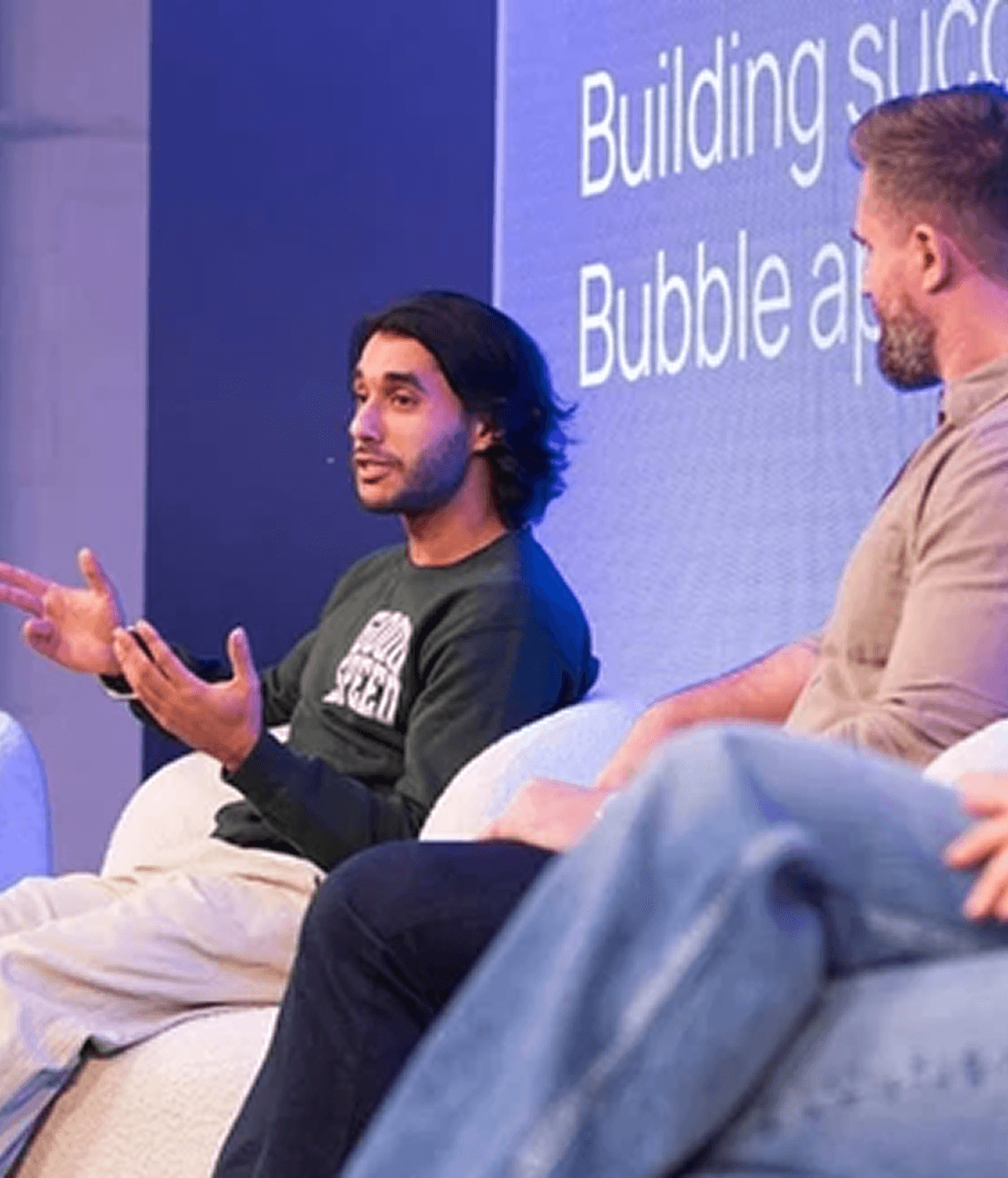
One team. Strategy through to live product.
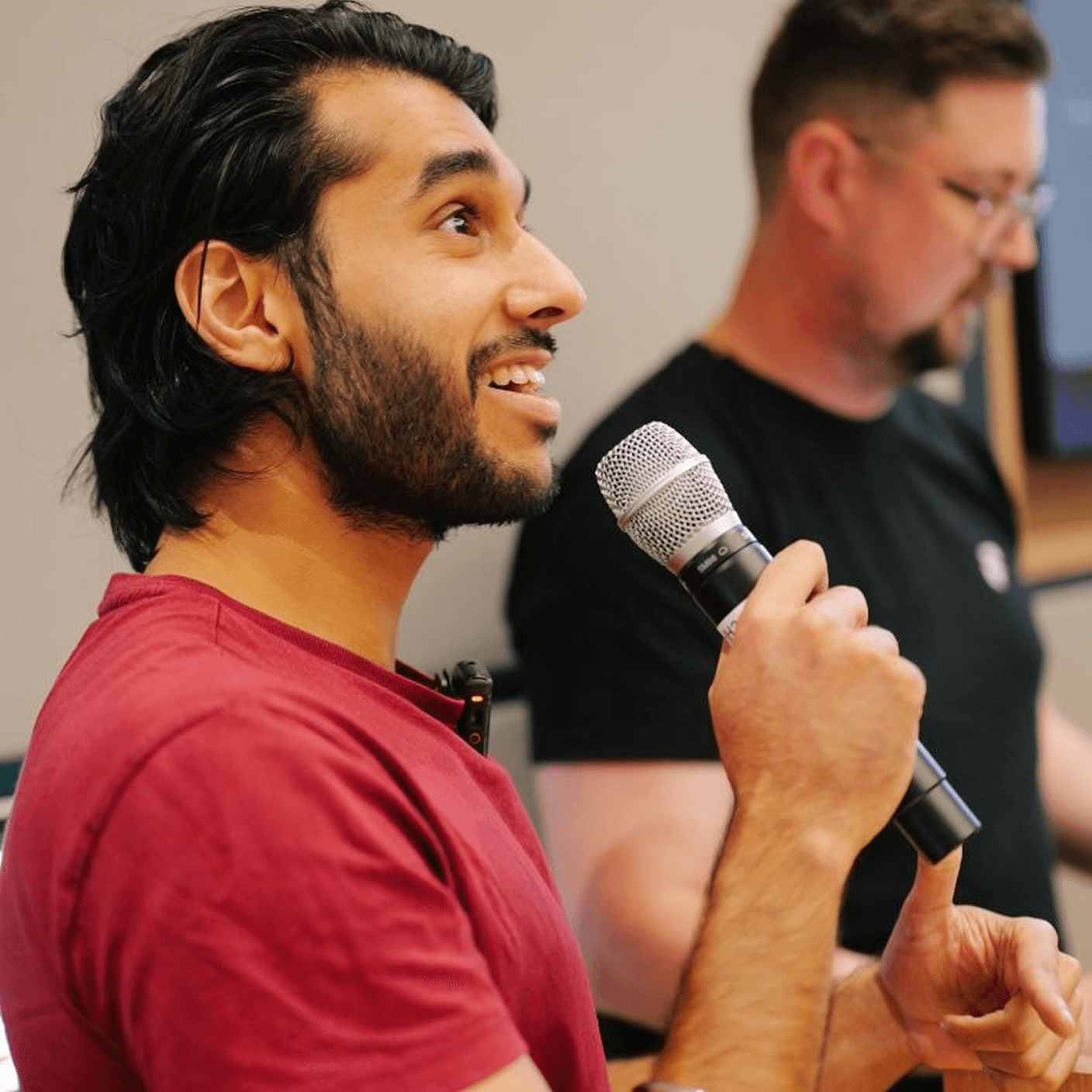
Most AI projects break at the handoff between strategy and build. Same team plans, designs, ships, and runs.






One team. Strategy through to live product.
Most AI projects break at the handoff between strategy and build. Same team plans, designs, ships, and runs.
One team. Strategy through to live product.
Most AI projects break at the handoff between strategy and build. Same team plans, designs, ships, and runs.
Book a Free Strategy Call
A quick 20 minute call with our CEO, Harish, to see how we can help you
We've built products featured in
Book a Free Strategy Call
A quick 20 minute call with our CEO, Harish, to see how we can help you
We've built products featured in
Book a Free Strategy Call
A quick 20 minute call with our CEO, Harish, to see how we can help you
We've built products featured in
Frequently Asked Questions
What is a no-code development agency?
A no-code development agency helps you build software without traditional programming using visual platforms. We use Bubble for web apps, n8n for workflow automation, and Framer for websites. The result is production-grade software at 60-80% less cost than custom software development.
How much does it cost to hire a no-code development agency?
Most Goodspeed projects range from $10,000 to $50,000 depending on complexity. Simple automation builds start lower. Full web applications with databases and integrations land higher. Traditional agencies charge $100,000 to $500,000 for comparable work. Every project is scoped during a free consultation.
How long does it take to build a no-code app?
Marketing sites ship in 2 to 4 weeks. Automation workflows ship in 2 to 6 weeks. Web applications ship in 6 to 12 weeks for an MVP, or 3 to 6 months for complex builds. You see working progress every week.
Can no-code apps scale for enterprise use?
Yes. No-code platforms support millions of users when architected correctly. We build for scale from day one with efficient databases, optimized workload units, and backend workflows. Clients like Zen Educate and SummerMatch scaled to thousands of users on products we built.
What kinds of no-code products does Goodspeed build?
We handle SaaS products, marketplaces, dashboards, CRMs, internal tools, and mobile-ready web applications. We also build marketing websites and workflow automations. Past projects include a platform that raised £1.6M and an AI tool that cut CPU costs by 30%.
Frequently Asked Questions
What is a no-code development agency?
A no-code development agency helps you build software without traditional programming using visual platforms. We use Bubble for web apps, n8n for workflow automation, and Framer for websites. The result is production-grade software at 60-80% less cost than custom software development.
How much does it cost to hire a no-code development agency?
Most Goodspeed projects range from $10,000 to $50,000 depending on complexity. Simple automation builds start lower. Full web applications with databases and integrations land higher. Traditional agencies charge $100,000 to $500,000 for comparable work. Every project is scoped during a free consultation.
How long does it take to build a no-code app?
Marketing sites ship in 2 to 4 weeks. Automation workflows ship in 2 to 6 weeks. Web applications ship in 6 to 12 weeks for an MVP, or 3 to 6 months for complex builds. You see working progress every week.
Can no-code apps scale for enterprise use?
Yes. No-code platforms support millions of users when architected correctly. We build for scale from day one with efficient databases, optimized workload units, and backend workflows. Clients like Zen Educate and SummerMatch scaled to thousands of users on products we built.
What kinds of no-code products does Goodspeed build?
We handle SaaS products, marketplaces, dashboards, CRMs, internal tools, and mobile-ready web applications. We also build marketing websites and workflow automations. Past projects include a platform that raised £1.6M and an AI tool that cut CPU costs by 30%.
Frequently Asked Questions
What is a no-code development agency?
A no-code development agency helps you build software without traditional programming using visual platforms. We use Bubble for web apps, n8n for workflow automation, and Framer for websites. The result is production-grade software at 60-80% less cost than custom software development.
How much does it cost to hire a no-code development agency?
Most Goodspeed projects range from $10,000 to $50,000 depending on complexity. Simple automation builds start lower. Full web applications with databases and integrations land higher. Traditional agencies charge $100,000 to $500,000 for comparable work. Every project is scoped during a free consultation.
How long does it take to build a no-code app?
Marketing sites ship in 2 to 4 weeks. Automation workflows ship in 2 to 6 weeks. Web applications ship in 6 to 12 weeks for an MVP, or 3 to 6 months for complex builds. You see working progress every week.
Can no-code apps scale for enterprise use?
Yes. No-code platforms support millions of users when architected correctly. We build for scale from day one with efficient databases, optimized workload units, and backend workflows. Clients like Zen Educate and SummerMatch scaled to thousands of users on products we built.
What kinds of no-code products does Goodspeed build?
We handle SaaS products, marketplaces, dashboards, CRMs, internal tools, and mobile-ready web applications. We also build marketing websites and workflow automations. Past projects include a platform that raised £1.6M and an AI tool that cut CPU costs by 30%.