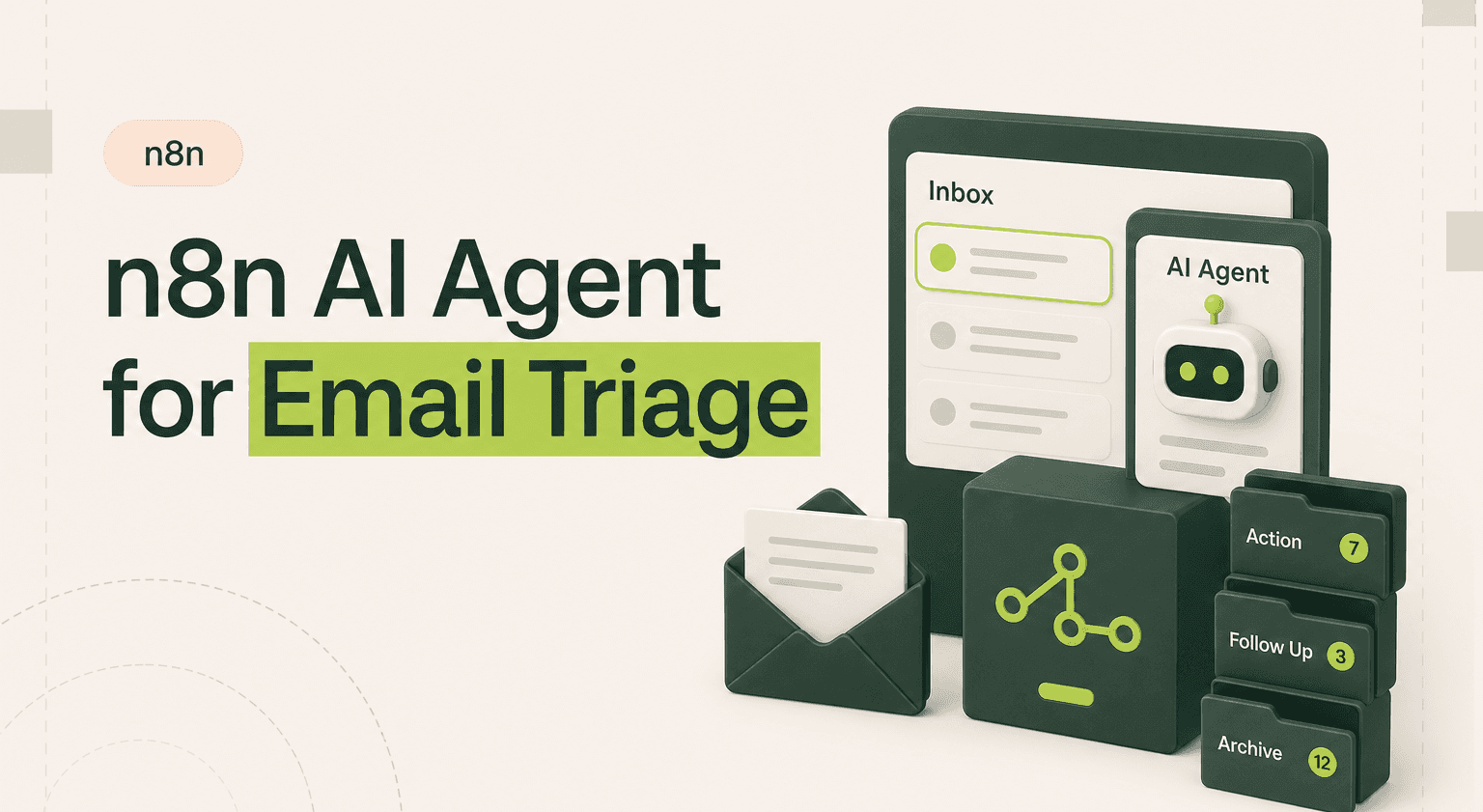
TL;DR: Sort every inbound email in under 10 seconds with an n8n AI agent.
Connect Gmail or IMAP to an LLM classifier that reads context, scores urgency, and routes messages to Slack, your CRM, or your ticket queue.
Build the four-layer architecture (trigger, preprocessing, LLM, routing) using n8n workflows and structured JSON outputs you can branch on reliably.
Pair classification with a Postgres memory layer so repeat senders escalate automatically and your team stops chasing the same thread twice.
Use a smaller model like Claude Haiku for triage to keep token costs predictable, then call Claude AI development in for frontier reasoning where it matters.
Hire an AI products team when you need multi-language support, sender reputation, or production error handling beyond a prototype.
What an Email Triage Agent Actually Does
The agent monitors one or more inboxes via IMAP or Gmail. Every new message gets pulled into an n8n workflow, parsed for content and metadata, then sent to an LLM for classification. The LLM returns a priority level (urgent, high, normal, low) and a category (support, sales, billing, internal, spam). Based on that output, the workflow routes the email: urgent support tickets go straight to Slack, sales inquiries get forwarded to your CRM, and spam gets archived automatically.
No rules engine. No keyword matching that breaks the moment someone phrases things differently. The LLM understands context, so "our production database is down" gets flagged urgent even if the subject line says "quick question."
Architecture: LLM, Tools, and Memory
The core n8n ai agent workflow has four layers:
Trigger: An IMAP or Gmail trigger node polls for new messages every 60 seconds. You can also use a webhook if your email provider supports push notifications.
Preprocessing: A code node strips HTML, extracts the plain-text body, sender address, subject line, and any previous thread context. Keeping the payload clean reduces token usage and improves classification accuracy.
LLM Classification: The cleaned email hits an OpenAI or Anthropic node with a system prompt that defines your categories and priority rules. The prompt includes examples of each category so the model has clear boundaries. You return structured JSON-not free text-so downstream nodes can parse it reliably.
Routing: A switch node reads the JSON output and branches accordingly. Urgent emails trigger a Slack message and create a ticket in Linear or Jira. Sales inquiries push a contact into HubSpot. Low-priority messages get labelled and archived in Gmail.
For teams handling high volume, add a simple memory layer: store sender history in a Postgres table so the agent can factor in past interactions. A sender who emailed three times this week about the same issue should escalate automatically.
Example Prompt and Output
Here is a concrete system prompt you would use in the LLM node:
"You are an email triage assistant. Classify the following email into exactly one category: support, sales, billing, internal, spam. Assign a priority: urgent, high, normal, low. Return JSON only: {"category": "...", "priority": "...", "summary": "..."}. An email is urgent if it mentions downtime, data loss, security breach, or a deadline within 24 hours."
Given an email with subject "API returning 500 errors since this morning" from a known customer, the agent returns:
{"category": "support", "priority": "urgent", "summary": "Customer reports 500 errors on API since morning, likely production incident"}
That output triggers a Slack alert in #incidents and creates a P1 ticket in Linear. Total time from email received to ticket created: under 10 seconds.
Limitations and Edge Cases
LLMs are not perfect classifiers. Sarcasm, ambiguous language, and emails that span multiple categories will occasionally get misrouted. A message that is both a billing complaint and a cancellation threat needs human judgement.
Thread context is another challenge. If someone replies to a sales thread with a support issue, the agent may classify based on the original thread topic. Stripping thread history and classifying only the latest reply helps, but it loses context.
Token costs add up at scale. If you process 1,000 emails per day, budget for the API spend. Use a smaller model (GPT-4o mini or Claude Haiku) for classification-you do not need a frontier model to sort emails.
Finally, false urgency is real. The agent will flag anything mentioning "ASAP" or "urgent" as high priority, even when it is not. Tune your prompt with negative examples to reduce this.
When to Hire an Agency
A basic triage workflow takes a few hours to build in n8n. But production-grade email triage-with sender reputation scoring, multi-language support, n8n integrations with your existing CRM and ticketing tools, custom escalation logic, and proper error handling-takes real engineering time. If email is a core business process, the cost of getting it wrong outweighs the cost of getting help.
An experienced n8n automation team can build, test, and deploy a triage agent that handles your specific edge cases from day one. No trial-and-error with prompt engineering. No broken workflows at 3 AM.
Stop Drowning in Email
An n8n AI agent turns your inbox from a liability into a system. Every email classified, routed, and acted on-automatically.
Goodspeed builds production-grade n8n ai agent workflows for teams that cannot afford to miss critical messages. Talk to our n8n agency.

Harish Malhi
Founder of Goodspeed
Harish Malhi is the founder of Goodspeed, one of the top-rated Bubble agencies globally and winner of Bubble’s Agency of the Year award in 2024. He left Google to launch his first app, Diaspo, built entirely on Bubble, which gained press coverage from the BBC, ITV and more. Since then, he has helped ship over 200 products using Bubble, Framer, n8n and more - from internal tools to full-scale SaaS platforms. Harish now leads a team that helps founders and operators replace clunky workflows with fast, flexible software without writing a line of code.
Frequently Asked Questions (FAQs)
Can an n8n AI agent read and classify emails automatically?
Yes. An n8n AI agent connects to your inbox via IMAP or Gmail, sends each email to an LLM for classification, and routes it based on category and priority. The entire process takes seconds per email.
How accurate is AI email triage compared to rules-based filtering?
LLM-based triage understands context and intent, not just keywords. It handles varied phrasing, typos, and implicit urgency far better than static rules. Expect 90-95% accuracy with a well-tuned prompt.
What LLM should I use for email classification in n8n?
For email classification, a smaller model like GPT-4o mini or Claude Haiku is sufficient and cost-effective. You do not need a frontier model for categorisation tasks. Save the larger models for complex reasoning.
How much does it cost to run an n8n email triage agent?
Costs depend on email volume and model choice. Using GPT-4o mini at roughly 1,000 emails per day, expect around $5-15 per month in API costs. n8n self-hosted is free; n8n Cloud plans start at $20 per month.
Can the email triage agent handle multiple languages?
Modern LLMs handle most major languages well. You can instruct the agent to classify emails regardless of language and optionally translate the summary to English. Accuracy may drop slightly for less common languages.
What happens when the AI misclassifies an email?
Build a feedback loop. Let users flag misclassified emails, log those cases, and periodically update your system prompt with new examples. Over time, this significantly reduces classification errors.


