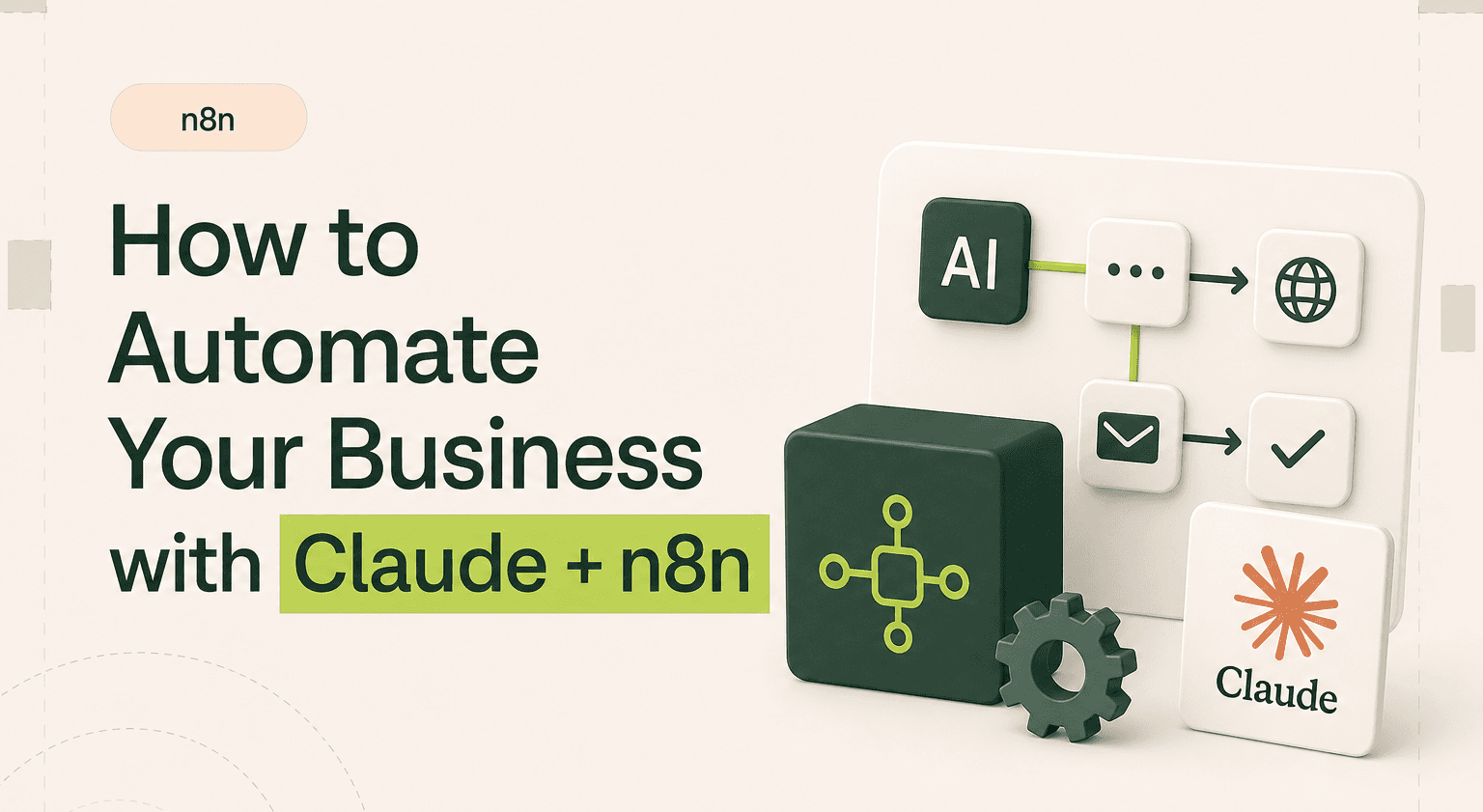
Claude handles the thinking. n8n handles the doing. Together, they form the automation backbone that replaces manual workflows across your entire business.
Most AI automation advice is abstract. "Use AI to streamline your operations" tells you nothing. This guide is specific. We use Claude and n8n at Goodspeed every day, and we build these exact integrations for clients. What follows are real workflow examples with concrete setups you can replicate.
If you run a small or mid-size business and you are still manually writing proposals, qualifying leads by hand, onboarding clients through email chains, or pulling reports from five different tools, this is how you stop.
TL;DR: Pair Claude’s reasoning with n8n’s execution to take manual ops work off your plate
Run proposal, lead qualification, onboarding, and reporting workflows that combine Claude AI development with n8n orchestration
Drop proposal response time from hours to under 15 minutes by sending form data into Claude with your template and pricing
Score leads instantly against your ICP and route qualified prospects into the right follow-up sequence automatically
Use a native Anthropic node in n8n, store reusable prompts, and pick Claude Sonnet or Opus by task complexity
Start with the workflow that costs the most time and expand from there with help from automation specialists
Why Claude and n8n work together
AI alone does not automate anything. It processes and generates. Automation alone does not think. It triggers and routes. The combination is what creates workflows that are both intelligent and hands-off.
Claude is the intelligence layer. It reads documents, extracts meaning, generates responses, makes decisions based on context, and produces human-quality output. n8n is the execution layer. It watches for triggers, routes data between services, handles conditional logic, schedules tasks, and connects to over 400 third-party tools.
When you connect them, you get workflows that can receive a new lead, analyze their requirements using Claude, draft a personalized response, and send it, all without human intervention. A McKinsey study estimates that generative AI could automate 60 to 70 percent of current work activities when combined with existing automation technology. The Claude plus n8n combination is how that plays out in practice.
Workflow 1: automated proposal generation
The manual version: A prospect fills out a contact form. Someone reads it, copies details into a template, customizes the proposal, reviews it, and sends it. This takes 30 to 60 minutes per lead and often gets delayed because the person responsible is busy with other work.
The automated version with Claude and n8n:
n8n watches for new form submissions (from HubSpot, Typeform, or any form tool). When a submission arrives, n8n sends the prospect's requirements to Claude with a prompt that includes your proposal template, pricing structure, and service descriptions. Claude generates a customized proposal that addresses the prospect's specific needs. n8n formats the proposal, creates a PDF, and sends it via email, all within minutes of the form submission.
We built this exact workflow for our own sales process. Average response time dropped from four hours to under 15 minutes. Proposal quality stayed consistent because Claude follows the same template and standards every time.
Workflow 2: intelligent lead qualification
The manual version: A sales team member reviews each new lead, checks their company size, industry, budget, and requirements against your ideal customer profile, then decides whether to prioritize them. With 50 or more leads per week, this eats hours of time that should be spent selling.
The automated version:
n8n captures new leads from your CRM or form tool. It sends the lead data to Claude along with your ideal customer profile and scoring criteria. Claude analyzes the lead, assigns a qualification score, and writes a brief summary of why the lead fits or does not fit. n8n routes high-scoring leads to immediate follow-up workflows and lower-scoring leads to nurture sequences.
The result: your sales team only spends time on leads that match your criteria. The qualification happens instantly instead of waiting for someone to review it manually.
Workflow 3: client onboarding automation
The manual version: A new client signs. Someone sends a welcome email, creates project folders, sets up communication channels, schedules a kickoff call, gathers initial requirements, and assigns internal resources. This involves five to ten separate actions across multiple tools and usually takes a full day.
The automated version:
n8n triggers on a new deal closing in your CRM. It creates project folders in Google Drive or Notion, sets up a Slack channel for the project, sends a personalized welcome email generated by Claude (customized to the client's specific project), schedules the kickoff meeting via Google Calendar, assigns team members in your project management tool, and sends the client an intake form.
The entire onboarding sequence runs in under two minutes. Nothing falls through the cracks because the workflow is the same every time.
Workflow 4: automated reporting
The manual version: Someone logs into three to five different tools every week, pulls data, pastes it into a spreadsheet, formats it, writes a summary, and sends it to stakeholders. This is tedious, error-prone, and nobody wants to do it.
The automated version:
n8n runs on a schedule (weekly, daily, or whatever cadence you need). It pulls data from your analytics tools, CRM, financial software, and project management platform. It sends the raw data to Claude with instructions to analyze trends, identify anomalies, and write a narrative summary. n8n compiles the Claude-written analysis with the data into a formatted report and sends it to the right people.
Your team gets a clear, well-written report without anyone spending time creating it. And because Claude writes the analysis, the insights are often better than what a rushed human would produce on a Friday afternoon.
Setting up the n8n Claude integration
The technical setup is straightforward. n8n has a native Claude (Anthropic) node that connects to the Claude API. You need an Anthropic API key, which you get from the Anthropic console.
In n8n, add an Anthropic node to your workflow. Configure it with your API key. Set the model (Claude Sonnet for speed on most tasks, Claude Opus for complex analysis). Write your prompt as a template with variable placeholders that pull from earlier nodes in your workflow.
The key to good output is prompt engineering. Your prompts should include the specific context for this task, the format you want the output in, any constraints or rules to follow, and examples of good output when possible. We maintain a prompt library at Goodspeed for the most common workflow types. It saves time and keeps output quality consistent. For more on our n8n work, see our n8n workflow examples for SaaS companies.
AI automation for small business: where to start
Do not try to automate everything at once. Start with the workflow that costs you the most time or creates the most inconsistency. For most small businesses, that is one of these three: lead response time (automated proposals or follow-ups), report generation (weekly or monthly reports that nobody wants to build), or client communication (onboarding emails, status updates, follow-ups).
Pick one. Build it. Measure the time savings. Then expand. At Goodspeed, we started with proposal automation and have since built out automation across nearly every operational workflow. Each one freed up time that we reinvested into the next automation. The compounding effect is significant.
For a deeper look at what the full AI workflow automation landscape looks like, see our marketing automation practice where we build these systems for clients at scale.
Automate the work you should not be doing manually.
Claude plus n8n is how four of the most time-eating workflows in a business, proposals, lead qualification, onboarding, reporting, stop being manual.
We have shipped over 300 products on Claude, n8n, Bubble, and Framer for clients across SaaS, agencies, and operating businesses. Goodspeed is rated 5.0 on Clutch and was named Bubble Agency of the Year.
If you want to see how this looks on a real build, our case studies walk through projects step by step. If you want a partner to build with you, book a call and we will scope it together. If you are not ready for a full engagement, our Signal Sprint gives you a focused two-week diagnostic and roadmap.
No obligation, no boilerplate proposal. Just a working session with the people who will actually build it.
The teams winning right now are the ones who pick a layer and start.
Want this built for you? Our Claude agency ships production Claude + n8n automations for UK ops and operations teams. Book a scoping call.
Frequently asked questions
How does the n8n Claude integration work?
What can you automate with Claude AI?
Is n8n better than Zapier for AI automation?
How much does it cost to automate business workflows with AI?
How long does it take to set up AI workflow automation?
Can small businesses use Claude and n8n automation?
Can n8n run my Claude workflows without writing code?
What happens when Claude or n8n is down?

Harish Malhi
Founder of Goodspeed
Harish Malhi is the founder of Goodspeed. He left Google in 2019 to build his own product, and started Goodspeed to give other founders the same head start. Today the studio designs and builds websites and the whole digital experience around them for funded tech companies, at the moments that matter: a raise, a launch, a press cycle. Goodspeed is a Framer Enterprise Expert, was Bubble’s Agency of the Year in 2024, and has shipped 300+ products, including launch pages for an NVIDIA-backed AI lab and a Webby-nominated site for a Boeing-backed aviation company. It holds a 5.0 rating from 46 reviews on Clutch.