Claude AI Development Agency
We build custom Claude solutions - automations, integrations, and AI-powered products - so your team ships faster and works smarter. Senior developers. Proven process. Built to scale.

Claude AI Development Agency
We build custom Claude solutions - automations, integrations, and AI-powered products - so your team ships faster and works smarter. Senior developers. Proven process. Built to scale.
Claude AI Development Agency
We build custom Claude solutions - automations, integrations, and AI-powered products - so your team ships faster and works smarter. Senior developers. Proven process. Built to scale.
Agency of the Year
5.0
Enterprise Agency
Expert Partner
Deliverables
Claude AI Development Services
From strategy to production - here's exactly what we build with our Claude experts
Claude Automation Setup
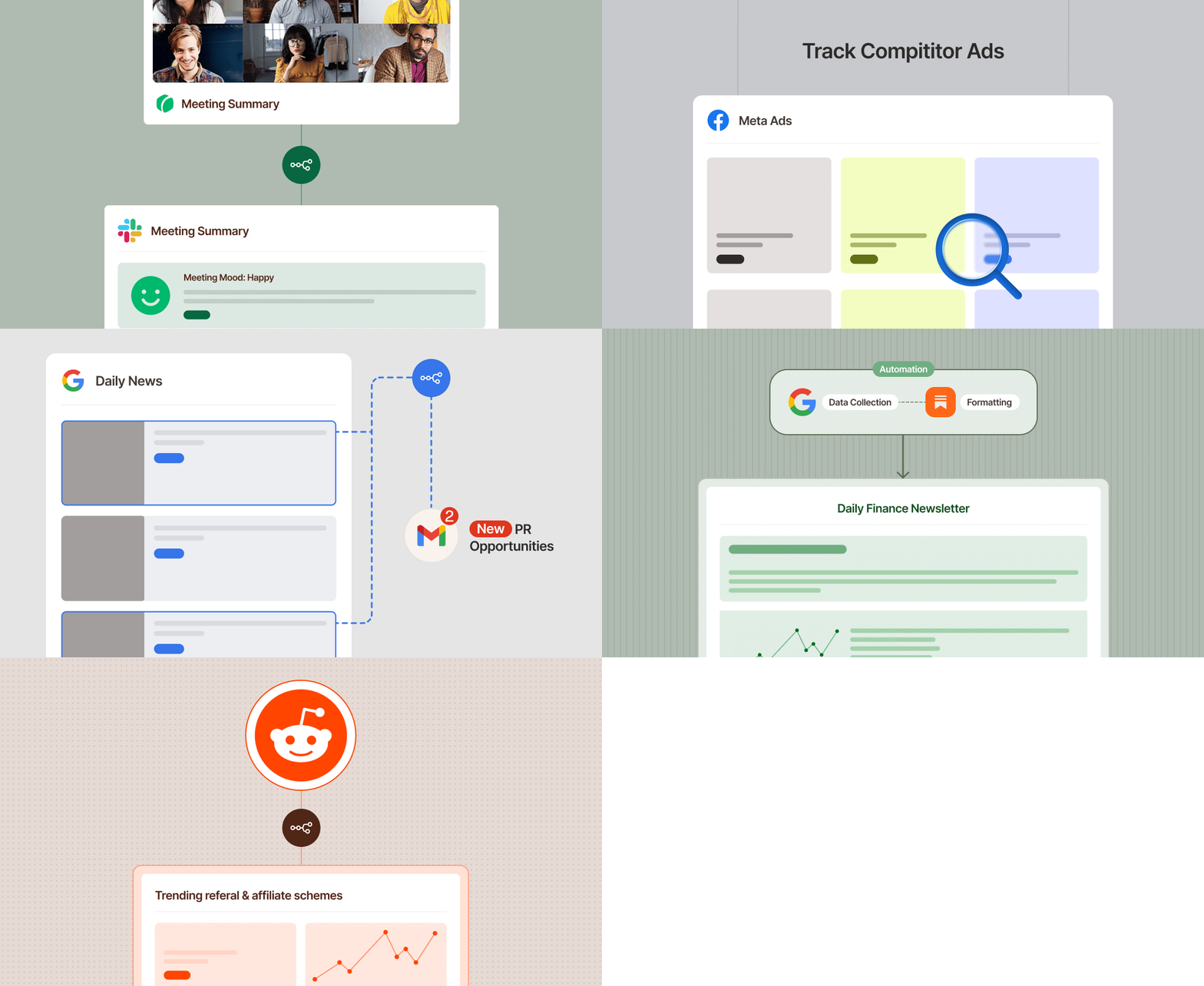
We map your workflows, identify repetitive tasks, and build Claude-powered automations using Cowork and the API. You get systems that run without you - not another tool you have to manage.
Claude API Integration
We connect Claude to your product, internal tools, or customer-facing apps through the API. Custom agents, intelligent workflows, structured outputs, built to fit how your business actually operates
Claude Code Development
We build production-grade tools, scripts, and agents using Claude Code. Whether it's automating your dev pipeline, spinning up internal tools, or building AI features into your product - we write the code, you ship the feature.
Ongoing Support & Optimization
We don't disappear after launch. Our team stays on to monitor performance, iterate on prompts, expand capabilities, and make sure your Claude implementation keeps delivering as your business grows.
Deliverables
Claude AI Development Services
From strategy to production - here's exactly what we build with our Claude experts
Claude Automation Setup
We map your workflows, identify repetitive tasks, and build Claude-powered automations using Cowork and the API. You get systems that run without you - not another tool you have to manage.
Claude API Integration
We connect Claude to your product, internal tools, or customer-facing apps through the API. Custom agents, intelligent workflows, structured outputs, built to fit how your business actually operates
Claude Code Development
We build production-grade tools, scripts, and agents using Claude Code. Whether it's automating your dev pipeline, spinning up internal tools, or building AI features into your product - we write the code, you ship the feature.
Ongoing Support & Optimization
We don't disappear after launch. Our team stays on to monitor performance, iterate on prompts, expand capabilities, and make sure your Claude implementation keeps delivering as your business grows.
Deliverables
Claude AI Development Services
From strategy to production - here's exactly what we build with our Claude experts
Claude Automation Setup
We map your workflows, identify repetitive tasks, and build Claude-powered automations using Cowork and the API. You get systems that run without you - not another tool you have to manage.
Claude API Integration
We connect Claude to your product, internal tools, or customer-facing apps through the API. Custom agents, intelligent workflows, structured outputs, built to fit how your business actually operates
Claude Code Development
We build production-grade tools, scripts, and agents using Claude Code. Whether it's automating your dev pipeline, spinning up internal tools, or building AI features into your product - we write the code, you ship the feature.
Ongoing Support & Optimization
We don't disappear after launch. Our team stays on to monitor performance, iterate on prompts, expand capabilities, and make sure your Claude implementation keeps delivering as your business grows.
CASE STUDIES
AI Products We’ve Built
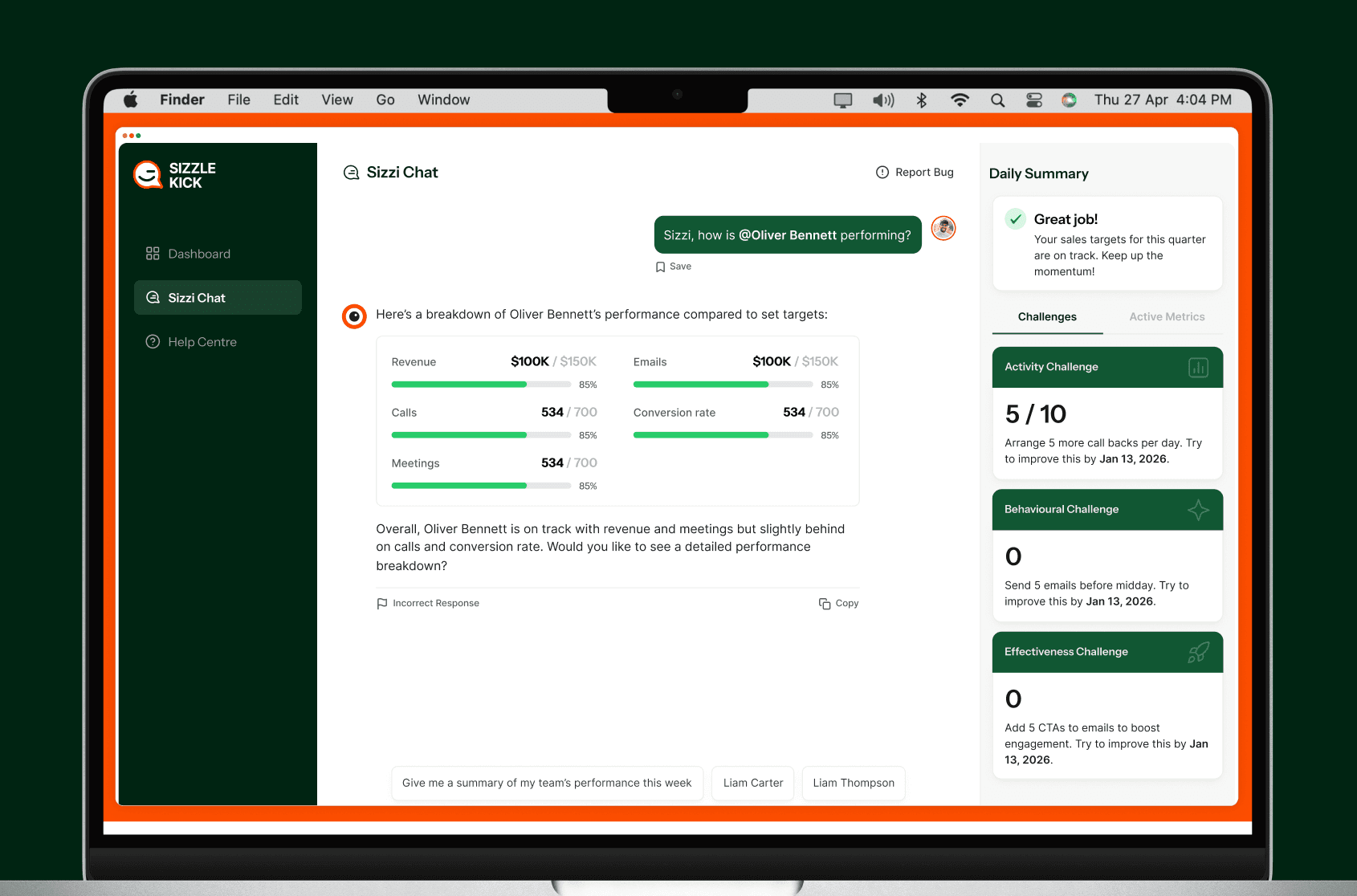
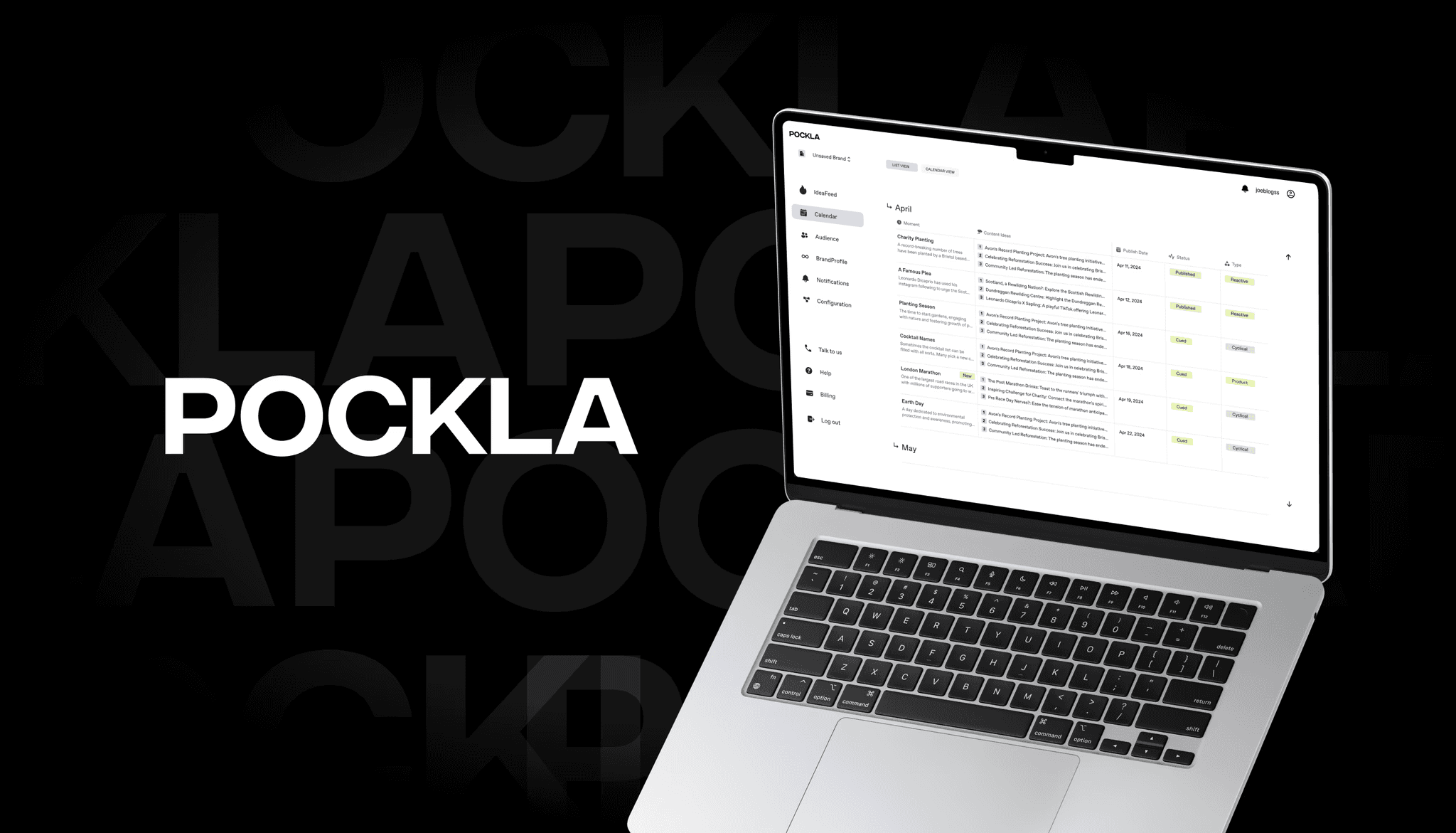
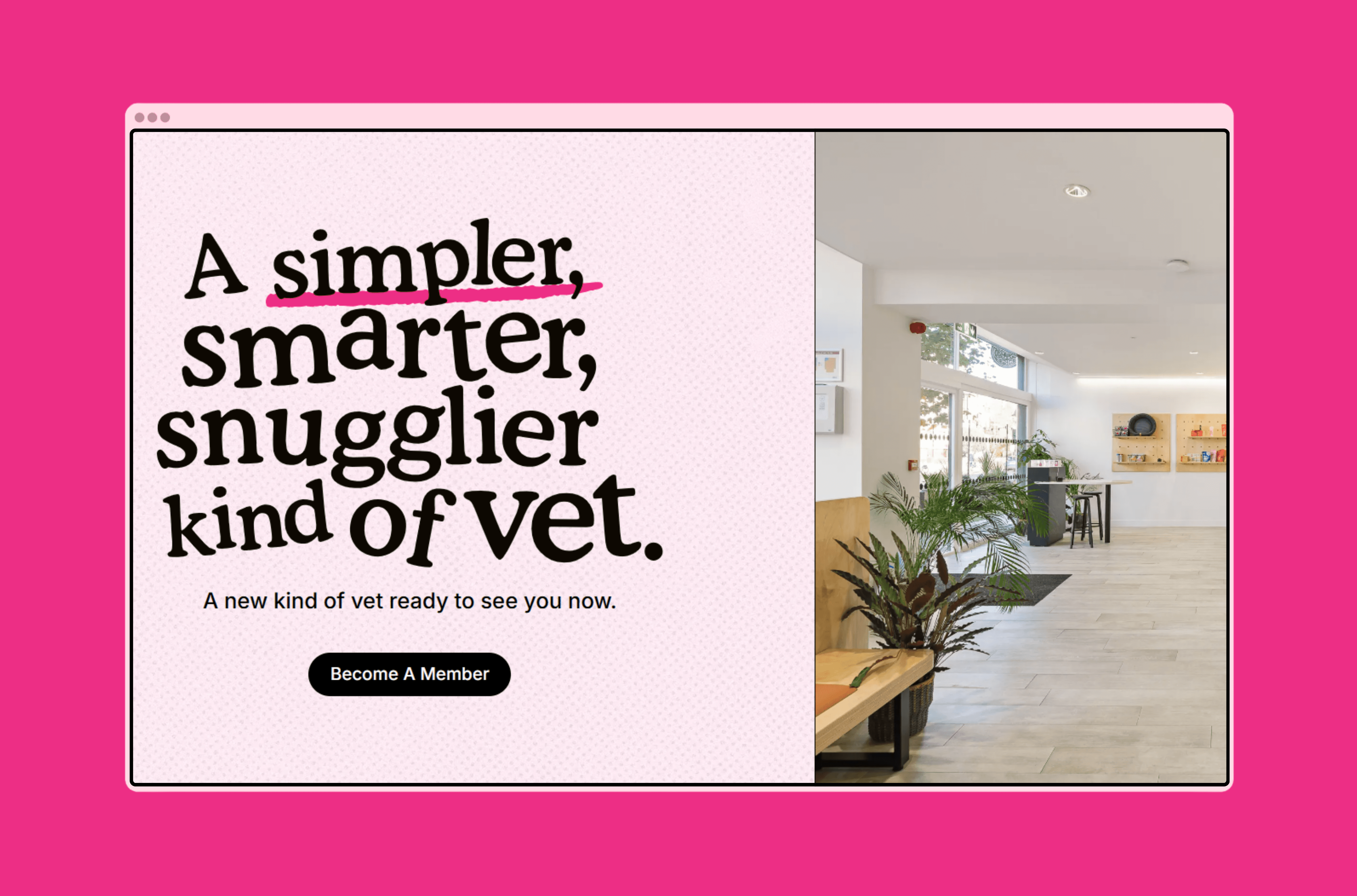
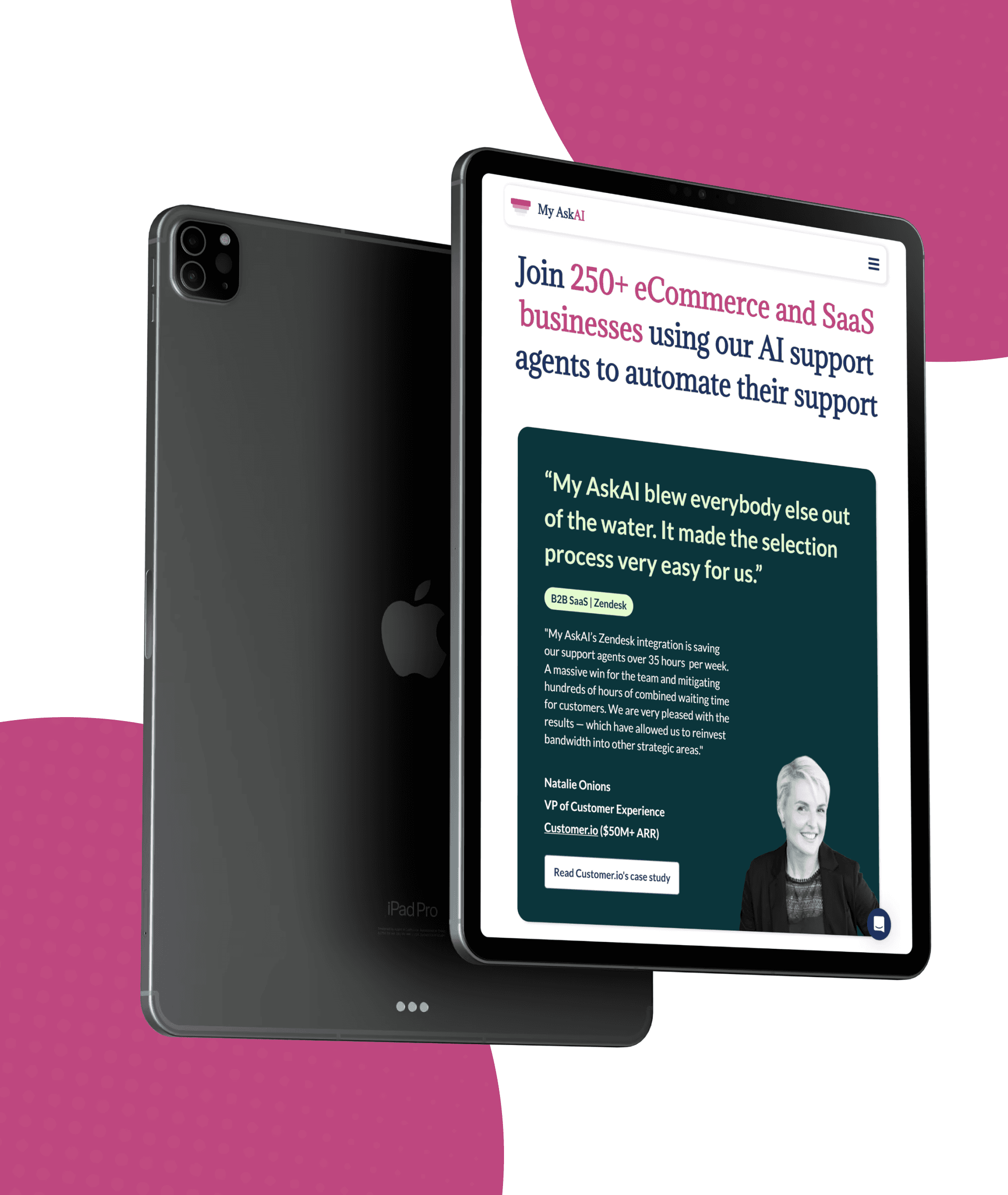
We have helped startups launch MVPs in weeks, scale-ups rebuild legacy systems, and enterprises automate operations. Here is what that looks like.


CASE STUDIES
AI Products We’ve Built
We have helped startups launch MVPs in weeks, scale-ups rebuild legacy systems, and enterprises automate operations. Here is what that looks like.
CASE STUDIES
AI Products We’ve Built
We have helped startups launch MVPs in weeks, scale-ups rebuild legacy systems, and enterprises automate operations. Here is what that looks like.
Client Stories
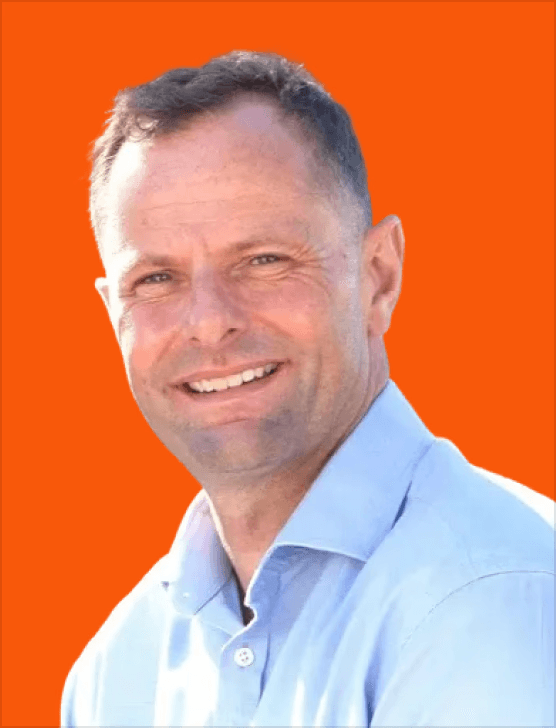
Goodspeed’s ability to think about how to do things in a better and more intelligent way is impressive. They have a new approach to development and design.
Andrew Heath
Founder, SizzleKick

They've helped us bring our vision to life and go live in an extremely compressed time schedule.
Diane Stember
Creative Director, Wisk

It was the best project management service I've experienced working with third-party developers or agencies
Alex Rainey
CEO, MyAskAI
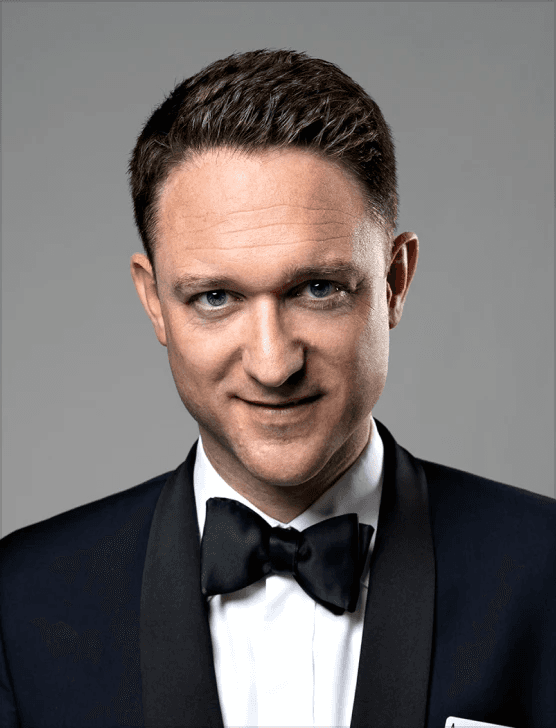
The best thing was their clear communication and the service. We also experienced that they followed up well, and there are no issues fixing things that might crop up after final payment too.
Jon Ensor
Founder, ProMagic

Goodspeed were a brilliant partner throughout the migration. They were fast, responsive, and incredibly easy to work with.
Olivier Mermet
Group Product Manager, Zen Educate

Goodspeed felt like an extension of our team. They provided daily updates via Slack and Loom, so we always knew exactly what was happening and what was coming next.
Gavin Newman
Marketing Manager, Sydecar

They didn't just do what I asked; they wanted to understand and ideate on the product.
Derrick Lewis
Founder, Nuzely

With the prior agency, we were told we couldn't do things. Goodspeed said yes to literally everything and delivered them in a quick fashion.
Davey Owens
CEO, Dwellr

Their speed and ability to produce what was needed through no code was impressive.
Eric
Founder, Bellmade

Goodspeed is very responsive. They made very good suggestions on product design, and were able to comprehend my requirements pretty quick.
Yassine Larbi
Founder, Stratverse

I'm absolutely very impressed with what Goodspeed have put together. The dashboard, the design, the layout, everything about it. It is just absolutely wonderful.
Bryan D’Antonio
Founder, Rank Authority
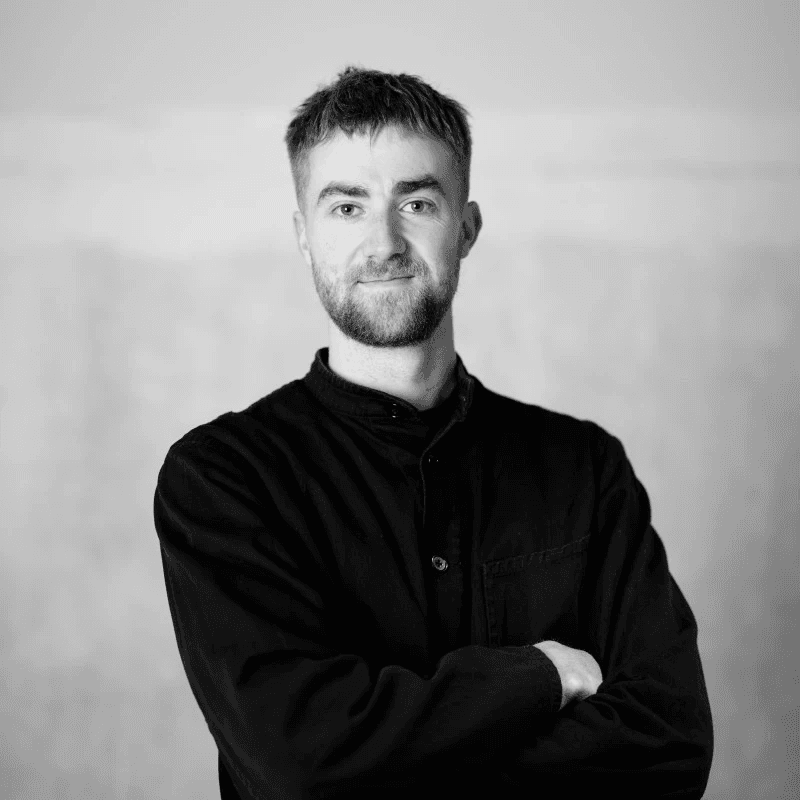
Most impressive: communication and response to requests - taking work off my plate.
Hugo Bibby
Co-Founder, Pockla
Goodspeed’s ability to think about how to do things in a better and more intelligent way is impressive. They have a new approach to development and design.
Andrew Heath
Founder, SizzleKick
They've helped us bring our vision to life and go live in an extremely compressed time schedule.
Diane Stember
Creative Director, Wisk
It was the best project management service I've experienced working with third-party developers or agencies
Alex Rainey
CEO, MyAskAI
The best thing was their clear communication and the service. We also experienced that they followed up well, and there are no issues fixing things that might crop up after final payment too.
Jon Ensor
Founder, ProMagic
Goodspeed were a brilliant partner throughout the migration. They were fast, responsive, and incredibly easy to work with.
Olivier Mermet
Group Product Manager, Zen Educate
Goodspeed felt like an extension of our team. They provided daily updates via Slack and Loom, so we always knew exactly what was happening and what was coming next.
Gavin Newman
Marketing Manager, Sydecar
They didn't just do what I asked; they wanted to understand and ideate on the product.
Derrick Lewis
Founder, Nuzely
With the prior agency, we were told we couldn't do things. Goodspeed said yes to literally everything and delivered them in a quick fashion.
Davey Owens
CEO, Dwellr
Their speed and ability to produce what was needed through no code was impressive.
Eric
Founder, Bellmade
Goodspeed is very responsive. They made very good suggestions on product design, and were able to comprehend my requirements pretty quick.
Yassine Larbi
Founder, Stratverse
I'm absolutely very impressed with what Goodspeed have put together. The dashboard, the design, the layout, everything about it. It is just absolutely wonderful.
Bryan D’Antonio
Founder, Rank Authority
Most impressive: communication and response to requests - taking work off my plate.
Hugo Bibby
Co-Founder, Pockla
Goodspeed’s ability to think about how to do things in a better and more intelligent way is impressive. They have a new approach to development and design.
Andrew Heath
Founder, SizzleKick
They've helped us bring our vision to life and go live in an extremely compressed time schedule.
Diane Stember
Creative Director, Wisk
It was the best project management service I've experienced working with third-party developers or agencies
Alex Rainey
CEO, MyAskAI
The best thing was their clear communication and the service. We also experienced that they followed up well, and there are no issues fixing things that might crop up after final payment too.
Jon Ensor
Founder, ProMagic
Goodspeed were a brilliant partner throughout the migration. They were fast, responsive, and incredibly easy to work with.
Olivier Mermet
Group Product Manager, Zen Educate
Goodspeed felt like an extension of our team. They provided daily updates via Slack and Loom, so we always knew exactly what was happening and what was coming next.
Gavin Newman
Marketing Manager, Sydecar
They didn't just do what I asked; they wanted to understand and ideate on the product.
Derrick Lewis
Founder, Nuzely
With the prior agency, we were told we couldn't do things. Goodspeed said yes to literally everything and delivered them in a quick fashion.
Davey Owens
CEO, Dwellr
Their speed and ability to produce what was needed through no code was impressive.
Eric
Founder, Bellmade
Goodspeed is very responsive. They made very good suggestions on product design, and were able to comprehend my requirements pretty quick.
Yassine Larbi
Founder, Stratverse
I'm absolutely very impressed with what Goodspeed have put together. The dashboard, the design, the layout, everything about it. It is just absolutely wonderful.
Bryan D’Antonio
Founder, Rank Authority
Most impressive: communication and response to requests - taking work off my plate.
Hugo Bibby
Co-Founder, Pockla
Goodspeed’s ability to think about how to do things in a better and more intelligent way is impressive. They have a new approach to development and design.
Andrew Heath
Founder, SizzleKick
They've helped us bring our vision to life and go live in an extremely compressed time schedule.
Diane Stember
Creative Director, Wisk
It was the best project management service I've experienced working with third-party developers or agencies
Alex Rainey
CEO, MyAskAI
The best thing was their clear communication and the service. We also experienced that they followed up well, and there are no issues fixing things that might crop up after final payment too.
Jon Ensor
Founder, ProMagic
Goodspeed were a brilliant partner throughout the migration. They were fast, responsive, and incredibly easy to work with.
Olivier Mermet
Group Product Manager, Zen Educate
Goodspeed felt like an extension of our team. They provided daily updates via Slack and Loom, so we always knew exactly what was happening and what was coming next.
Gavin Newman
Marketing Manager, Sydecar
They didn't just do what I asked; they wanted to understand and ideate on the product.
Derrick Lewis
Founder, Nuzely
With the prior agency, we were told we couldn't do things. Goodspeed said yes to literally everything and delivered them in a quick fashion.
Davey Owens
CEO, Dwellr
Their speed and ability to produce what was needed through no code was impressive.
Eric
Founder, Bellmade
Goodspeed is very responsive. They made very good suggestions on product design, and were able to comprehend my requirements pretty quick.
Yassine Larbi
Founder, Stratverse
I'm absolutely very impressed with what Goodspeed have put together. The dashboard, the design, the layout, everything about it. It is just absolutely wonderful.
Bryan D’Antonio
Founder, Rank Authority
Most impressive: communication and response to requests - taking work off my plate.
Hugo Bibby
Co-Founder, Pockla
Client Stories
Goodspeed’s ability to think about how to do things in a better and more intelligent way is impressive. They have a new approach to development and design.
Andrew Heath
Founder, SizzleKick
They've helped us bring our vision to life and go live in an extremely compressed time schedule.
Diane Stember
Creative Director, Wisk
It was the best project management service I've experienced working with third-party developers or agencies
Alex Rainey
CEO, MyAskAI
The best thing was their clear communication and the service. We also experienced that they followed up well, and there are no issues fixing things that might crop up after final payment too.
Jon Ensor
Founder, ProMagic
Goodspeed were a brilliant partner throughout the migration. They were fast, responsive, and incredibly easy to work with.
Olivier Mermet
Group Product Manager, Zen Educate
Goodspeed felt like an extension of our team. They provided daily updates via Slack and Loom, so we always knew exactly what was happening and what was coming next.
Gavin Newman
Marketing Manager, Sydecar
They didn't just do what I asked; they wanted to understand and ideate on the product.
Derrick Lewis
Founder, Nuzely
With the prior agency, we were told we couldn't do things. Goodspeed said yes to literally everything and delivered them in a quick fashion.
Davey Owens
CEO, Dwellr
Their speed and ability to produce what was needed through no code was impressive.
Eric
Founder, Bellmade
Goodspeed is very responsive. They made very good suggestions on product design, and were able to comprehend my requirements pretty quick.
Yassine Larbi
Founder, Stratverse
I'm absolutely very impressed with what Goodspeed have put together. The dashboard, the design, the layout, everything about it. It is just absolutely wonderful.
Bryan D’Antonio
Founder, Rank Authority
Most impressive: communication and response to requests - taking work off my plate.
Hugo Bibby
Co-Founder, Pockla
Goodspeed’s ability to think about how to do things in a better and more intelligent way is impressive. They have a new approach to development and design.
Andrew Heath
Founder, SizzleKick
They've helped us bring our vision to life and go live in an extremely compressed time schedule.
Diane Stember
Creative Director, Wisk
It was the best project management service I've experienced working with third-party developers or agencies
Alex Rainey
CEO, MyAskAI
The best thing was their clear communication and the service. We also experienced that they followed up well, and there are no issues fixing things that might crop up after final payment too.
Jon Ensor
Founder, ProMagic
Goodspeed were a brilliant partner throughout the migration. They were fast, responsive, and incredibly easy to work with.
Olivier Mermet
Group Product Manager, Zen Educate
Goodspeed felt like an extension of our team. They provided daily updates via Slack and Loom, so we always knew exactly what was happening and what was coming next.
Gavin Newman
Marketing Manager, Sydecar
They didn't just do what I asked; they wanted to understand and ideate on the product.
Derrick Lewis
Founder, Nuzely
With the prior agency, we were told we couldn't do things. Goodspeed said yes to literally everything and delivered them in a quick fashion.
Davey Owens
CEO, Dwellr
Their speed and ability to produce what was needed through no code was impressive.
Eric
Founder, Bellmade
Goodspeed is very responsive. They made very good suggestions on product design, and were able to comprehend my requirements pretty quick.
Yassine Larbi
Founder, Stratverse
I'm absolutely very impressed with what Goodspeed have put together. The dashboard, the design, the layout, everything about it. It is just absolutely wonderful.
Bryan D’Antonio
Founder, Rank Authority
Most impressive: communication and response to requests - taking work off my plate.
Hugo Bibby
Co-Founder, Pockla
Goodspeed’s ability to think about how to do things in a better and more intelligent way is impressive. They have a new approach to development and design.
Andrew Heath
Founder, SizzleKick
They've helped us bring our vision to life and go live in an extremely compressed time schedule.
Diane Stember
Creative Director, Wisk
It was the best project management service I've experienced working with third-party developers or agencies
Alex Rainey
CEO, MyAskAI
The best thing was their clear communication and the service. We also experienced that they followed up well, and there are no issues fixing things that might crop up after final payment too.
Jon Ensor
Founder, ProMagic
Goodspeed were a brilliant partner throughout the migration. They were fast, responsive, and incredibly easy to work with.
Olivier Mermet
Group Product Manager, Zen Educate
Goodspeed felt like an extension of our team. They provided daily updates via Slack and Loom, so we always knew exactly what was happening and what was coming next.
Gavin Newman
Marketing Manager, Sydecar
They didn't just do what I asked; they wanted to understand and ideate on the product.
Derrick Lewis
Founder, Nuzely
With the prior agency, we were told we couldn't do things. Goodspeed said yes to literally everything and delivered them in a quick fashion.
Davey Owens
CEO, Dwellr
Their speed and ability to produce what was needed through no code was impressive.
Eric
Founder, Bellmade
Goodspeed is very responsive. They made very good suggestions on product design, and were able to comprehend my requirements pretty quick.
Yassine Larbi
Founder, Stratverse
I'm absolutely very impressed with what Goodspeed have put together. The dashboard, the design, the layout, everything about it. It is just absolutely wonderful.
Bryan D’Antonio
Founder, Rank Authority
Most impressive: communication and response to requests - taking work off my plate.
Hugo Bibby
Co-Founder, Pockla
Goodspeed’s ability to think about how to do things in a better and more intelligent way is impressive. They have a new approach to development and design.
Andrew Heath
Founder, SizzleKick
They've helped us bring our vision to life and go live in an extremely compressed time schedule.
Diane Stember
Creative Director, Wisk
It was the best project management service I've experienced working with third-party developers or agencies
Alex Rainey
CEO, MyAskAI
The best thing was their clear communication and the service. We also experienced that they followed up well, and there are no issues fixing things that might crop up after final payment too.
Jon Ensor
Founder, ProMagic
Goodspeed were a brilliant partner throughout the migration. They were fast, responsive, and incredibly easy to work with.
Olivier Mermet
Group Product Manager, Zen Educate
Goodspeed felt like an extension of our team. They provided daily updates via Slack and Loom, so we always knew exactly what was happening and what was coming next.
Gavin Newman
Marketing Manager, Sydecar
They didn't just do what I asked; they wanted to understand and ideate on the product.
Derrick Lewis
Founder, Nuzely
With the prior agency, we were told we couldn't do things. Goodspeed said yes to literally everything and delivered them in a quick fashion.
Davey Owens
CEO, Dwellr
Their speed and ability to produce what was needed through no code was impressive.
Eric
Founder, Bellmade
Goodspeed is very responsive. They made very good suggestions on product design, and were able to comprehend my requirements pretty quick.
Yassine Larbi
Founder, Stratverse
I'm absolutely very impressed with what Goodspeed have put together. The dashboard, the design, the layout, everything about it. It is just absolutely wonderful.
Bryan D’Antonio
Founder, Rank Authority
Most impressive: communication and response to requests - taking work off my plate.
Hugo Bibby
Co-Founder, Pockla
Client Stories
Andrew Heath
Founder, SizzleKick
Goodspeed’s ability to think about how to do things in a better and more intelligent way is impressive. They have a new approach to development and design.
Diane Stember
Creative Director, Wisk
They've helped us bring our vision to life and go live in an extremely compressed time schedule.
Olivier Mermet
Group Product Manager, Zen Educate
Goodspeed were a brilliant partner throughout the migration. They were fast, responsive, and incredibly easy to work with.
Jon Ensor
Founder, ProMagic
The best thing was their clear communication and the service. We also experienced that they followed up well, and there are no issues fixing things that might crop up after final payment too.
Alex Rainey
CEO, MyAskAI
It was the best project management service I've experienced working with third-party developers or agencies
Davey Owens
CEO, Dwellr
With the prior agency, we were told we couldn't do things. Goodspeed said yes to literally everything and delivered them in a quick fashion.
Derrick Lewis
Founder, Nuzely
They didn't just do what I asked; they wanted to understand and ideate on the product.
Gavin Newman
Marketing Manager, Sydecar
Goodspeed felt like an extension of our team. They provided daily updates via Slack and Loom, so we always knew exactly what was happening and what was coming next.
Bryan D’Antonio
Founder, Rank Authority
I'm absolutely very impressed with what Goodspeed have put together. The dashboard, the design, the layout, everything about it. It is just absolutely wonderful.
Yassine Larbi
Founder, Stratverse
Goodspeed is very responsive. They made very good suggestions on product design, and were able to comprehend my requirements pretty quick.
Eric
Founder, Bellmade
Their speed and ability to produce what was needed through no code was impressive.
Hugo Bibby
Co-Founder, Pockla
Most impressive: communication and response to requests - taking work off my plate.
You stop talking about AI. We start shipping it.
We know you don't have time to manage another vendor. Tell us the bottleneck, we tell you the AI fix. Then we ship it, run it, and fine tune it so you can get back to your actual job.
5.0
100+
100+
AI products shipped since 2022
0x
0x
Faster than hiring in-house
10%
10%
Of clients stay past the first project
You stop talking about AI. We start shipping it.
We know you don't have time to manage another vendor. Tell us the bottleneck, we tell you the AI fix. Then we ship it, run it, and fine tune it so you can get back to your actual job.
5.0
100+
100+
AI products shipped since 2022
0x
0x
Faster than hiring in-house
10%
10%
Of clients stay past the first project
You stop talking about AI. We start shipping it.
We know you don't have time to manage another vendor. Tell us the bottleneck, we tell you the AI fix. Then we ship it, run it, and fine tune it so you can get back to your actual job.
100%
100%
Of clients stay past the first project
5x
5x
Faster than hiring in-house
100+
100+
AI products shipped since 2021
Four Steps to Launch Faster and Smarter
From "I have an idea" to "it's live" — here's how we work.

Discovery
We dig into your product vision, user needs, and business goals. You leave with a clear scope, a realistic timeline, and a plan the whole team can align on.
Design
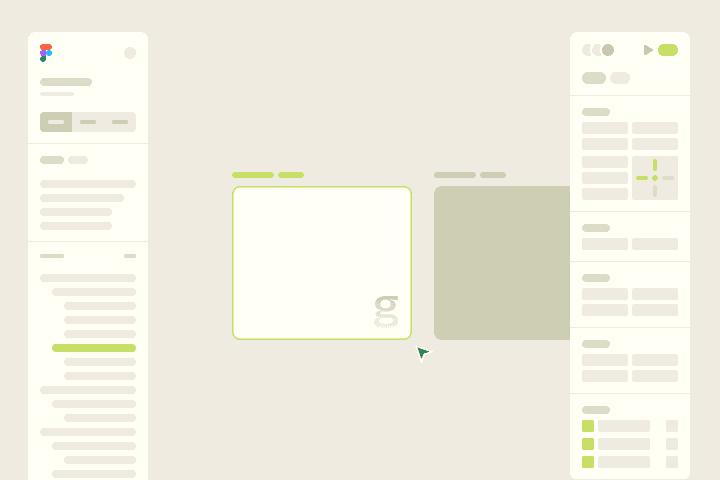
We translate your vision into clean, intuitive interfaces. Figma-first, with Claude in mind from the start, so what you see is what actually gets built.
Develop
This is where your product comes to life. We build with Claude to keep things powerful, stable, and scalable.
Delivery
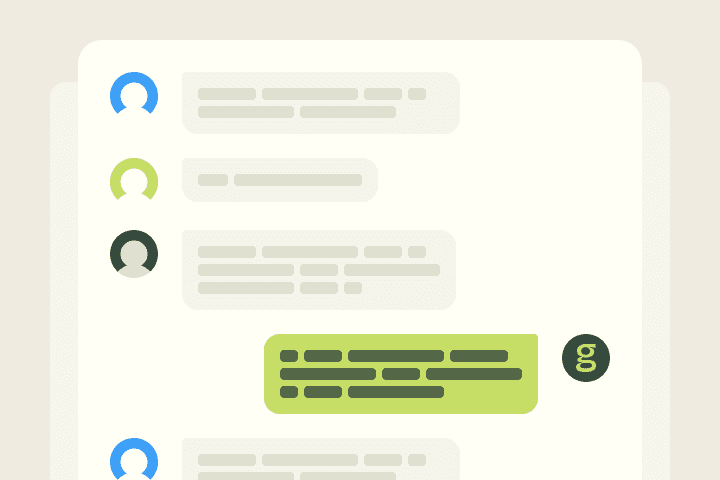
We launch your product, hand over documentation, and stay close through the first sprint post-launch to make sure everything runs smoothly in the real world.
Four Steps to Launch Faster and Smarter
From "I have an idea" to "it's live" — here's how we work.
Discovery
We dig into your product vision, user needs, and business goals. You leave with a clear scope, a realistic timeline, and a plan the whole team can align on.
Design
We translate your vision into clean, intuitive interfaces. Figma-first, with Claude in mind from the start, so what you see is what actually gets built.
Develop
This is where your product comes to life. We build with Claude to keep things powerful, stable, and scalable.
Delivery
We launch your product, hand over documentation, and stay close through the first sprint post-launch to make sure everything runs smoothly in the real world.
Four Steps to Launch Faster and Smarter
From "I have an idea" to "it's live" — here's how we work.
Discovery
We dig into your product vision, user needs, and business goals. You leave with a clear scope, a realistic timeline, and a plan the whole team can align on.
Design
We translate your vision into clean, intuitive interfaces. Figma-first, with Claude in mind from the start, so what you see is what actually gets built.
Develop
This is where your product comes to life. We build with Claude to keep things powerful, stable, and scalable.
Delivery
We launch your product, hand over documentation, and stay close through the first sprint post-launch to make sure everything runs smoothly in the real world.
Discovery
We dig into your product vision, user needs, and business goals. You leave with a clear scope, a realistic timeline, and a plan the whole team can align on.
Design
We translate your vision into clean, intuitive interfaces. Figma-first, with Claude in mind from the start, so what you see is what actually gets built.
Develop
This is where your product comes to life. We build with Claude to keep things powerful, stable, and scalable.
Delivery
We launch your product, hand over documentation, and stay close through the first sprint post-launch to make sure everything runs smoothly in the real world.
Discovery
We dig into your product vision, user needs, and business goals. You leave with a clear scope, a realistic timeline, and a plan the whole team can align on.
Design
We translate your vision into clean, intuitive interfaces. Figma-first, with Claude in mind from the start, so what you see is what actually gets built.
Develop
This is where your product comes to life. We build with Claude to keep things powerful, stable, and scalable.
Delivery
We launch your product, hand over documentation, and stay close through the first sprint post-launch to make sure everything runs smoothly in the real world.
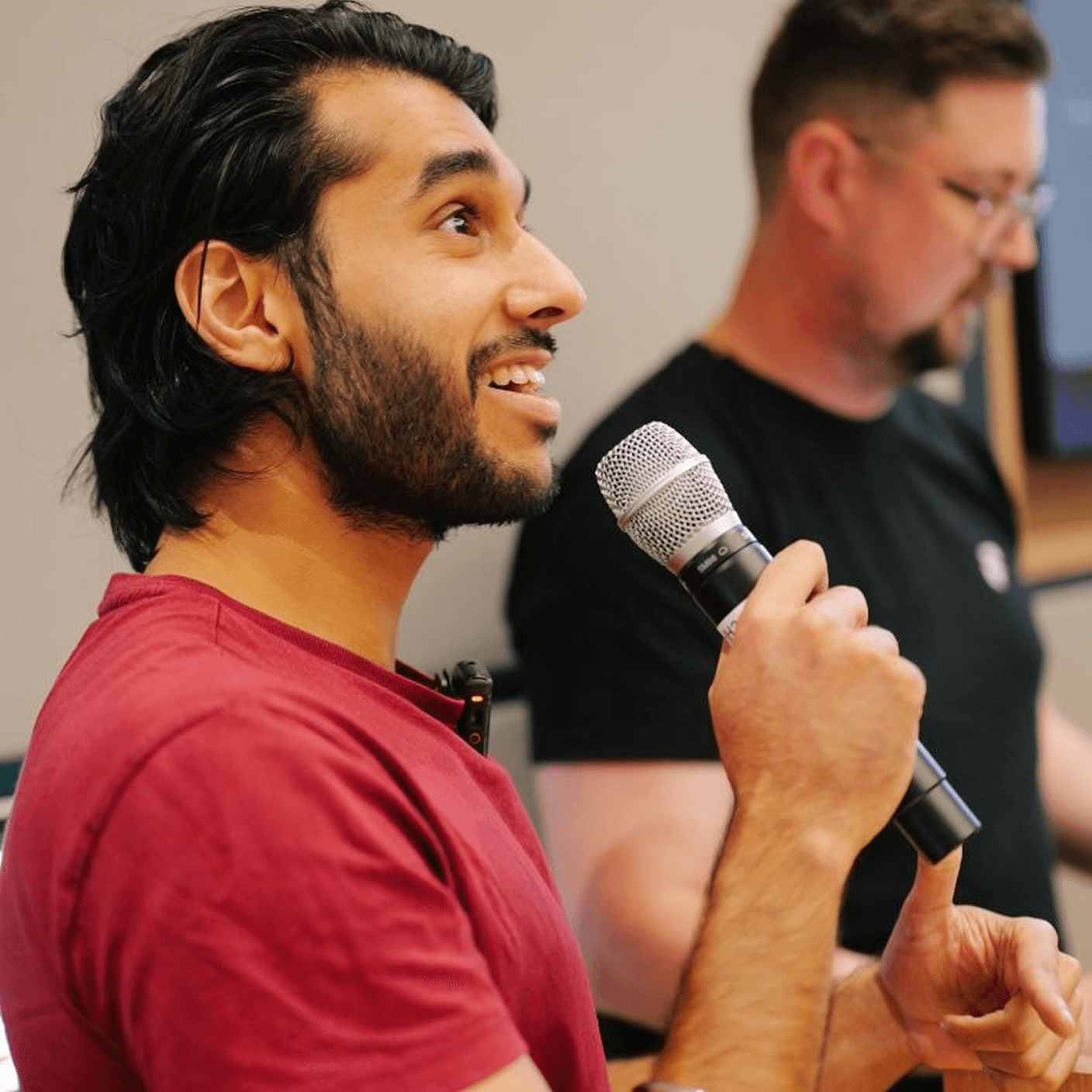
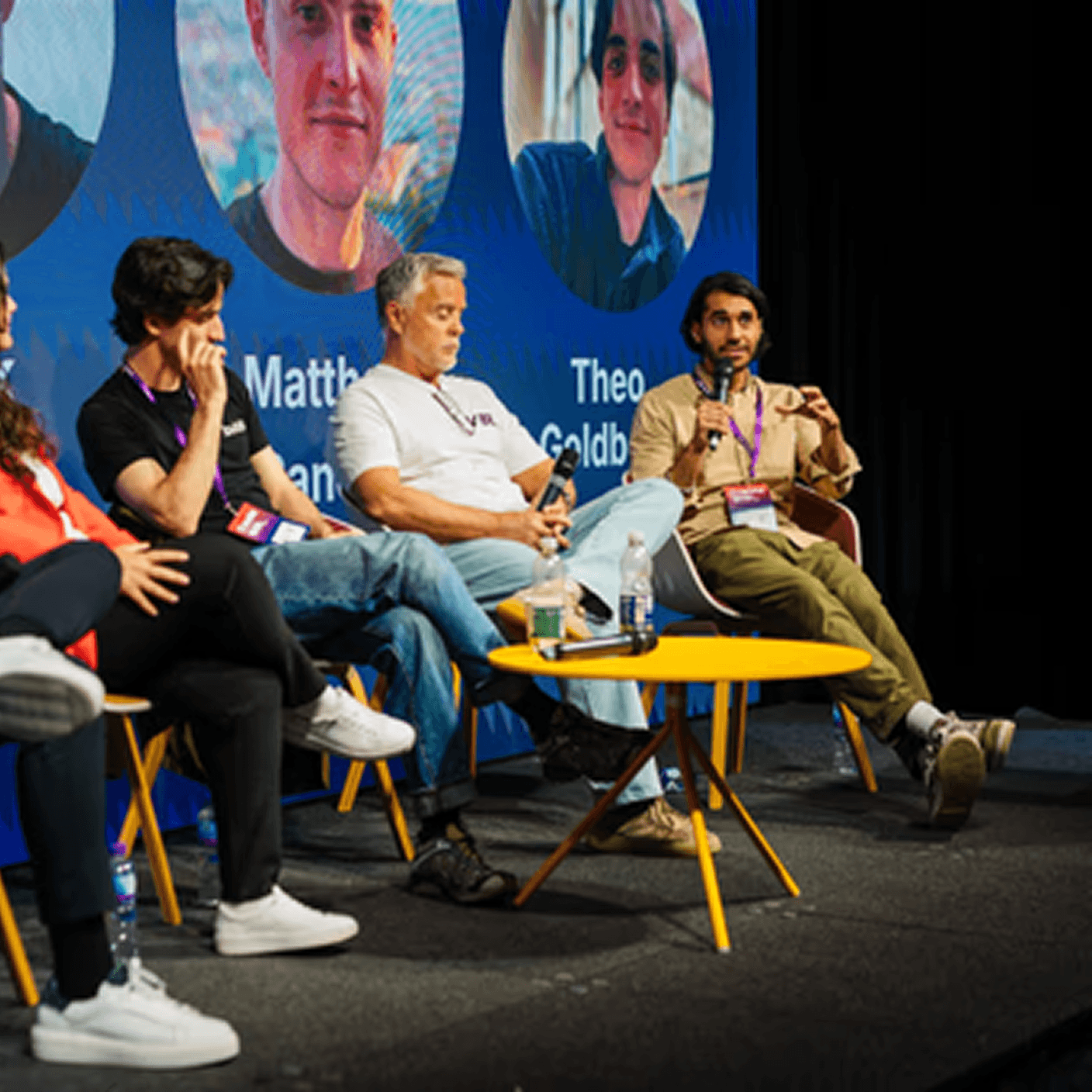
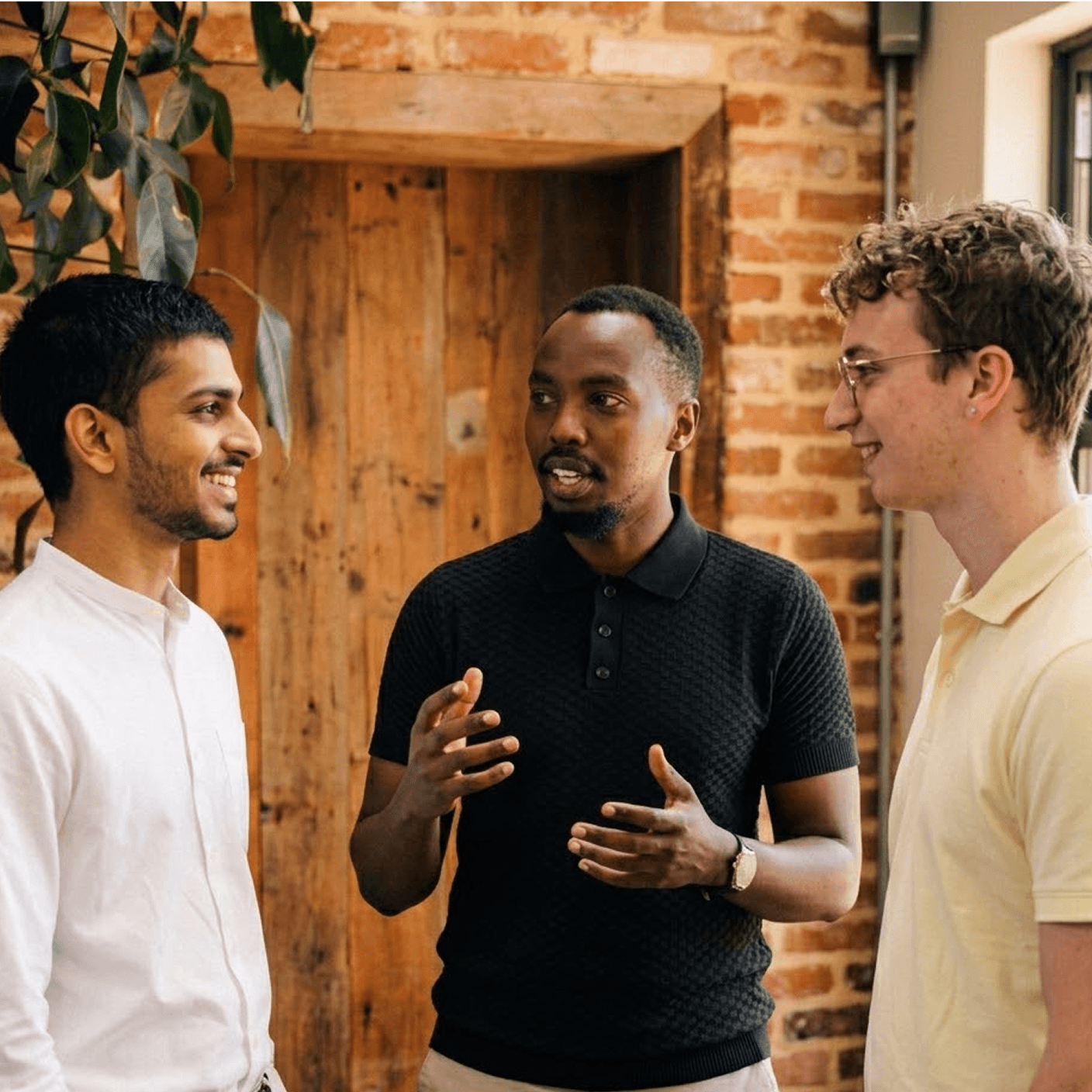
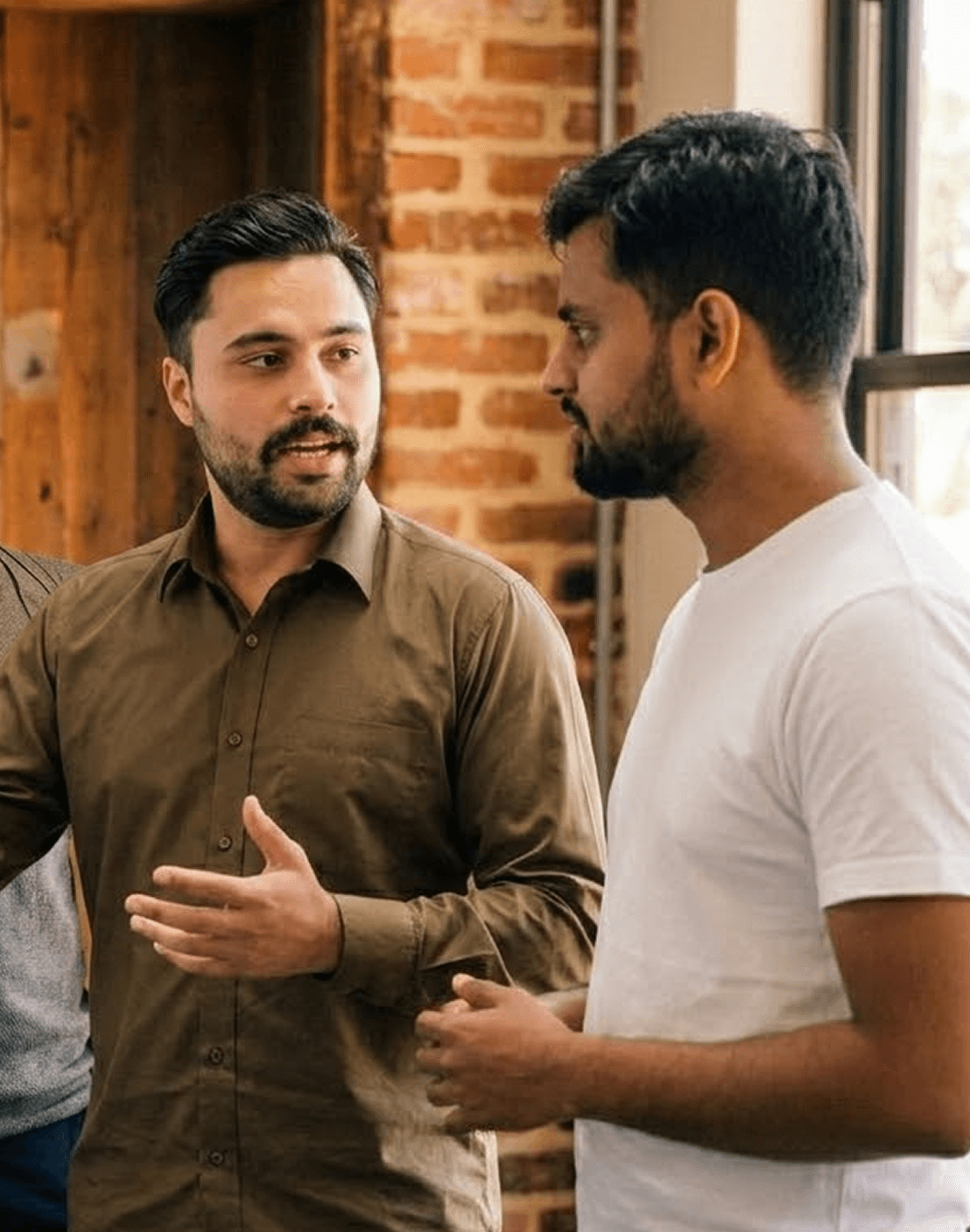
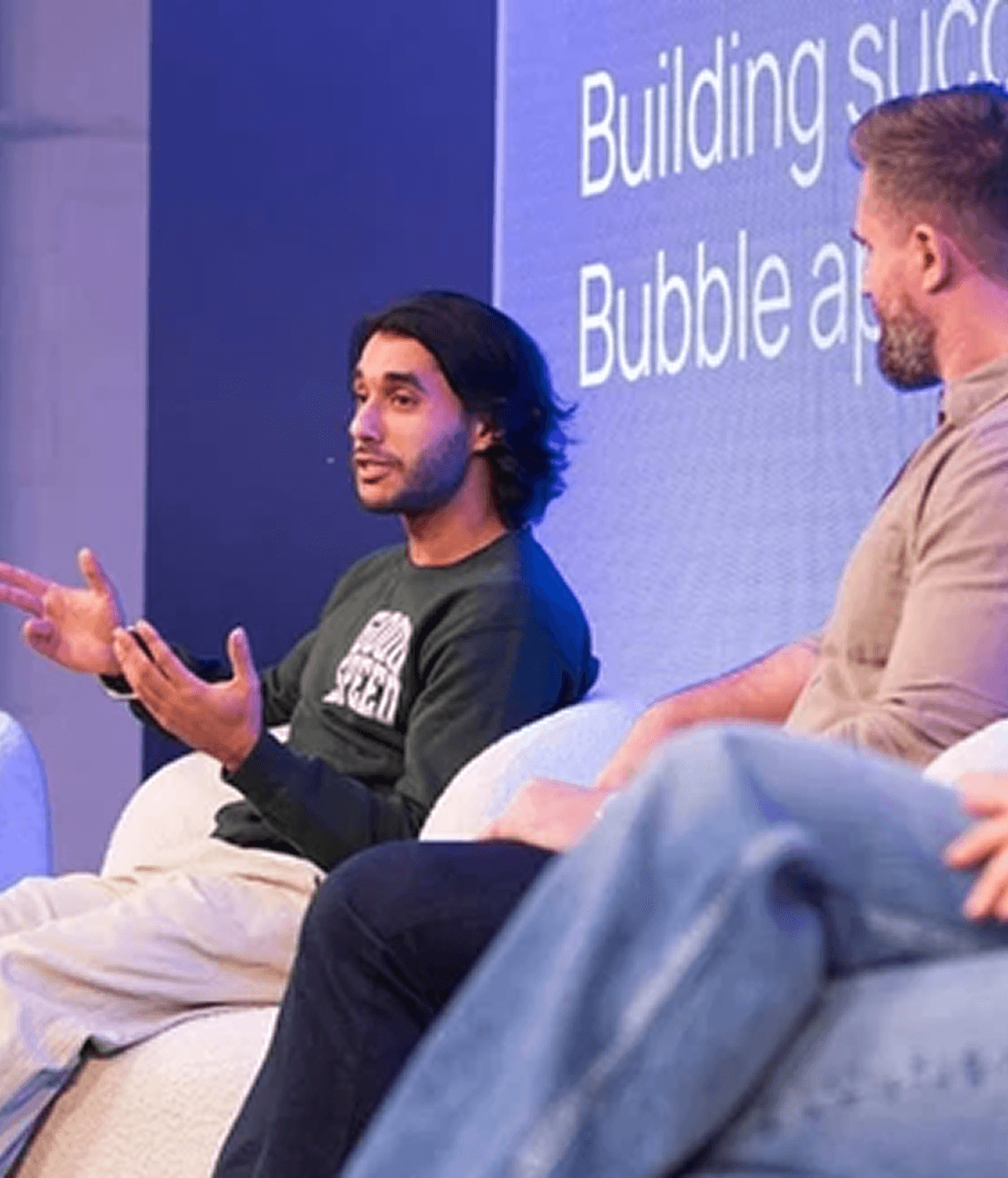
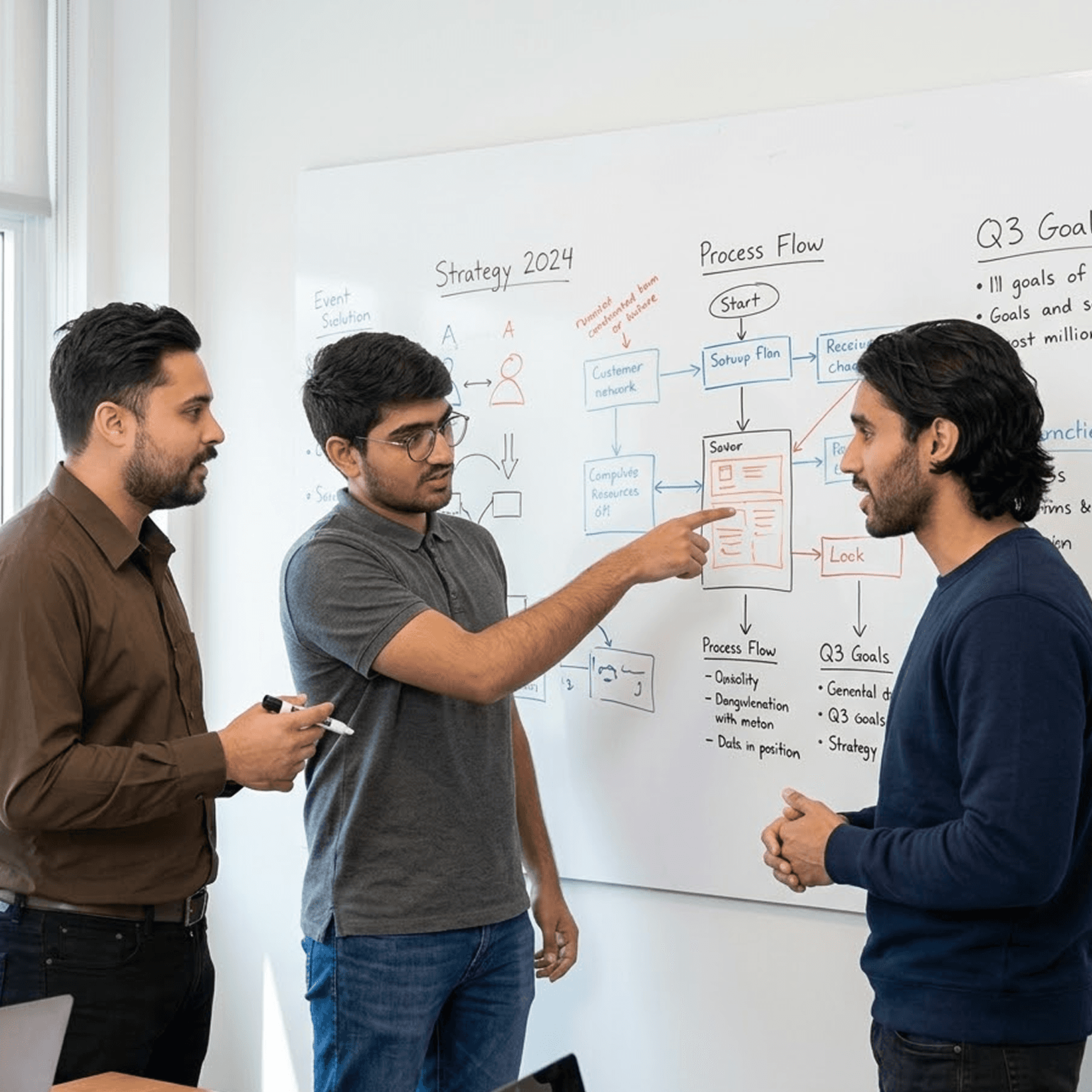
One team. Strategy through to live product.
Most AI projects break at the handoff between strategy and build. Same team plans, designs, ships, and runs.





One team. Strategy through to live product.
Most AI projects break at the handoff between strategy and build. Same team plans, designs, ships, and runs.
One team. Strategy through to live product.
Most AI projects break at the handoff between strategy and build. Same team plans, designs, ships, and runs.
Book a Free Strategy Call
A quick 20 minute call with our CEO, Harish, to see how we can help you
We've built products featured in
Book a Free Strategy Call
A quick 20 minute call with our CEO, Harish, to see how we can help you
We've built products featured in
Book a Free Strategy Call
A quick 20 minute call with our CEO, Harish, to see how we can help you
We've built products featured in
Frequently Asked Questions
What Makes Goodspeed Different From Other Agencies?
We don't just write code. We learn your domain first then build the AI product around what you know. Most agencies build what you spec. We help you figure out what to build.
How Long Does It Take to Launch?
Most AI products go from idea to live in 8-12 weeks. We start with a 2-week discovery sprint so you see progress immediately.
I've Already Built Something. Can You Improve or Rebuild It?
Yes. About half our clients come to us with an existing product that needs AI features or a full rebuild. We'll audit what you have and recommend the fastest path.
Do You Offer Post-Launch Support?
Every client gets post-launch support included. Most stay on a monthly retainer because AI products need iteration the first version is just the start.
Do You Work With Early-Stage Startups?
We work best with established businesses companies with real domain expertise, existing customers, and a clear idea of the problem they want to solve with AI.
Frequently Asked Questions
What Makes Goodspeed Different From Other Agencies?
We don't just write code. We learn your domain first then build the AI product around what you know. Most agencies build what you spec. We help you figure out what to build.
How Long Does It Take to Launch?
Most AI products go from idea to live in 8-12 weeks. We start with a 2-week discovery sprint so you see progress immediately.
I've Already Built Something. Can You Improve or Rebuild It?
Yes. About half our clients come to us with an existing product that needs AI features or a full rebuild. We'll audit what you have and recommend the fastest path.
Do You Offer Post-Launch Support?
Every client gets post-launch support included. Most stay on a monthly retainer because AI products need iteration the first version is just the start.
Do You Work With Early-Stage Startups?
We work best with established businesses companies with real domain expertise, existing customers, and a clear idea of the problem they want to solve with AI.
Frequently Asked Questions
What Makes Goodspeed Different From Other Agencies?
We don't just write code. We learn your domain first then build the AI product around what you know. Most agencies build what you spec. We help you figure out what to build.
How Long Does It Take to Launch?
Most AI products go from idea to live in 8-12 weeks. We start with a 2-week discovery sprint so you see progress immediately.
I've Already Built Something. Can You Improve or Rebuild It?
Yes. About half our clients come to us with an existing product that needs AI features or a full rebuild. We'll audit what you have and recommend the fastest path.
Do You Offer Post-Launch Support?
Every client gets post-launch support included. Most stay on a monthly retainer because AI products need iteration the first version is just the start.
Do You Work With Early-Stage Startups?
We work best with established businesses companies with real domain expertise, existing customers, and a clear idea of the problem they want to solve with AI.