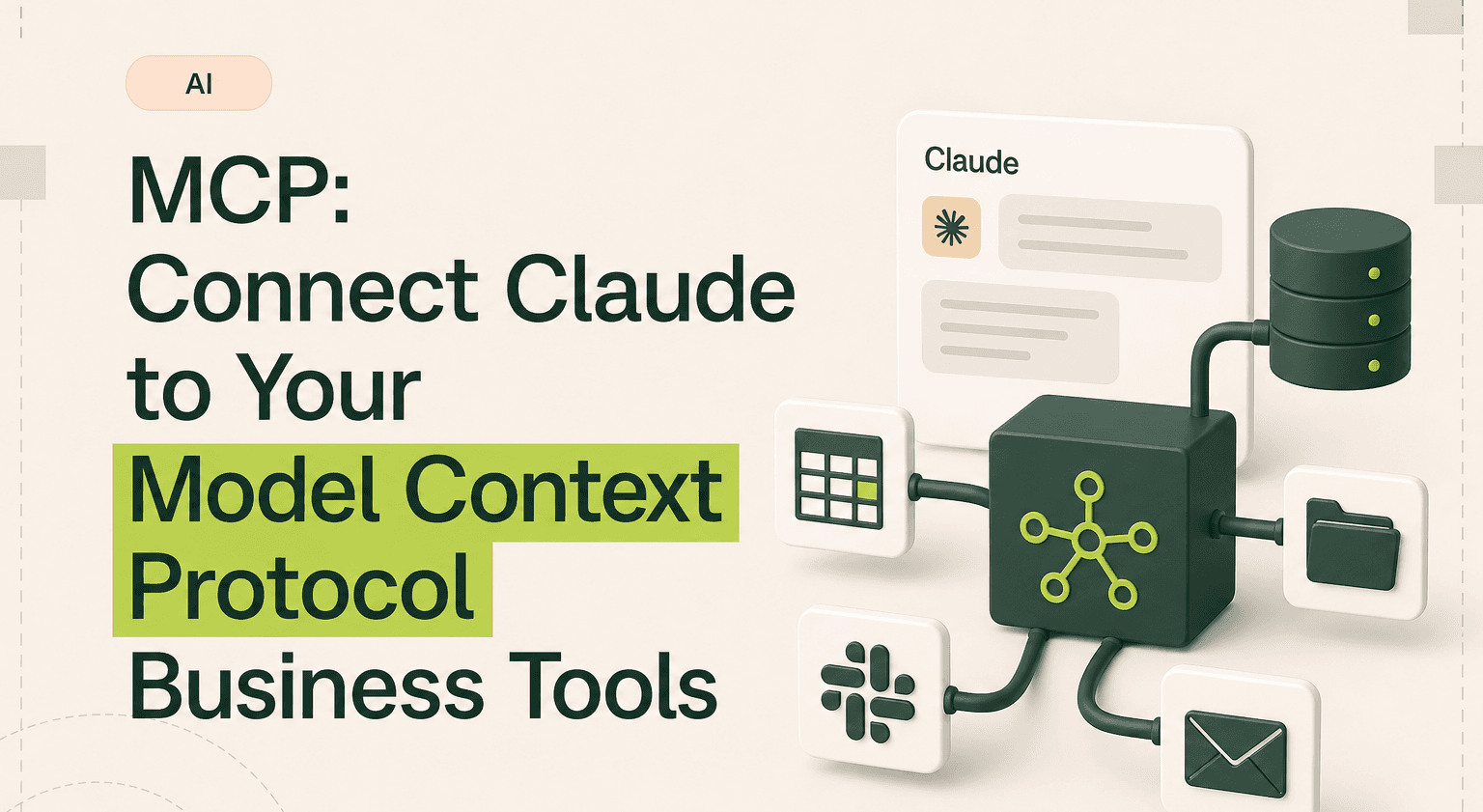
MCP is the reason Claude can do more than answer questions. It is the protocol that lets Claude read your emails, check your calendar, pull data from your CRM, and write to your project management tools. Without MCP, Claude is a smart assistant locked in a room with no phone. With MCP, it has access to everything your business runs on.
Most content about MCP is aimed at developers. This guide is for the founder or business leader who wants to understand one thing: can Claude actually connect to the tools my team uses every day, and what does it take to make that happen?
At Goodspeed, we build MCP integrations for clients. We have connected Claude to Slack, Gmail, Notion, Salesforce, HubSpot, Jira, Google Calendar, and dozens of other tools. Here is how it works, what it connects to, and what it takes to set up.
TL;DR: Turn Claude into an operational layer over your stack
Use MCP connectors so Claude can read and write across Slack, Gmail, HubSpot, Jira, Notion, and your databases without copy-paste.
Pull a board update, sales brief, or weekly report by chaining tools in one conversation through an Claude AI dev setup.
Start with off-the-shelf connectors for popular tools, then commission a custom one for internal systems through an AI products partner.
Scope permissions per connector, keep OAuth handling local, and treat MCP rollout with the same review you give any production integration.
Bring in a discovery sprint to map which workflows pay back first and which connectors need custom work.
What is MCP?
MCP stands for Model Context Protocol. It is an open standard created by Anthropic that lets AI models like Claude connect to external tools and data sources. Think of it as a universal adapter. Instead of building a custom integration for every tool, MCP provides a standard way for Claude to talk to any service that supports the protocol.
In practical terms, MCP connectors are what allow Claude to go from a conversational AI to an operational AI. Without MCP, you have to copy and paste data into Claude manually. With MCP, Claude can pull the data itself, process it, and push results back to your tools.
The protocol is open source. That means any tool can build an MCP connector, and many already have. The ecosystem is growing fast, with new connectors shipping every week.
What MCP connects to
Here are the business tools that have MCP connectors available today. This is not an exhaustive list. New connectors are launching regularly as adoption accelerates.
Communication: Slack, Gmail, Google Calendar, Microsoft Teams, Discord. Claude can read messages, search conversations, send messages, schedule meetings, and draft emails directly through these connectors.
Project management: Notion, Jira, Linear, Asana, ClickUp, Trello. Claude can read project boards, create tasks, update status, and pull project data for reporting and analysis.
CRM and sales: Salesforce, HubSpot. Claude can look up contacts, update deal stages, log activities, and analyze pipeline data. This is especially powerful for sales teams that need AI-assisted research on prospects.
Development: GitHub, GitLab, Figma. Claude can read repositories, review pull requests, access design files, and connect development workflows to the rest of the business.
Data and storage: Google Drive, Dropbox, PostgreSQL databases, APIs. Claude can read documents, search files, query databases, and access any service with an API through custom MCP connectors.
Finance and operations: Stripe, QuickBooks integrations (via custom connectors). Claude can pull transaction data, analyze revenue, and generate financial summaries.
How MCP works for businesses
The technical architecture is straightforward even if you are not a developer. MCP uses a client-server model. Claude is the client. Your business tools are the servers. The MCP connector sits between them, translating Claude's requests into the right API calls for each tool.
When you ask Claude "what meetings do I have tomorrow," the MCP connector for Google Calendar receives that request, queries the Calendar API, and returns the results to Claude. Claude then formats a natural language response. The same pattern works for any connected tool.
For businesses, the important thing is not how the protocol works technically. It is what it enables:
Claude can pull data from your tools without you copying and pasting. Ask Claude to summarize this week's sales pipeline. It pulls the data from HubSpot or Salesforce directly.
Claude can take actions in your tools. Ask Claude to create a Jira ticket for a bug you just described. It creates the ticket with the right fields, priority, and description.
Claude can work across tools in a single conversation. Ask Claude to check your calendar for free time, draft a meeting agenda based on the latest Slack discussion, and send the invite. One request, three tools, no manual steps.
Real examples of MCP in business operations
Sales teams: Before a call, ask Claude to pull the prospect's recent activity from HubSpot, check for any open support tickets in Jira, and summarize the last Slack conversation about the account. In 30 seconds, you have a complete brief that would have taken 15 minutes to assemble manually.
Operations teams: At the end of each week, ask Claude to pull task completion data from ClickUp, compare it against the sprint plan in Notion, and draft a status update for leadership. The weekly status report writes itself.
Marketing teams: Ask Claude to check the editorial calendar in Notion, pull performance data from Google Analytics, and recommend which content topics to prioritize next month based on what is performing. Strategic decisions backed by data, assembled in minutes.
Leadership: Ask Claude to pull revenue data from Stripe, pipeline data from HubSpot, and team velocity from Linear, then write a board update. What used to take an entire afternoon happens in a single conversation.
For more on how AI agents use these connections to automate complex workflows, see our guide on AI agent development.
What it takes to set up MCP
Setup complexity depends on which connectors you need and how your business tools are configured.
Simple setup (30 minutes or less): Popular tools like Slack, Gmail, Google Calendar, and Notion have pre-built MCP connectors that work with Claude's desktop application. Install the connector, authenticate with your account, and you are connected. No developer required.
Moderate setup (a few hours): Tools like Jira, HubSpot, and Salesforce may need configuration to match your specific setup: custom fields, permission scoping, and data filtering. A technically comfortable team member or a consultant can handle this.
Custom setup (days to weeks): If you need Claude connected to internal tools, custom databases, or services without existing MCP connectors, you need a development team to build custom connectors. This is where working with an AI product development partner makes sense.
According to Deloitte, 82 percent of business leaders say integrating AI with existing tools is a top priority but cite integration complexity as the biggest barrier. MCP significantly reduces that complexity, but the setup still requires intentional planning.
Security and permissions
A common concern is whether connecting Claude to business tools creates security risks. MCP is designed with security in mind.
Permission scoping: Each MCP connector can be configured with specific permissions. You control exactly what Claude can read, write, and execute in each tool. You can give Claude read-only access to your CRM and read-write access to your project management tool, for example.
Authentication: MCP connectors use the same OAuth and API key authentication that your tools already support. No new credentials or access patterns are introduced.
Data handling: Data flows through the MCP connector to Claude for processing. Anthropic's data handling policies apply. For businesses with strict data requirements, MCP connectors can run locally, keeping data within your infrastructure.
The security posture is comparable to any other tool integration your business uses. The same diligence you apply to connecting a new app to your Slack workspace applies here.
MCP makes Claude operational.
MCP is what turns Claude from a chat window into a tool that reads, writes, and acts across the systems your business already runs on.
We have shipped over 300 products on Claude, n8n, Bubble, and Framer for clients across SaaS, agencies, and operating businesses. Goodspeed is rated 5.0 on Clutch and was named Bubble Agency of the Year.
If you want to see how this looks on a real build, our case studies walk through projects step by step. If you want a partner to build with you, book a call and we will scope it together. If you are not ready for a full engagement, our Signal Sprint gives you a focused two-week diagnostic and roadmap.
No obligation, no boilerplate proposal. Just a working session with the people who will actually build it.
The teams winning right now are the ones who pick a layer and start.
Frequently asked questions
What is MCP in AI?
What tools does Claude MCP connect to?
Do I need a developer to set up MCP?
Is MCP secure for business use?
What is the difference between MCP and regular API integrations?
How much does it cost to set up MCP connectors?
Is MCP open source?
Can I build my own MCP connector?

Harish Malhi
Founder of Goodspeed
Harish Malhi is the founder of Goodspeed. He left Google in 2019 to build his own product, and started Goodspeed to give other founders the same head start. Today the studio designs and builds websites and the whole digital experience around them for funded tech companies, at the moments that matter: a raise, a launch, a press cycle. Goodspeed is a Framer Enterprise Expert, was Bubble’s Agency of the Year in 2024, and has shipped 300+ products, including launch pages for an NVIDIA-backed AI lab and a Webby-nominated site for a Boeing-backed aviation company. It holds a 5.0 rating from 46 reviews on Clutch.