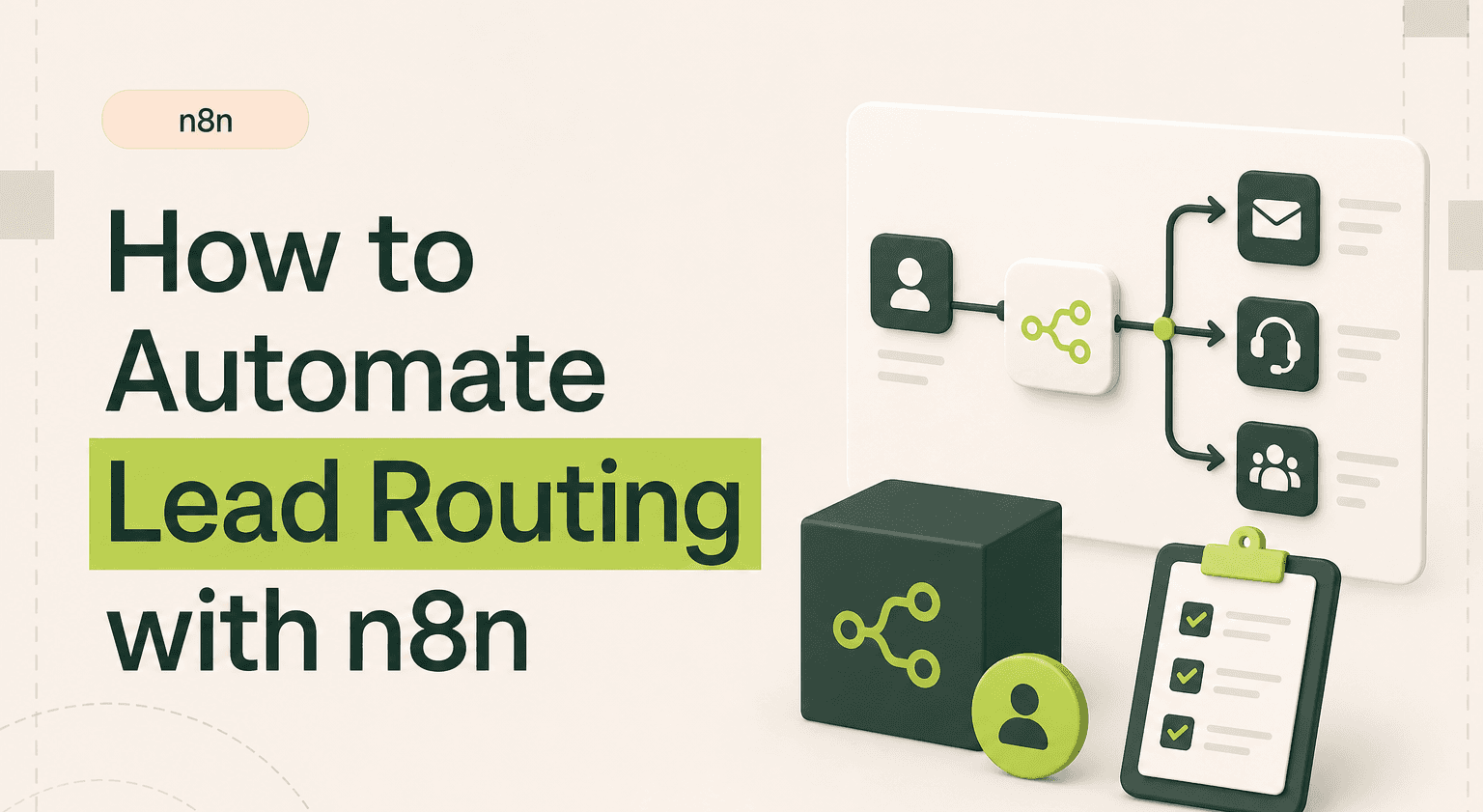
TL;DR: Route every lead in under two seconds.
Capture inbound leads from forms, chatbots, or ad platforms and assign them to the right rep instantly through a single automation flow.
Apply territory, deal size, round-robin, or product-interest logic with Switch and IF nodes mapped to a Google Sheet or Airtable base.
Enrich every lead with Clearbit or Apollo before scoring so enterprise prospects skip the SMB queue.
Save five working weeks per year on a five-rep team and capture the 21x conversion lift from sub-five-minute response.
Build a basic round-robin yourself, or hand multi-layer routing with deduplication and CRM sync to an n8n agency via contact.
Why Manual Lead Routing Costs You Deals
Research from Harvard Business Review shows that responding to a lead within five minutes makes you 21x more likely to qualify them. Yet most teams route leads manually-checking spreadsheets, pinging Slack, waiting for a manager to assign. The average response time creeps to 42 hours.
That delay kills conversion rates. It also creates uneven distribution. Top reps cherry-pick. New reps starve. Territory rules get ignored when things get busy. The result is lost revenue and a frustrated sales floor.
How n8n Lead Routing Automation Works
An n8n workflow listens for new leads from your intake sources-web forms, landing pages, chatbots, or ad platforms. When a lead arrives, the workflow evaluates it against your routing logic and pushes the assignment directly into your CRM.
The core n8n integrations involved are straightforward. A webhook or polling trigger captures the lead. A Switch node or IF node applies your routing rules. An HTTP Request node or native CRM node (HubSpot, Salesforce, Pipedrive) creates the contact and assigns the owner. A Slack or email node notifies the rep instantly.
Defining Your Routing Logic
The power of this n8n workflow is in the rules engine you build with Switch and IF nodes. Common routing criteria include:
Geographic territory. Parse the lead's country, state, or city. Route EMEA leads to your London team. US West Coast to your SF reps. This works with a simple Switch node matching against a territory map stored in a Google Sheet or Airtable base.
Deal size or company revenue. Use a data enrichment step (Clearbit, Apollo) to pull company size. Leads from companies over 500 employees go to enterprise reps. Under 50 goes to SMB. This is one of the most effective n8n use cases for sales teams scaling past founder-led selling.
Round-robin assignment. When leads don't need specialized routing, distribute them evenly. Use a counter stored in a database or Google Sheet. Each new lead increments the counter and assigns based on modulo logic. Simple. Fair. No code required beyond the n8n workflow builder.
Product interest. If your form captures which product or service the lead cares about, route to the specialist. A SaaS company with three product lines can ensure every demo request reaches someone who actually knows the product.
Realistic Time and Cost Savings
A five-person sales team manually routing 50 leads per day spends roughly 45 minutes on assignment alone. That's nearly four hours per week of pure admin. Over a year, that's 190 hours-almost five working weeks wasted on copy-paste and Slack messages.
With n8n automation, routing happens in under two seconds. Zero human time. The real savings come from faster response times. If your average deal is worth £5,000 and faster routing converts just two extra deals per month, that's £120,000 in annual revenue from a workflow that takes an afternoon to build.
n8n templates for lead routing exist in the community library. They cover the basics. But production-grade routing with enrichment, deduplication, and CRM sync typically needs customization.
Handling Edge Cases
Good routing workflows account for failure. What if a rep is on holiday? Add a fallback node that checks availability in your calendar tool and reassigns. What if the lead already exists in your CRM? Add a deduplication check before creating a new contact. What if enrichment data is missing? Default to round-robin instead of letting the lead sit.
These edge cases are where n8n workflow examples from templates fall short. Real businesses have messy data and complex org structures. A well-built workflow handles the 95% case and gracefully manages the rest.
Connecting Form Tools as Lead Sources
n8n lead routing isn't limited to your CRM's native forms. Common form sources to wire in: Typeform (webhook trigger), Webflow forms (HTTP request node), Framer forms (webhook), Calendly bookings (Calendly node), Tally and Paperform (webhooks). For each source, n8n captures the submission, optionally enriches the data via Clearbit or Apollo, then routes to the right rep based on company size, region, or product interest.
This pattern closes the "lead-to-CRM gap", the silent revenue leak where leads land in a form provider but never make it into your sales team's pipeline because the integration is manual or broken. With n8n in the middle, every form submission has a deterministic path to the right person within seconds, and you can see every step of that path in the execution log when something goes wrong.
When to Bring In an Agency
If your routing rules are simple-round-robin across three reps-you can build this yourself in an afternoon. But if you need multi-layer routing with enrichment, deduplication, territory mapping, and CRM sync across multiple pipelines, the complexity adds up fast. An n8n agency can build, test, and maintain the workflow so your team focuses on selling, not debugging automation.
Route Leads Without Lifting a Finger
Automated lead routing turns a bottleneck into a competitive advantage. Every lead gets the right rep in seconds, not hours.
Goodspeed builds production-ready n8n lead routing workflows for sales teams that need speed and reliability. Talk to our n8n agency about your routing requirements.

Harish Malhi
Founder of Goodspeed
Harish Malhi is the founder of Goodspeed, one of the top-rated Bubble agencies globally and winner of Bubble’s Agency of the Year award in 2024. He left Google to launch his first app, Diaspo, built entirely on Bubble, which gained press coverage from the BBC, ITV and more. Since then, he has helped ship over 200 products using Bubble, Framer, n8n and more - from internal tools to full-scale SaaS platforms. Harish now leads a team that helps founders and operators replace clunky workflows with fast, flexible software without writing a line of code.
Frequently Asked Questions (FAQs)
How does lead routing work in n8n?
n8n captures leads via webhooks or form integrations, evaluates them against routing rules using Switch and IF nodes, then assigns them to the correct sales rep in your CRM. The entire process runs automatically in seconds.
Can n8n route leads based on company size?
Yes. You can add a data enrichment step using Clearbit or Apollo within your n8n workflow. The enriched company data feeds into routing logic that assigns leads to SMB, mid-market, or enterprise reps automatically.
What CRMs does n8n integrate with for lead routing?
n8n has native integrations with HubSpot, Salesforce, Pipedrive, Zoho, and Close. For other CRMs, the HTTP Request node connects to any system with an API. This makes n8n one of the most flexible tools for CRM-based lead routing.
How do I set up round-robin lead assignment in n8n?
Store a counter in Google Sheets or a database. Each time a lead arrives, the n8n workflow reads the counter, assigns the lead to the next rep in the rotation using modulo logic, then increments the counter. No code needed beyond the visual workflow builder.
Is n8n better than Zapier for lead routing?
n8n offers more complex branching logic, self-hosting options, and no per-task pricing-making it significantly cheaper at scale. For lead routing with multiple conditions and high volume, n8n is typically the better choice.
How fast does n8n route leads compared to manual assignment?
An n8n workflow routes leads in one to three seconds from the moment they're submitted. Manual routing averages 30 minutes to several hours depending on team availability. That speed difference directly impacts conversion rates.


