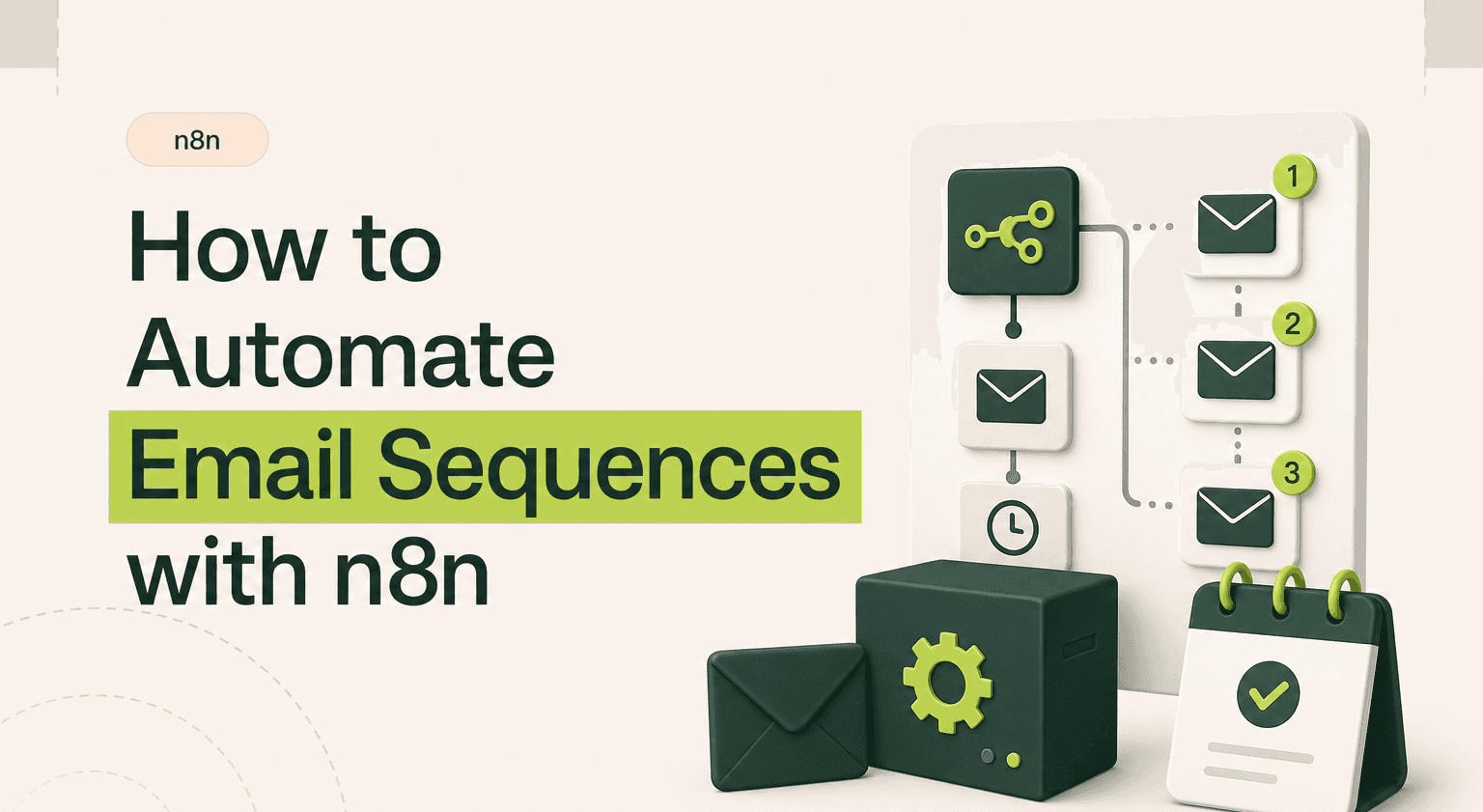
Most email sequence tools charge per contact and lock you into rigid templates. Meanwhile your leads go cold because follow-ups slip through the cracks.
n8n lets you build custom email sequences that trigger from any event, personalize at every step, and cost almost nothing to run.
TL;DR: Drop the per-contact pricing tax.
Trigger drip campaigns from CRM events, form submissions, or app webhooks using a single automation orchestrator.
Branch every email step on live data like support tickets, product usage, or payment status, not just opens and clicks.
Send through SendGrid, Gmail, Mailgun, or any SMTP provider you choose so you control deliverability and cost.
Replace a $250 per month ActiveCampaign bill with a $15 SendGrid plan and a self-hosted instance from an n8n agency.
Reach out via contact when sequences drive real revenue and broken emails mean lost deals.
The Problem with Email Sequence Tools
Mailchimp, ActiveCampaign, HubSpot sequences. They all do the same thing: charge you more as your list grows. At 10,000 contacts you are paying hundreds per month for what amounts to a series of timed sends.
Worse, these tools live in silos. Your CRM knows something your email tool does not. Your support desk flags a complaint but the drip campaign keeps firing. The result is tone-deaf emails that damage trust instead of building it.
n8n automation solves this by letting you orchestrate email sequences across every system you already use. No per-contact pricing. No vendor lock-in.
Which Tools Connect and How
A typical n8n email sequence workflow connects three layers:
Trigger source, a CRM like HubSpot or Pipedrive, a form submission via Typeform or Webflow, or a webhook from your app.
Logic layer, n8n nodes that check conditions, add delays, branch based on recipient behaviour, and pull personalisation data from your database or spreadsheet.
Send layer, Gmail, SendGrid, Mailgun, Amazon SES, or any SMTP provider. You pick what fits your volume and budget.
n8n integrations make connecting these layers straightforward. The platform has built-in nodes for over 400 services, so you rarely need custom API calls.
How the Workflow Logic Works
Here is a real n8n workflow example for a five-email onboarding sequence:
Trigger: New contact created in HubSpot (or a webhook fires from your signup form).
Enrich: Pull company data from Clearbit or your own database. Set merge fields like first name, company, and plan type.
Send Email 1: Welcome email via SendGrid. Log the send timestamp back to the CRM.
Wait node: Pause for 48 hours.
Check engagement: Query SendGrid to see if Email 1 was opened. If yes, send Email 2A (the engaged path). If no, send Email 2B (the re-engagement path).
Repeat: Continue branching through Emails 3-5 with wait nodes and conditional checks between each.
Exit conditions: If the contact replies, books a call, or unsubscribes at any point, an IF node removes them from the sequence and updates the CRM.
The key advantage over traditional tools is that every decision point can query live data from any source. You are not limited to opens and clicks. You can branch based on support tickets, product usage, payment status, or anything else exposed via an API.
What You Save
A SaaS company running 15,000 contacts through ActiveCampaign pays roughly $250/month. The same sequences in n8n cost the SendGrid free tier (100 emails/day) or about $15/month on their basic plan. The n8n instance itself runs on a $5-10/month VPS or the free self-hosted tier.
Time savings matter more. Manually sending follow-ups or juggling multiple tools typically burns 5-8 hours per week for a growing sales team. An n8n workflow handles it in the background. That is 20-30 hours per month redirected to actual selling.
Because n8n templates exist for common email patterns, you do not start from scratch. Clone a template, swap in your credentials, adjust the copy, and you are live.
When to Hire an Agency
Simple linear sequences are easy to build yourself. The complexity climbs when you need multi-branch logic, dynamic content pulled from several sources, robust error handling, and deliverability best practices like warm-up schedules and bounce management.
If your sequences drive real revenue and a broken email means lost deals, it is worth having experts build and monitor the workflow. An agency also helps you avoid common n8n use cases pitfalls like hitting rate limits, missing webhook retries, or creating infinite loops in branching logic.
Start Automating Your Email Sequences
Related guides:
n8n Outlook automation guide
Map out your current sequence. Identify the trigger, the decision points, and the tools involved. Then build the n8n workflow one node at a time. Start with a two-email sequence, test it thoroughly, and expand from there. Once the foundation works, scaling to complex multi-branch campaigns is just adding nodes.
Ship Sequences That Convert
Email sequences should run on your terms, not your vendor's pricing page. Goodspeed builds n8n email automation workflows that connect your entire stack and scale without ballooning costs. Talk to our n8n agency and get your sequences running properly.
Frequently asked questions
Can n8n send automated email sequences?
How much does n8n email automation cost compared to Mailchimp?
Can n8n email sequences branch based on recipient behaviour?
What triggers can start an n8n email sequence?
Is n8n better than ActiveCampaign for email automation?
How do I stop an n8n email sequence when someone replies?

Harish Malhi
Founder of Goodspeed
Harish Malhi is the founder of Goodspeed. He left Google in 2019 to build his own product, and started Goodspeed to give other founders the same head start. Today the studio designs and builds websites and the whole digital experience around them for funded tech companies, at the moments that matter: a raise, a launch, a press cycle. Goodspeed is a Framer Enterprise Expert, was Bubble’s Agency of the Year in 2024, and has shipped 300+ products, including launch pages for an NVIDIA-backed AI lab and a Webby-nominated site for a Boeing-backed aviation company. It holds a 5.0 rating from 46 reviews on Clutch.