WhatsApp is where your customers actually read messages. Open rates crush email. Response times are faster. But automating WhatsApp beyond basic blasts requires real workflow logic.
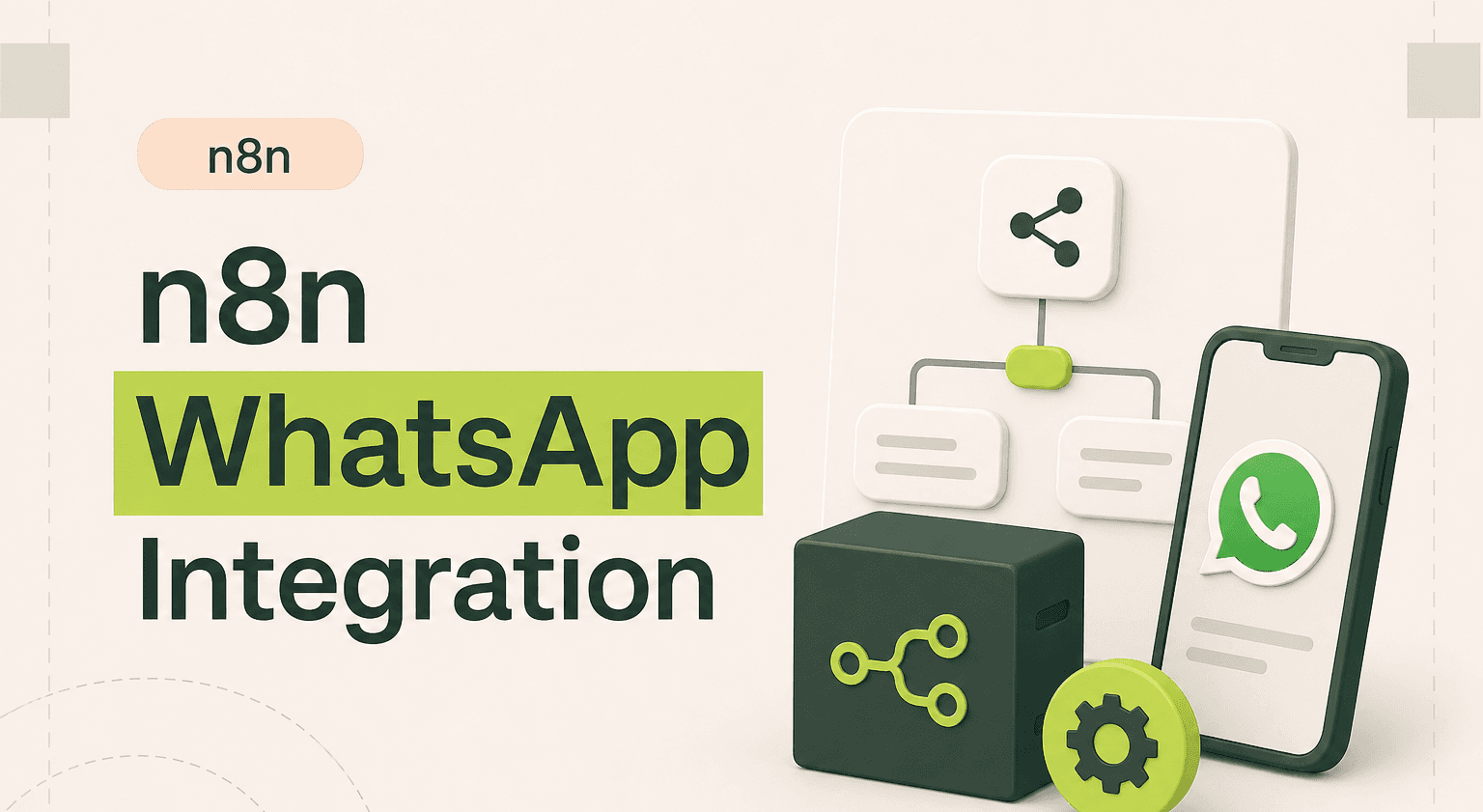
The n8n WhatsApp integration connects the WhatsApp Business API to your entire stack, CRM, databases, support tools, and more, through visual workflows.
TL;DR: Reach customers on WhatsApp through visual workflows triggered by real business events
Connect the WhatsApp Business API to your CRM, database, and support stack using an n8n agency setup instead of standalone marketing blasts
Fire order confirmations, shipping updates, and appointment reminders the moment events hit your e-commerce or booking system
Build two-way conversations with branching logic that qualifies leads and updates CRM records from inbound replies
Plan ahead for Meta template approvals, opt-in compliance, and the 24-hour messaging window before going live
Bring in automation specialists for conversational flows that scale, and pair with broader AI product work
What the n8n WhatsApp Integration Does
The n8n WhatsApp integration connects to the WhatsApp Business API through Meta's Cloud API. You can send template messages, respond to incoming messages, and build conversational workflows, all triggered by events in your other business tools.
This matters because WhatsApp has over 2 billion users, and in many markets it's the primary communication channel. Businesses that automate WhatsApp messaging see higher engagement than any other channel. But the WhatsApp Business API is complex to work with directly. n8n automation abstracts that complexity into visual workflows.
Unlike standalone WhatsApp marketing tools, n8n integrations let you connect WhatsApp to your CRM, database, and support tools. Messages are triggered by real business events, not batch schedules, which makes them timely and relevant.
3 Workflow Examples That Actually Work
1. Order Confirmation and Shipping Updates
Trigger: A webhook fires from your e-commerce platform when an order is placed. n8n picks up the order details, formats a WhatsApp template message with the order number, items, and estimated delivery date, and sends it to the customer's phone number via the WhatsApp Business API. When the shipping status changes, another workflow sends a tracking update. Customers get instant updates on the channel they prefer.
2. Lead Qualification via WhatsApp
Trigger: A new lead submits a form on your website. n8n creates the contact in your CRM and sends an initial WhatsApp template message introducing your services. When the lead replies, n8n receives the incoming message, uses branching logic to ask qualifying questions, and updates the CRM lead score based on responses. Qualified leads get routed to the sales team with full conversation context.
3. Appointment Reminders With Confirmation
Trigger: A cron job runs daily and queries your booking system for appointments happening tomorrow. n8n sends a WhatsApp message to each customer with the appointment time and a "Confirm" or "Reschedule" prompt. When the customer replies, n8n processes the response, confirming the booking or flagging it for rescheduling in your calendar system. No-show rates drop, and the admin staff spend zero time making reminder calls.
How to Set It Up
You need a Meta Business account, a WhatsApp Business API setup through Meta's Cloud API, and an approved phone number. In Meta's Business Manager, you'll generate an access token and configure your webhook settings to point to n8n for incoming messages.
In n8n, you configure the WhatsApp node with your access token and phone number ID. For sending, you use pre-approved message templates (required by WhatsApp's policy for business-initiated messages). For incoming messages, an n8n webhook receives events from Meta's webhook system.
The Meta Business API setup is the most involved part. Once that's done, building n8n workflows around WhatsApp is fast. Message template approval can take 24-48 hours, so plan templates ahead.
When to DIY vs Hire an Agency
Sending a single template message, like an order confirmation, is doable as a DIY project. The n8n WhatsApp node handles outbound template messages cleanly, and there are n8n workflow examples in the community for basic patterns.
Hire an agency for conversational flows, multi-step messaging sequences, and workflows that manage the 24-hour messaging window rules. The WhatsApp Business API has strict policies around message types, template approvals, and opt-in requirements. Getting these wrong can get your number banned. You also want professional help for two-way conversation handling where n8n processes incoming messages and branches to different responses based on content.
WhatsApp automation at scale, managing thousands of conversations with CRM sync, handoff to human agents, and compliance tracking, is where an experienced n8n automation team saves you weeks of trial and error.
Reach Customers Where They Are
Related guides:
n8n Twilio integration guide
build an AI customer support agent with n8n
n8n Telegram integration guide
WhatsApp isn't just another messaging app, it's the primary channel in many markets. With the n8n WhatsApp integration, you can automate customer communication on the channel with the highest engagement rates. Every n8n integration you connect to WhatsApp makes your messaging more timely, more personal, and less dependent on manual effort.
Automate WhatsApp Business Messaging
WhatsApp automation requires getting the API setup, template approvals, and compliance right. Goodspeed handles the complexity so you get reliable, policy-compliant WhatsApp workflows.
Work with our n8n agency to launch your WhatsApp automation.
Frequently asked questions
Can n8n send WhatsApp messages automatically?
Do I need the WhatsApp Business API to use n8n with WhatsApp?
Can n8n receive and respond to incoming WhatsApp messages?
What are WhatsApp message templates and why do I need them?
Can I connect WhatsApp to my CRM through n8n?
Is WhatsApp automation through n8n GDPR compliant?

Harish Malhi
Founder of Goodspeed
Harish Malhi is the founder of Goodspeed. He left Google in 2019 to build his own product, and started Goodspeed to give other founders the same head start. Today the studio designs and builds websites and the whole digital experience around them for funded tech companies, at the moments that matter: a raise, a launch, a press cycle. Goodspeed is a Framer Enterprise Expert, was Bubble’s Agency of the Year in 2024, and has shipped 300+ products, including launch pages for an NVIDIA-backed AI lab and a Webby-nominated site for a Boeing-backed aviation company. It holds a 5.0 rating from 46 reviews on Clutch.