Your inbox runs your business. But manually sorting, forwarding, and replying to emails burns hours every week.
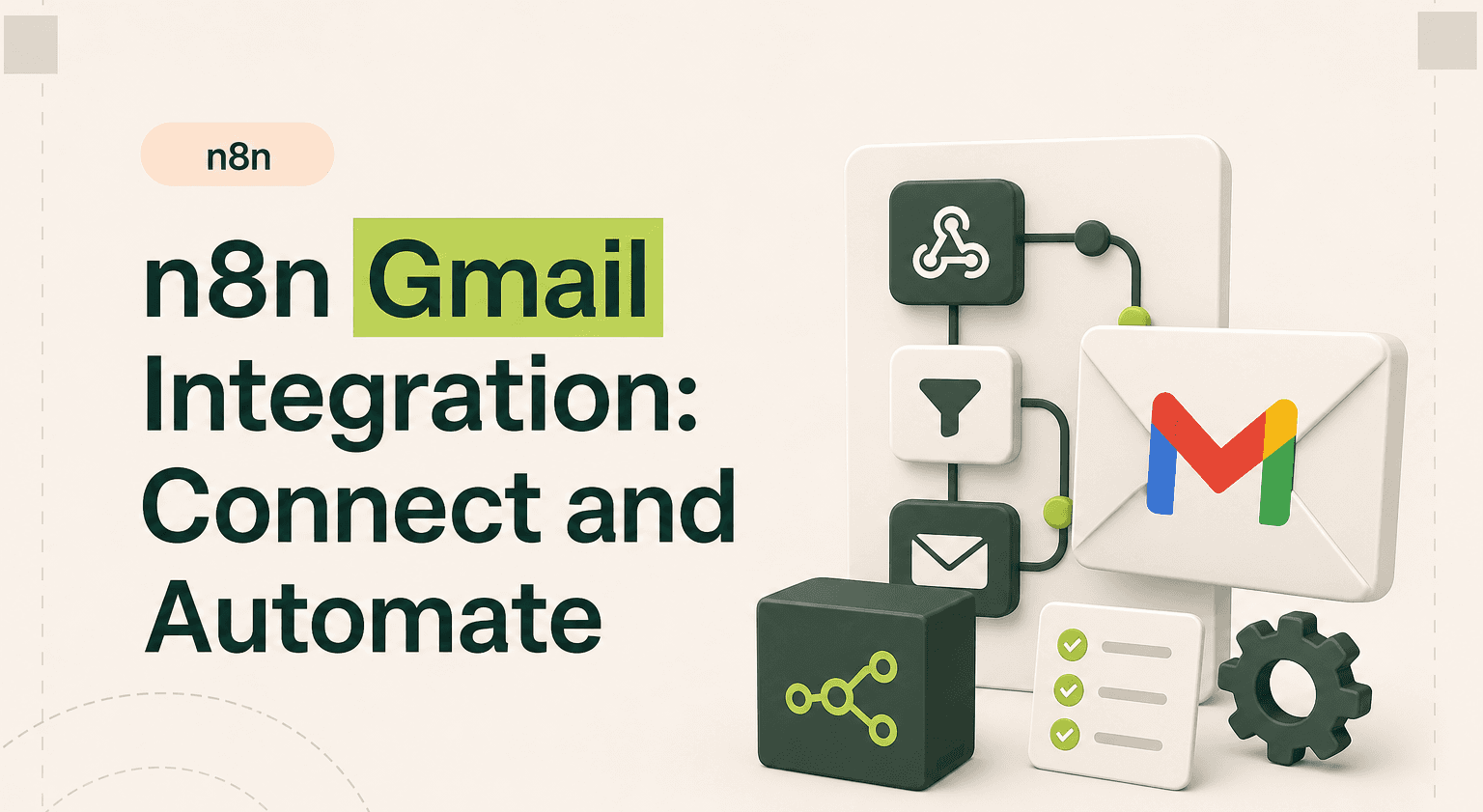
The n8n Gmail integration turns your inbox into an automation engine-triggering workflows from incoming messages, sending templated replies, and syncing data across your entire stack.
TL;DR: Make your inbox an automation engine.
Watch Gmail for new messages and trigger CRM updates, Slack alerts, or auto-replies through a single automation workflow.
Parse PDF invoices straight from email, log them to Airtable, and notify finance without copy and paste between tools.
Compile a weekly digest of starred emails on a cron schedule and ship it to leadership Friday afternoon.
Configure Google OAuth credentials once, then reuse them across every Gmail trigger and action node in your n8n agency stack.
For multi-step pipelines that connect Gmail to your CRM, billing, and project management with retry logic, talk to specialists via contact.
What the n8n Gmail Integration Does
The n8n Gmail integration connects your Google email account to any workflow. It can read, send, draft, label, and delete emails. It can also watch for new messages in real time and trigger downstream actions automatically.
This matters because email is still the backbone of business communication. Lead inquiries, order confirmations, support requests, invoices-they all flow through Gmail. Without automation, your team copies data between tabs, forgets follow-ups, and wastes time on repetitive replies.
With n8n workflow automation, Gmail becomes a data source and an action endpoint. Incoming emails trigger CRM updates. Outgoing emails fire automatically when a deal closes. Labels get applied based on content. Attachments route to cloud storage. All without touching your inbox.
Three Gmail Workflow Examples
1. Lead Capture From Inbound Emails
Trigger: new email arrives in Gmail matching a specific label or sender domain. Action: n8n parses the sender name, email address, and message body. It creates a new contact in HubSpot, posts a summary to a Slack channel, and sends an auto-reply confirming receipt. This n8n workflow example eliminates the gap between inquiry and response.
2. Invoice Processing Pipeline
Trigger: email arrives with a PDF attachment containing "invoice" in the subject line. Action: n8n downloads the attachment, extracts key data using a document parser, logs the invoice amount and vendor in Airtable, and sends a Slack notification to the finance team. No manual data entry. No missed invoices.
3. Weekly Digest Automation
Trigger: scheduled cron node fires every Friday at 4 PM. Action: n8n queries Gmail for all starred emails from the past week, compiles them into a formatted HTML summary, and sends the digest to the team lead. This is a practical n8n use case for anyone drowning in email volume.
How Setup Works
Connecting Gmail to n8n requires Google OAuth2 credentials. You create a project in Google Cloud Console, enable the Gmail API, and generate OAuth client credentials. In n8n, you add these credentials and authorize access to your Gmail account.
Once connected, you can use the Gmail Trigger node to watch for new emails or the Gmail node to send, reply, and manage messages. Filters let you target specific labels, senders, or subject patterns. The integration supports both personal Gmail and Google Workspace accounts.
n8n templates for Gmail workflows are available in the community library, giving you a head start on common patterns like lead routing and notification pipelines.
When to DIY vs Hire an Agency
Simple Gmail automations-auto-replies, label-based forwarding, basic notifications-are straightforward to build yourself. The n8n interface is visual and the Gmail nodes are well-documented.
But multi-step workflows with error handling, conditional logic, and multiple integrations get complex fast. If you need Gmail connected to your CRM, project management tool, and billing system with proper retry logic and data validation, an experienced n8n agency saves weeks of trial and error.
Consider the cost of a broken automation forwarding sensitive emails to the wrong place. Production-grade workflows need testing, monitoring, and maintenance.
Start Automating Gmail
Related guides:
automate email sequences with n8n
automate onboarding sequences with n8n
Gmail automation with n8n removes the manual work between your inbox and your business tools. Whether you are routing leads, processing documents, or sending scheduled updates, n8n integrations make it possible without writing code. If you need a production-ready setup, talk to a team that builds these daily.
Automate Gmail With Confidence
Stop treating your inbox as a to-do list. n8n Gmail automation puts your email on autopilot so your team focuses on real work.
Goodspeed builds production-grade n8n workflows for teams that need reliability. Talk to our n8n agency and get your Gmail automation running this week.
Frequently asked questions
Can n8n read and send Gmail emails automatically?
Is the n8n Gmail integration free to use?
What workflows can I automate with n8n and Gmail?
Does n8n Gmail integration work with Google Workspace?
How do I connect Gmail to n8n?
Can n8n filter Gmail emails by label or sender?

Harish Malhi
Founder of Goodspeed
Harish Malhi is the founder of Goodspeed. He left Google in 2019 to build his own product, and started Goodspeed to give other founders the same head start. Today the studio designs and builds websites and the whole digital experience around them for funded tech companies, at the moments that matter: a raise, a launch, a press cycle. Goodspeed is a Framer Enterprise Expert, was Bubble’s Agency of the Year in 2024, and has shipped 300+ products, including launch pages for an NVIDIA-backed AI lab and a Webby-nominated site for a Boeing-backed aviation company. It holds a 5.0 rating from 46 reviews on Clutch.