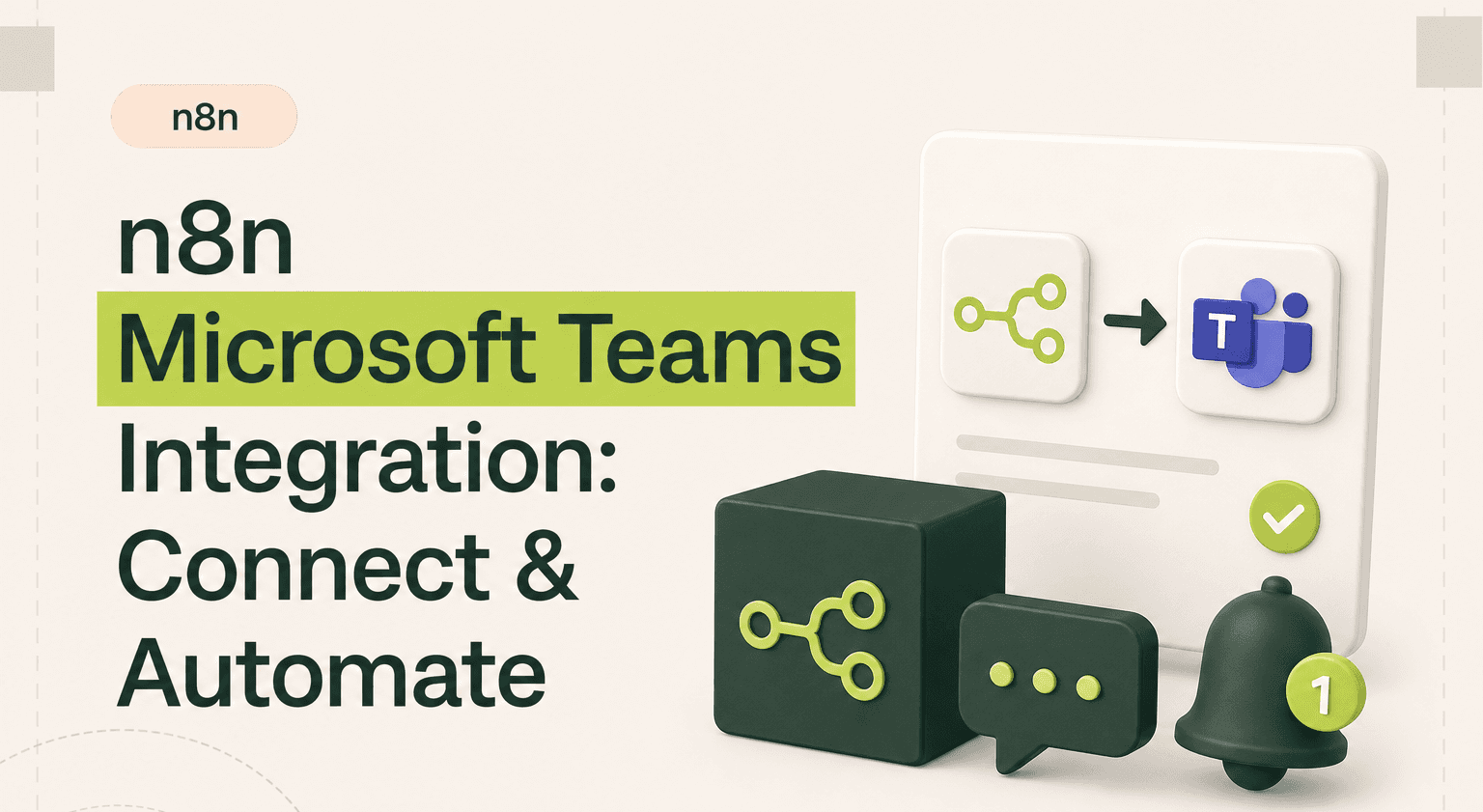
Microsoft Teams is the communication layer for millions of organizations. But without automation, it becomes a wall of noise.
The n8n Microsoft Teams integration turns Teams into an actionable notification hub, connected to your CRM, project tools, databases, and anything with an API.
TL;DR: n8n + Microsoft Teams in 2026
What this integration unlocks: turn Microsoft Teams from a chat tool into an automation hub where CRM, monitoring, and project data lands in the right channel automatically
Typical use cases: HubSpot or Pipedrive deal alerts to a sales channel, server-monitoring notifications enriched with runbook links, and daily ClickUp project digests
Setup uses Microsoft's Graph API via Azure AD app registration with ChannelMessage.Send and Chat.ReadWrite scopes. Adaptive Cards, interactive buttons, and multi-tenant flows need an automation specialist
For Microsoft-stack organizations, this often anchors a wider n8n implementation connecting Outlook, SharePoint, and Dynamics 365 alongside Teams
This guide walks through the Azure AD setup, three production-ready patterns, and the Graph API quirks worth knowing. For broader builds, see our AI products work
What the n8n Microsoft Teams Integration Does
The n8n Microsoft Teams integration lets you send messages, create channels, and respond to events inside Teams - all driven by automated workflows. You can push structured notifications from any data source directly into the right Teams channel without manual forwarding.
This matters because Teams is where decisions happen for Microsoft-stack organizations. When critical data from your CRM, monitoring tools, or databases lands in the right channel at the right time, teams act faster. When it doesn't, things slip through the cracks.
n8n integrations with Teams go beyond simple notifications. You can build interactive workflows that pull data on demand, format rich Adaptive Cards, and route messages based on content, urgency, or department.
3 Workflow Examples That Actually Work
1. CRM Deal Alerts to Sales Channel
Trigger: A deal in HubSpot or Pipedrive moves to "Negotiation" stage. n8n catches the CRM webhook, pulls the deal value, contact info, and recent activity, then posts a formatted summary to the #sales-wins Teams channel. The sales manager sees the update instantly without logging into the CRM.
2. Server Monitoring Alerts With Context
Trigger: An uptime monitoring tool (like UptimeRobot or Datadog) sends a webhook when a service goes down. n8n enriches the alert by querying your infrastructure database for the affected service owner, recent deployment history, and linked runbook URL. It posts an actionable alert to the #ops-incidents Teams channel with everything needed to start troubleshooting.
3. Daily Project Digest From ClickUp
Trigger: A cron schedule fires every morning at 9 AM. n8n queries ClickUp for tasks due today, overdue tasks, and tasks completed yesterday. It groups everything by project, formats it into a clean summary, and posts it to the relevant Teams channel. Project managers start their day with a clear picture.
How to Set It Up
The n8n Microsoft Teams integration uses Microsoft's Graph API under the hood. You'll need to register an app in Azure Active Directory, grant it the right permissions (like ChannelMessage.Send and Chat.ReadWrite), and create credentials in n8n with the client ID and secret.
Once authenticated, the Teams node in n8n gives you access to channels, chats, and messages. You can target specific teams and channels by name or ID. For incoming triggers, you'll set up webhooks or use polling to watch for new messages or events.
The Azure AD setup is the most involved part. If your organization has strict admin policies, you may need IT to approve the app registration. After that, building workflows is fast.
When to DIY vs Hire an Agency
Simple notification workflows - like posting alerts to a channel - are easy to build yourself. n8n templates cover many common Teams n8n use cases, and the node interface is intuitive enough for non-developers.
Hire an agency when you need Adaptive Cards with rich formatting, interactive buttons, or workflows that span multiple Teams tenants. The Microsoft Graph API has quirks around permissions, token refresh, and rate limits that can burn hours if you're not familiar with the platform.
Organizations running Teams as their primary communication tool usually need five to ten automated workflows to get real value. Building them all reliably - with error handling and logging - is where professional help accelerates the timeline.
Turn Teams Into an Automation Hub
Related guides:
n8n Slack integration guide
n8n Outlook automation guide
build approval workflows with n8n
Microsoft Teams doesn't have to be a passive chat tool. With the right n8n workflow automations feeding it data from your CRM, project management, and monitoring tools, it becomes the place where your team gets the right information without asking for it. Every n8n integration you add to Teams reduces one more manual update someone was doing by hand.
Automate Microsoft Teams Today
Your team already lives in Microsoft Teams. Make it smarter with automated workflows that deliver the right data at the right time. Goodspeed builds production-ready n8n automations for Teams-first organizations.
Get started with our n8n agency team.
Frequently asked questions
Can n8n send messages to Microsoft Teams channels?
Do I need Azure AD to connect n8n to Microsoft Teams?
Can n8n trigger workflows from new Teams messages?
What permissions does n8n need for Microsoft Teams?
Can I send Adaptive Cards through n8n to Teams?
Is n8n better than Power Automate for Teams automation?

Harish Malhi
Founder of Goodspeed
Harish Malhi is the founder of Goodspeed. He left Google in 2019 to build his own product, and started Goodspeed to give other founders the same head start. Today the studio designs and builds websites and the whole digital experience around them for funded tech companies, at the moments that matter: a raise, a launch, a press cycle. Goodspeed is a Framer Enterprise Expert, was Bubble’s Agency of the Year in 2024, and has shipped 300+ products, including launch pages for an NVIDIA-backed AI lab and a Webby-nominated site for a Boeing-backed aviation company. It holds a 5.0 rating from 46 reviews on Clutch.