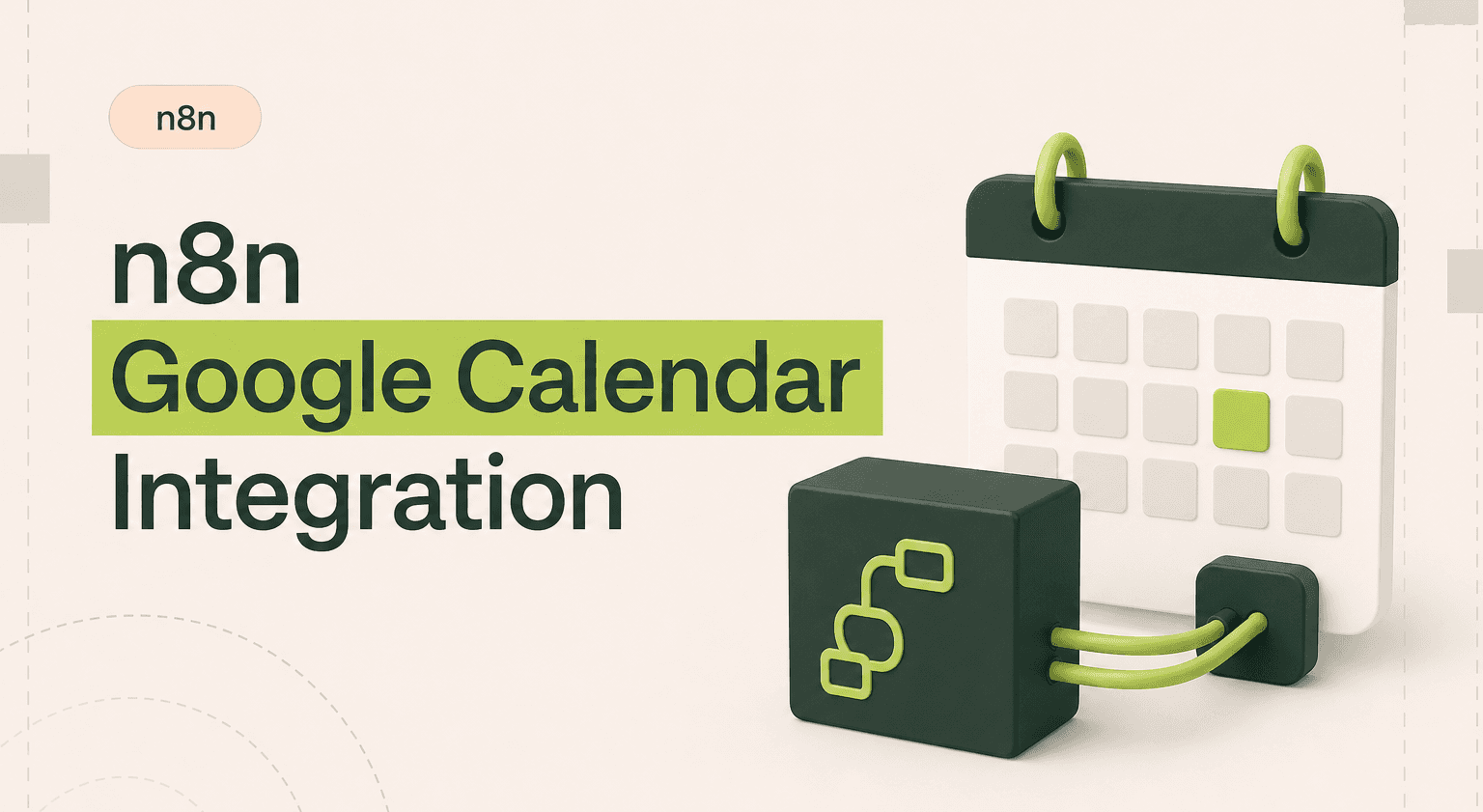
Google Calendar manages your schedule. But it doesn't talk to your CRM, project management tool, or communication channels on its own.
The n8n Google Calendar integration turns calendar events into workflow triggers, and lets you create, update, and manage events from any tool in your stack.
TL;DR: Make Every Calendar Event Drive Action
Trigger pre-meeting CRM briefs to Slack 30 minutes before sales calls using an n8n agency build.
Auto-create calendar events from Typeform or Google Forms submissions and skip the scheduling tool subscription inside one automation flow.
Fire post-meeting follow-up tasks in ClickUp or Asana the moment a sales or client call ends.
Bring in help once timezone logic, multi-calendar conflict checks, and conditional CRM routing get layered together.
For sales and consultancy teams that live in the calendar, see case studies and our SaaS build work.
What the n8n Google Calendar Integration Does
The n8n Google Calendar integration gives your workflows full access to calendar events. You can create events, update them, delete them, and, most importantly, trigger automations when events are created, changed, or about to start.
This matters because meetings drive decisions, and what happens before and after a meeting determines whether anything actually gets done. Pre-meeting prep, post-meeting follow-ups, scheduling notifications, these are all n8n use cases that calendar automation handles perfectly.
n8n integrations with Google Calendar connect your schedule to CRMs, project tools, Slack, email, and databases. Every event becomes a potential trigger for the workflow logic your business needs.
3 Workflow Examples That Actually Work
1. Pre-Meeting Brief From CRM Data
Trigger: A Google Calendar trigger fires 30 minutes before any meeting tagged "Sales Call." n8n extracts the attendee email addresses, looks up each contact in HubSpot, pulls their deal stage, last interaction, and company details, and sends a formatted brief to the sales rep via Slack DM. The rep walks into every call fully prepared.
2. Auto-Create Calendar Events From Form Submissions
Trigger: A prospect fills out a consultation request form (Typeform or Google Forms). n8n receives the webhook, checks the sales team's Google Calendar for available time slots, creates a calendar event with the prospect's details in the description, and sends a confirmation email to the prospect with the meeting link. No scheduling tool subscription needed.
3. Post-Meeting Follow-Up Automation
Trigger: A Google Calendar event ends (detected via polling for recently ended events). n8n checks if the event has a specific label or attendee pattern, then creates a follow-up task in ClickUp or Asana with a due date set for the next day. It also sends a reminder to the meeting organizer via email to send a recap. Every meeting gets a follow-up without relying on memory.
How to Set It Up
You'll authenticate with Google OAuth2. In n8n, create Google Calendar credentials by connecting your Google account and granting calendar permissions. Once authenticated, the Google Calendar node and trigger node become available.
The trigger node watches for new, updated, or deleted events on a specific calendar. The regular node lets you create, update, delete, and list events. You can specify calendars by name or ID, and events include attendees, descriptions, locations, and conferencing details.
Setup takes about 10 minutes. The OAuth flow handles the complexity. If your Google Workspace has admin restrictions, you may need approval to authorize third-party apps.
When to DIY vs Hire an Agency
Creating a calendar event from a form submission is a classic DIY n8n workflow. It's simple, well-documented, and there are n8n templates you can start from. Same for basic meeting reminders.
Hire an agency when you need calendar automation that spans multiple calendars, handles timezone logic, manages booking conflicts, or integrates deeply with your CRM and project tools. Multi-step pre/post-meeting workflows with error handling and conditional logic get complex fast.
Teams that rely on meetings as a core part of their workflow, sales teams, agencies, consultancies, typically see significant ROI from professional n8n automation around their calendar.
Make Your Calendar Drive Action
Related guides:
n8n Gmail automation guide
Google Calendar is more than a scheduling tool when connected to n8n. Every event can trigger prep work, follow-ups, data syncs, and notifications. n8n workflow automations around your calendar eliminate the manual busywork that surrounds meetings and ensures nothing falls through the cracks.
Automate Your Calendar Workflows
Meetings shouldn't create more manual work. Goodspeed builds n8n workflows that automate everything around your Google Calendar, from prep to follow-up.
Let our n8n agency handle the automation so you can focus on the meetings that matter.
Frequently asked questions
Can n8n create Google Calendar events automatically?
Can n8n trigger workflows when a Google Calendar event starts?
How do I connect n8n to Google Calendar?
Can n8n sync Google Calendar with my CRM?
Does the Google Calendar integration support multiple calendars?
Can I use n8n to check calendar availability?

Harish Malhi
Founder of Goodspeed
Harish Malhi is the founder of Goodspeed. He left Google in 2019 to build his own product, and started Goodspeed to give other founders the same head start. Today the studio designs and builds websites and the whole digital experience around them for funded tech companies, at the moments that matter: a raise, a launch, a press cycle. Goodspeed is a Framer Enterprise Expert, was Bubble’s Agency of the Year in 2024, and has shipped 300+ products, including launch pages for an NVIDIA-backed AI lab and a Webby-nominated site for a Boeing-backed aviation company. It holds a 5.0 rating from 46 reviews on Clutch.