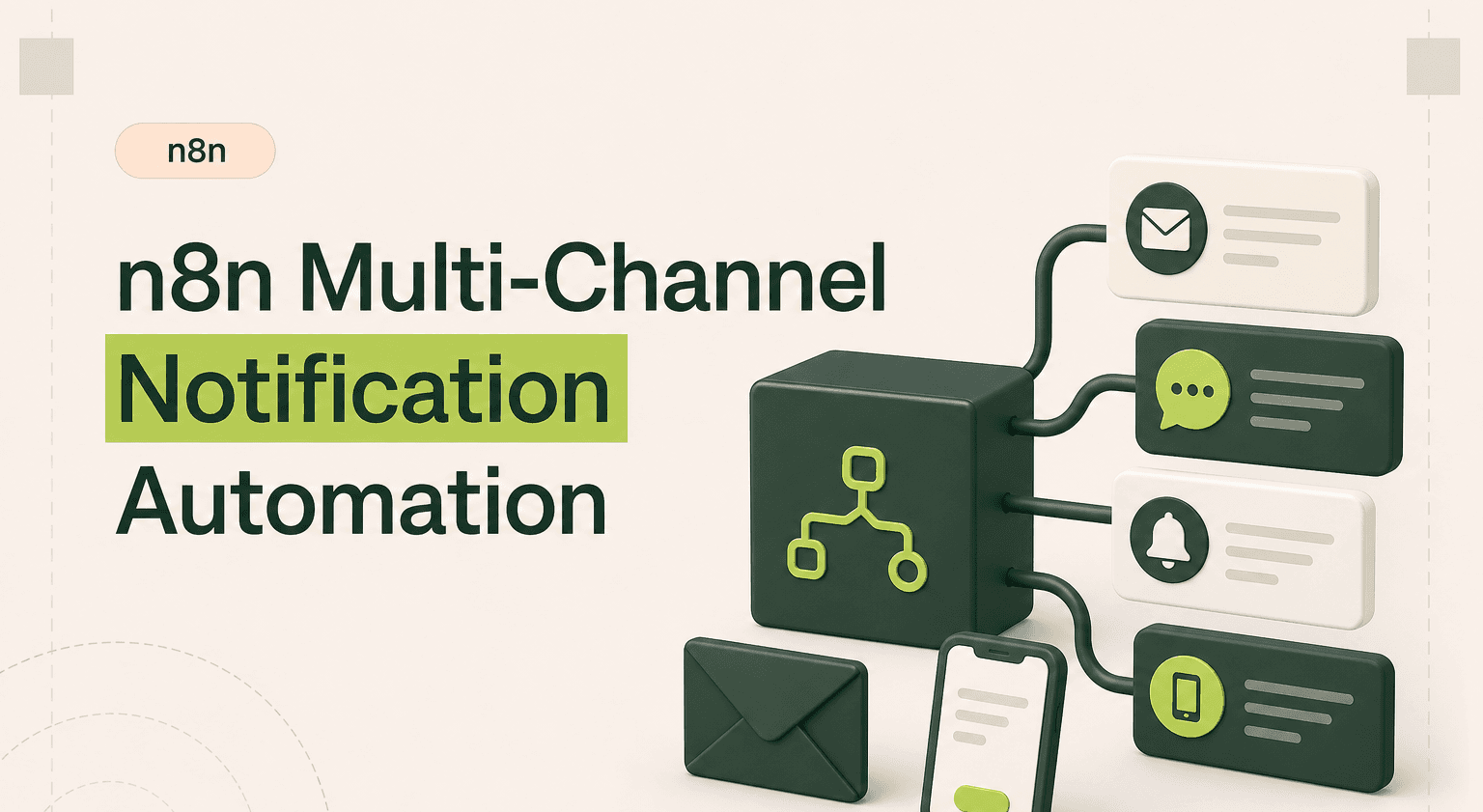
TL;DR: Reach every team member through every channel at once
Fan a single trigger out to Slack, email, SMS, and PagerDuty using n8n agency branches tuned to event severity.
Route low-severity events to Slack, medium events to Slack plus email, and high-severity alerts to every channel in parallel.
Format each branch for its medium so Slack gets rich blocks, email gets HTML, and SMS gets a concise summary with a deep link.
Cut response times 60 to 80 percent on critical events that drive revenue or uptime, a clear case for AI-grade automation.
Bring in an AI products partner once you need on-call rotation, deduplication, rate limiting, or quiet hours.
The Problem with Single-Channel Notifications
Every team has experienced it. A critical alert fires to Slack during a busy morning and nobody sees it for two hours. Or an important email notification lands in a promotions tab. Single-channel notifications create single points of failure in your awareness pipeline.
The problem compounds with team size. Different people check different channels at different times. Your CTO lives in Slack. Your sales lead lives in email. Your on-call engineer needs SMS. Sending to just one channel guarantees someone misses something important.
Which Tools n8n Connects
A multi-channel notification n8n workflow connects:
Triggers: Any webhook, monitoring tool, CRM event, or scheduled check
Email: Gmail, SendGrid, or SES for email notifications
Chat: Slack, Microsoft Teams, or Discord for team channels and DMs
SMS: Twilio, Vonage, or MessageBird for text messages
Push: Pushover, Firebase, or OneSignal for mobile push notifications
Escalation: PagerDuty or Opsgenie for incident management
The power of n8n integrations here is fan-out. One incoming event triggers simultaneous delivery across every channel your team uses.
How the Workflow Logic Works
The workflow starts with a webhook or trigger node that receives events from your application, monitoring system, or any other source. A Function node evaluates the event type and severity to determine which channels to activate.
For low-severity events like a new blog comment or minor system warning, the workflow sends to Slack only. For medium-severity events like a new sales lead or deployment completion, it sends to Slack and email. For high-severity events like server downtime or a security alert, it fans out to every channel: Slack, email, SMS, and PagerDuty.
Each channel branch formats the message appropriately. Slack gets rich formatting with blocks and buttons. Email gets a clean HTML template. SMS gets a concise plain-text summary with a link. The n8n workflow handles all formatting in parallel so every notification arrives within seconds of the trigger.
You can add recipient preferences too. A settings sheet or database lookup determines which team members want notifications on which channels. The workflow respects these preferences while ensuring critical alerts always reach everyone. This is one of the most versatile n8n workflow examples because it applies to every team and every business.
Realistic Time and Cost Saved
The value here is not time saved on sending notifications. It is time saved on missed events. A critical alert that reaches the right person 2 hours faster can prevent thousands in downtime costs. A sales lead contacted within 5 minutes instead of 2 hours converts at dramatically higher rates.
Teams that implement multi-channel notifications typically see 60-80% improvement in response times to critical events. For businesses where response time directly impacts revenue or uptime, this n8n automation is one of the highest-ROI investments you can make.
When to Hire an Agency
A basic multi-channel notification with static recipients is quick to set up from n8n templates. But production-grade notification systems need more. Dynamic routing based on on-call schedules. Rate limiting to prevent notification storms. Deduplication to avoid sending the same alert multiple times. Quiet hours and escalation timeouts.
An n8n automation agency builds notification systems that are resilient and thoughtful. They handle the edge cases that turn a simple alert system into a reliable operational backbone.
Never Miss a Critical Event
Multi-channel notifications are foundational infrastructure. Every other workflow you build benefits from reliable alerting. When your n8n automation can reach your team through any channel at any time, you operate with confidence that nothing critical goes unnoticed.
Alert Every Channel Instantly
Goodspeed builds n8n multi-channel notification workflows that reach your team via email, Slack, SMS, and push from a single trigger. Never miss what matters. n8n agency

Harish Malhi
Founder of Goodspeed
Harish Malhi is the founder of Goodspeed, one of the top-rated Bubble agencies globally and winner of Bubble’s Agency of the Year award in 2024. He left Google to launch his first app, Diaspo, built entirely on Bubble, which gained press coverage from the BBC, ITV and more. Since then, he has helped ship over 200 products using Bubble, Framer, n8n and more - from internal tools to full-scale SaaS platforms. Harish now leads a team that helps founders and operators replace clunky workflows with fast, flexible software without writing a line of code.
Frequently Asked Questions (FAQs)
Can n8n send SMS notifications via Twilio?
Yes. n8n has a native Twilio node that sends SMS and WhatsApp messages. Configure your Twilio account credentials, specify the recipient number and message body, and the node handles delivery. You can also receive SMS replies via Twilio webhooks.
How do I set up notification priority levels in n8n?
Use a Switch node that evaluates the event severity. Map each severity level to a set of notification channels. Low severity sends to Slack only. High severity fans out to all channels. You define the rules and the workflow enforces them consistently.
Can n8n send push notifications to mobile devices?
Yes. Use the HTTP Request node to connect to push notification services like Pushover, Firebase Cloud Messaging, or OneSignal. These services handle device delivery while n8n triggers the notification based on your workflow logic.
How do I prevent notification fatigue with n8n?
Implement rate limiting using a Function node that checks recent notification history before sending. Add quiet hours by checking the current time and routing to lower-priority channels during off-hours. Batch non-critical alerts into periodic digests instead of individual messages.
Can n8n route notifications based on on-call schedules?
Yes. Query your on-call schedule from PagerDuty, Opsgenie, or a Google Sheet using an HTTP Request or native node. The workflow dynamically routes notifications to whoever is currently on call rather than a static recipient list.
Does n8n support Microsoft Teams notifications?
Yes. n8n has a Microsoft Teams node that sends messages to channels and chats. You can also use incoming webhooks in Teams for simpler setups. Both approaches support rich formatting with adaptive cards.


