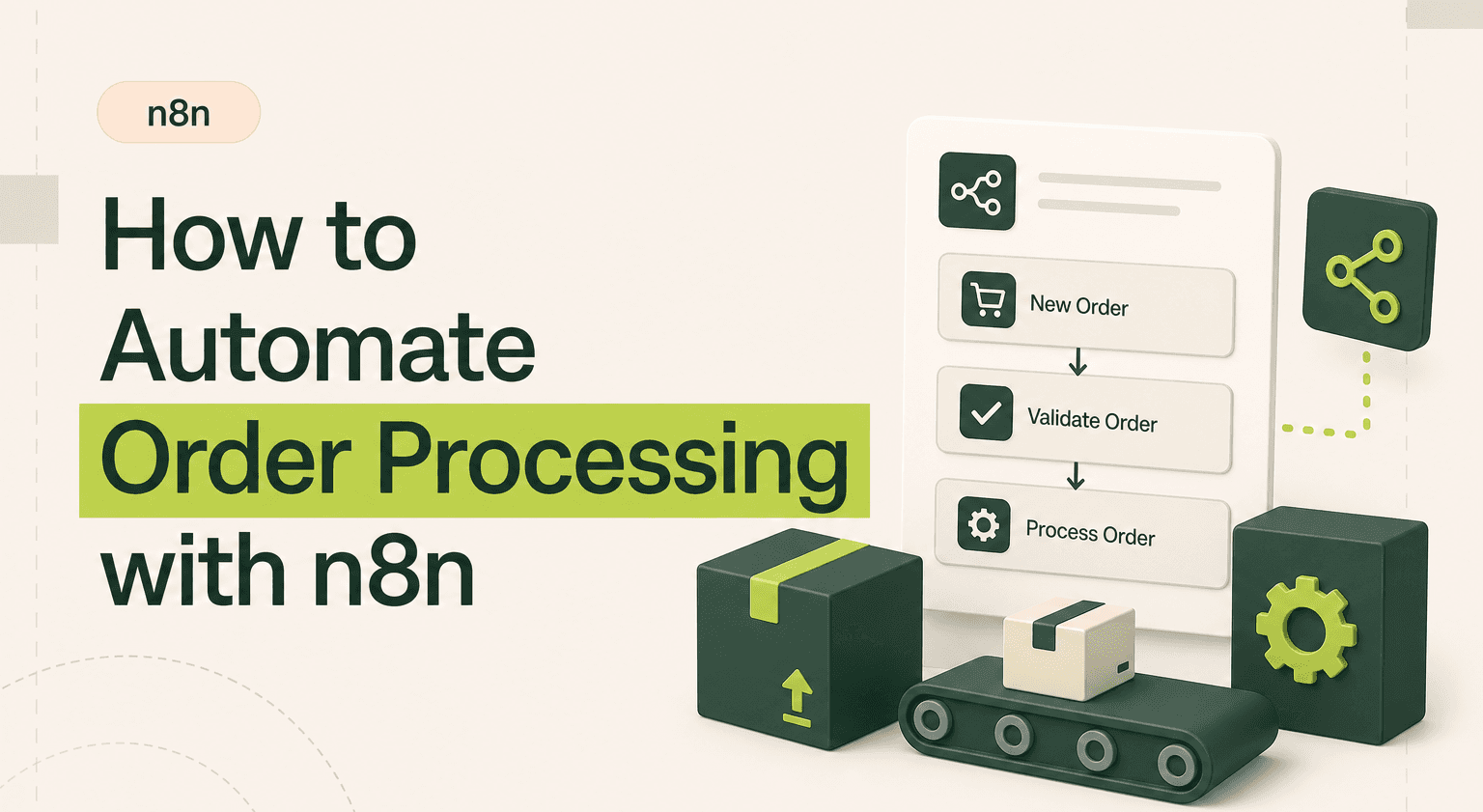
TL;DR: Move Orders From Payment to Delivery Hands-Free
Trigger from Shopify, WooCommerce, or Stripe webhooks and route through validation, fulfilment, invoicing, and customer notification via an n8n agency build.
Use Switch nodes to send digital and physical orders down separate paths inside one automation flow.
Push line items to Xero or QuickBooks, generate packing slips, and trigger SMS or email confirmations without re-entering data.
Add exception handling so high-value orders get manager approval and international orders trigger customs documentation.
Cut 3-8 minutes per order to seconds. For multi-channel ecommerce builds, see case studies and start with a discovery sprint.
Why Manual Order Processing Fails
A new order comes in. Someone copies the details into a spreadsheet. They email the warehouse. They create an invoice in Xero. They send the customer a confirmation. Four systems, four manual steps, four chances for error.
At 10 orders per day this is annoying. At 50 orders per day it is unsustainable. At 200 orders per day it is impossible without a team dedicated solely to data entry. n8n automation eliminates the manual steps so your team can focus on exceptions, not routine.
Which Tools Connect and How
A typical order processing n8n workflow connects:
Order source, Shopify, WooCommerce, Stripe, or a custom webhook from your app.
Fulfilment layer, ShipStation, a 3PL API, or a Google Sheet that your warehouse team monitors.
Finance layer, Xero, QuickBooks, or Stripe invoicing for generating and sending invoices.
Communication layer, Email via SendGrid, SMS via Twilio, and Slack for internal notifications.
n8n integrations handle all of these connections natively. You wire them together visually on the workflow canvas.
How the Workflow Logic Works
Here is a detailed n8n workflow example for end-to-end order processing:
Webhook trigger: Shopify fires a webhook when a new order is placed and payment is confirmed.
Validate order: Check for fraud signals. Verify the shipping address format. Flag anything unusual for manual review instead of processing automatically.
Route by type: A Switch node sends digital product orders down one path (instant delivery) and physical product orders down another (fulfilment pipeline).
Physical order path: Decrement inventory in your database. Create a fulfilment request in ShipStation or send a formatted picking list to your warehouse Slack channel. Generate a packing slip PDF.
Create invoice: Push order details to Xero or QuickBooks. Map line items, tax rates, and customer details automatically. Attach the invoice to the customer record.
Customer notification: Send an order confirmation email with estimated delivery date. Include tracking information once the fulfilment system provides it via a second webhook.
Internal logging: Write the complete order record to a Google Sheet or Airtable for the operations team's visibility. Update your CRM if the customer is a known account.
The real power appears when you add exception handling. Orders over a certain value get routed to a manager for approval first. International orders trigger customs documentation workflows. Failed payments get a separate follow-up sequence.
Realistic Time and Cost Saved
Manual order processing takes 3-8 minutes per order depending on complexity. At 50 orders per day, that is 2.5-6.5 hours of pure admin work. An n8n workflow processes each order in seconds with zero human involvement for standard cases.
The error reduction matters more than the time savings. Mistyped addresses, wrong invoice amounts, and forgotten fulfilment requests cost real money in returns, refunds, and customer churn. Automation eliminates transcription errors entirely.
n8n templates for order processing cover common ecommerce patterns. Customizing a template to your specific stack typically takes a day or two, not weeks.
When to Hire an Agency
Basic order-to-fulfilment pipelines are manageable for a technical founder. Multi-channel operations get complicated fast. If you sell on Shopify, Amazon, and your own site simultaneously, the order routing logic, inventory sync, and channel-specific fulfilment rules require careful architecture. These n8n use cases benefit from builders who have handled the edge cases before: partial fulfilments, split shipments, marketplace-specific refund policies, and currency conversion.
When orders directly impact customer experience and revenue recognition, the workflow needs to be reliable. Downtime or bugs in order processing are not minor inconveniences. They are business-critical failures.
Automate Your Order Pipeline
Start with the most painful manual step in your current process. If invoice creation takes the longest, automate that first. Build incrementally. Each automated step reduces errors and frees capacity. Within a few iterations, your entire order flow runs hands-free for standard cases, with clear escalation paths for exceptions.
Process Orders Without Bottlenecks
Every manual step in your order pipeline is a bottleneck and a risk. Goodspeed builds n8n order processing workflows that connect your store, warehouse, and finance tools into a single automated flow. Contact our n8n agency to eliminate the data entry and focus on growth.

Harish Malhi
Founder of Goodspeed
Harish Malhi is the founder of Goodspeed, one of the top-rated Bubble agencies globally and winner of Bubble’s Agency of the Year award in 2024. He left Google to launch his first app, Diaspo, built entirely on Bubble, which gained press coverage from the BBC, ITV and more. Since then, he has helped ship over 200 products using Bubble, Framer, n8n and more - from internal tools to full-scale SaaS platforms. Harish now leads a team that helps founders and operators replace clunky workflows with fast, flexible software without writing a line of code.
Frequently Asked Questions (FAQs)
Can n8n process Shopify orders automatically?
Yes. n8n receives Shopify order webhooks in real time. From there, the workflow can create fulfilment requests, generate invoices, update inventory, send confirmation emails, and log everything to your spreadsheet or database automatically.
How do I connect n8n to my warehouse or 3PL?
Most 3PLs and fulfilment services offer APIs. n8n connects to ShipStation and ShipBob natively. For other providers, use HTTP Request nodes to call their API endpoints. You can also output to Google Sheets or Slack channels that your warehouse team monitors.
Can n8n generate invoices from orders?
Yes. n8n has built-in nodes for Xero and QuickBooks. The workflow maps order line items, quantities, prices, tax, and customer details to create invoices automatically. You can also generate PDF invoices using HTML-to-PDF services.
Is n8n reliable enough for order processing?
n8n has built-in error handling, retry logic, and execution logging. For business-critical order flows, run n8n on reliable infrastructure with monitoring. Use error workflows to alert your team immediately if any step fails so orders are never silently lost.
Can n8n handle multi-channel order processing?
Yes. You can set up webhook triggers for each sales channel and route them through a unified processing workflow. A Switch node at the start identifies the source channel and applies channel-specific logic while keeping the core fulfilment and invoicing steps shared.
How does n8n compare to dedicated order management systems?
n8n excels at connecting tools and automating the flow between them. Dedicated OMS platforms like Ordoro or Brightpearl offer richer warehouse and fulfilment features. n8n works best as the orchestration layer that ties your existing tools together rather than replacing a full OMS.


