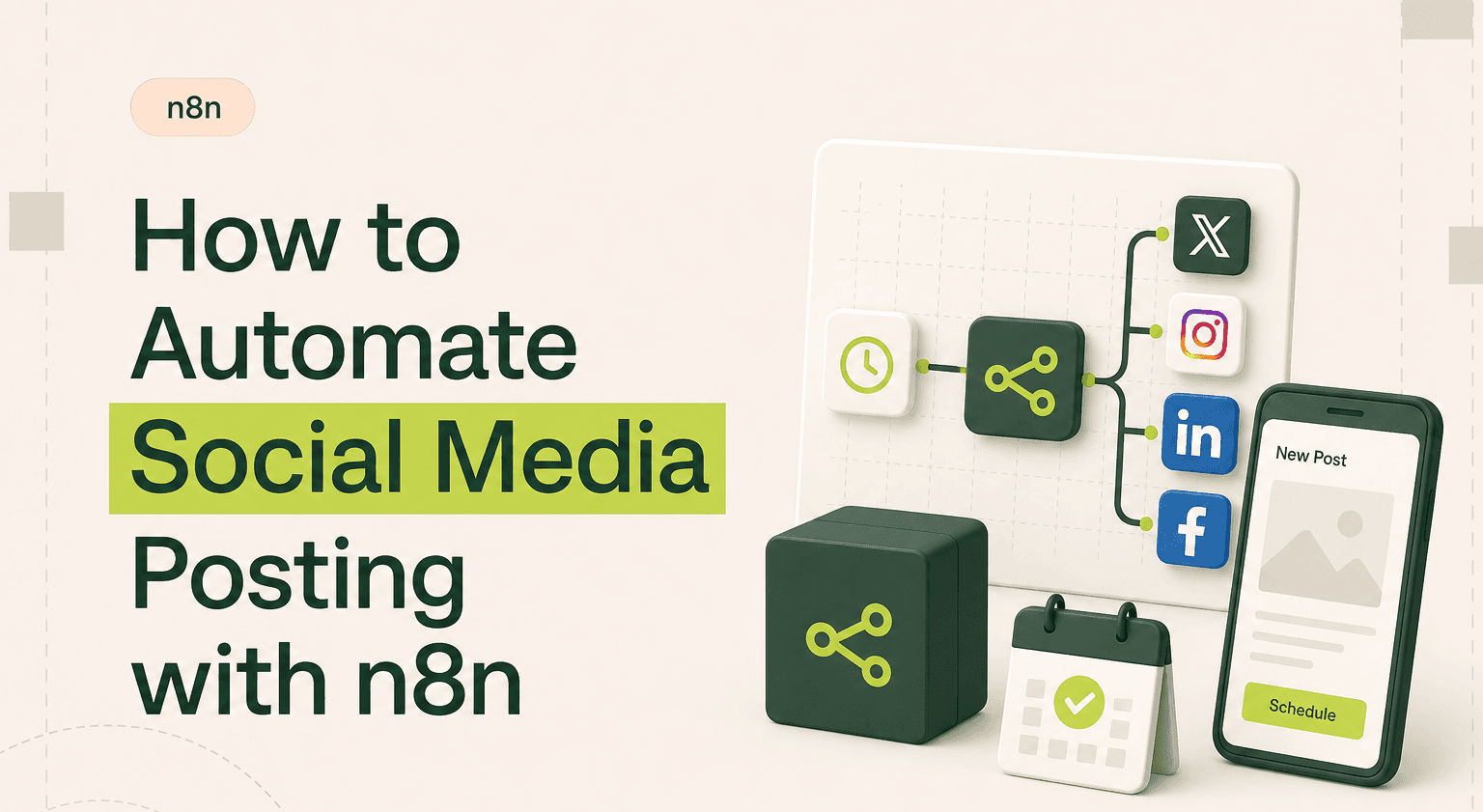
TL;DR: One content source, every social platform
Use n8n automations to syndicate posts from Sheets, Notion, or your CMS to LinkedIn, X, Instagram, and Facebook.
Adapt copy per platform with Function or AI nodes: truncate for X, add hashtags for Instagram, keep it pro on LinkedIn.
Replace Buffer or Hootsuite plans with a self-hosted setup running on a low-cost VPS.
Log post URLs and engagement back to your spreadsheet for weekly reporting without leaving the workflow.
AI-powered repurposing and multi-client setups are best handled by an n8n agency shipping AI products that hold up.
Why Social Media Posting Breaks Down
You write a LinkedIn post. Then you reformat it for Twitter. Then you resize the image for Instagram. Then you realize you forgot to update the link in the Facebook version. Sound familiar?
Tools like Buffer and Hootsuite centralise scheduling but they still expect you to craft each post manually. They charge $50-100/month for team plans. And they cannot pull content from your blog, CRM, or product database automatically.
n8n automation changes the game. Write once, distribute everywhere, with platform-specific formatting handled by the workflow itself.
Which Tools Connect and How
A social media n8n workflow typically connects:
Content source, Google Sheets, Notion, Airtable, your CMS via RSS, or a webhook from your content pipeline.
Transformation layer, n8n Function nodes or AI nodes (OpenAI, Claude) that adapt long-form content into platform-specific formats. Truncate for Twitter. Add hashtags for Instagram. Keep it professional for LinkedIn.
Publishing layer, n8n integrations with LinkedIn, Twitter/X, Facebook Pages, Instagram (via Facebook Graph API), and Slack for internal notifications.
Everything connects through n8n's built-in nodes. No custom code required for the common platforms.
How the Workflow Logic Works
Here is a practical n8n workflow example for automated content syndication:
Trigger: A new row appears in your Google Sheets content calendar (or a cron schedule fires at 9am daily).
Fetch content: Pull the post text, image URL, target platforms, and scheduled time from the sheet.
Branch by platform: A Switch node routes the content to platform-specific formatting branches.
Format for LinkedIn: Keep the full post. Add line breaks for readability. Append relevant hashtags from a predefined list.
Format for Twitter/X: Truncate to 280 characters. If the original is longer, create a hook with a link back to the full post.
Format for Instagram: Prepare caption text. If an image is not provided, use an HTTP Request node to generate one via an image API or pull a branded template.
Publish: Each branch sends to its respective platform API. Log results back to the spreadsheet with post URLs and timestamps.
Notify: Send a Slack message to the marketing channel confirming what was posted and where.
Advanced setups add engagement monitoring. A scheduled workflow checks likes, comments, and shares via each platform's API, then logs metrics back to your sheet for weekly reporting.
Realistic Time and Cost Saved
Manual cross-posting takes 45-60 minutes per day for a three-platform operation. That is roughly 20 hours per month. An n8n workflow reduces this to 15 minutes of content creation in your spreadsheet. The rest is automated.
Cost-wise, replacing Buffer Pro ($120/year) or Hootsuite Team ($1,000/year) with a self-hosted n8n instance running on a $6/month VPS saves real money. Especially for agencies managing multiple client accounts. n8n templates for social posting exist in the community library, so setup takes hours, not weeks.
When to Hire an Agency
Basic post scheduling is simple enough to build yourself. The complexity increases when you add AI-powered content repurposing, image generation pipelines, engagement-based reposting logic, or multi-client management with separate credentials per account.
If social media drives measurable pipeline for your business, a poorly built workflow means missed posts and inconsistent brand presence. Professional n8n use cases like multi-platform syndication benefit from experienced builders who handle error recovery, API rate limits, and token refresh flows properly.
Build Your Social Media Engine
Related guides:
n8n WordPress integration guide
n8n Discord integration guide
n8n Telegram integration guide
Start with one platform and one content source. Get a Google Sheets to LinkedIn workflow running reliably. Then add platforms one at a time. Once the core logic works, extending to new channels is just adding branches to your existing n8n workflow.
Publishing across channels? See how our n8n automation for media teams handles syndication and scheduling.
Automate Your Social Presence
Social media should not consume your team's best hours. Goodspeed builds n8n social media workflows that syndicate content across every platform from a single source. Work with our n8n agency to get your posting on autopilot.

Harish Malhi
Founder of Goodspeed
Harish Malhi is the founder of Goodspeed, one of the top-rated Bubble agencies globally and winner of Bubble’s Agency of the Year award in 2024. He left Google to launch his first app, Diaspo, built entirely on Bubble, which gained press coverage from the BBC, ITV and more. Since then, he has helped ship over 200 products using Bubble, Framer, n8n and more - from internal tools to full-scale SaaS platforms. Harish now leads a team that helps founders and operators replace clunky workflows with fast, flexible software without writing a line of code.
Frequently Asked Questions (FAQs)
Can n8n post to social media automatically?
Yes. n8n has built-in nodes for LinkedIn, Twitter/X, Facebook Pages, and Telegram. Instagram posting works through the Facebook Graph API. You can schedule posts, syndicate from a content calendar, and log results automatically.
Is n8n a good alternative to Buffer or Hootsuite?
For technically inclined teams, yes. n8n gives you more flexibility and costs far less. You lose the polished UI and built-in analytics dashboards, but gain the ability to connect social posting to any other system in your stack.
Can n8n repurpose blog posts into social media content?
Yes. You can trigger an n8n workflow from your blog's RSS feed or CMS webhook. Use AI nodes to summarise long-form content into platform-appropriate posts. The workflow then publishes each version to the right platform automatically.
How do I schedule social media posts with n8n?
Use a Cron trigger node to fire at your desired posting time. The workflow reads the next scheduled post from your content calendar in Google Sheets or Airtable, formats it, and sends it to each platform. You can also use the Wait node for precise timing.
Does n8n support Instagram posting?
n8n supports Instagram posting through the Facebook Graph API, which requires a Facebook Business account and connected Instagram Professional account. You can publish photo posts and carousels. Stories and Reels require additional API permissions.
Can n8n track social media engagement metrics?
Yes. You can build a separate scheduled workflow that queries each platform's API for likes, comments, shares, and follower counts. The data gets logged to a spreadsheet or database for reporting. It is not real-time like native analytics but works well for weekly reviews.


